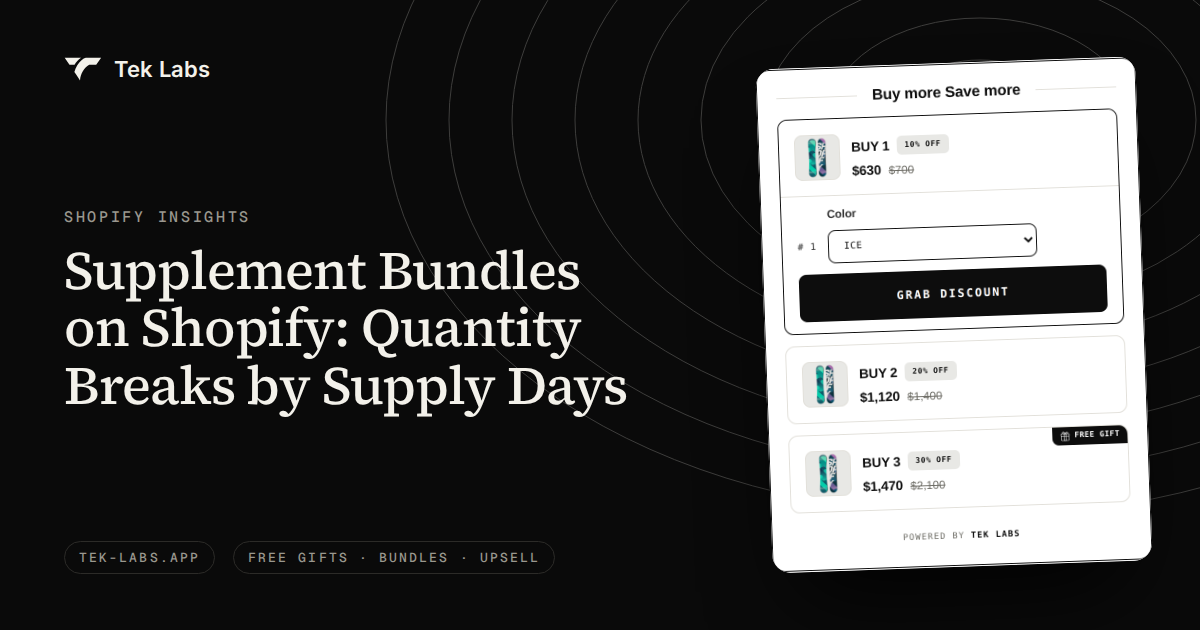
The cleanest way to price supplement bundles on Shopify is by supply days: sell the same product as a 30, 60 and 90 day supply, lower the price per day a little at each step, and check that every tier still earns more per order than the one below it. Then name and describe each tier so it never implies a health benefit you cannot substantiate. This guide walks through the arithmetic with a hypothetical bottle, the Shopify setup options, and the FTC and FDA rules that matter most to a store owner.
One boundary up front: this post is about pricing and merchandising, not health. It makes no claims about what any supplement does, and nothing here is legal advice. Supplements are regulated, so have a qualified regulatory adviser review your labels, claims and bundle names before launch.
Key takeaways
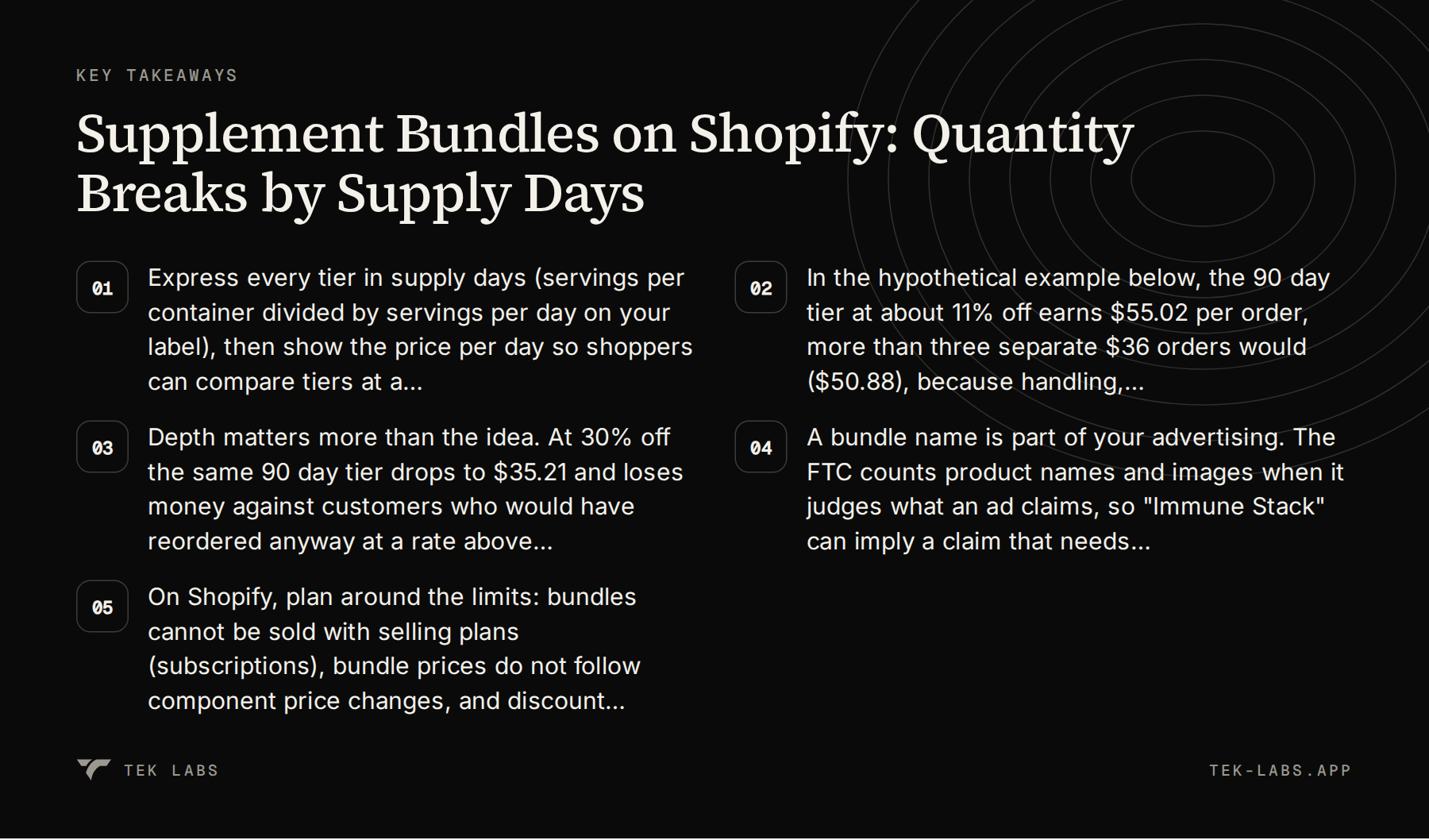
- Express every tier in supply days (servings per container divided by servings per day on your label), then show the price per day so shoppers can compare tiers at a glance.
- In the hypothetical example below, the 90 day tier at about 11% off earns $55.02 per order, more than three separate $36 orders would ($50.88), because handling, shipping and payment fixed fees are paid once.
- Depth matters more than the idea. At 30% off the same 90 day tier drops to $35.21 and loses money against customers who would have reordered anyway at a rate above roughly 65% per month.
- A bundle name is part of your advertising. The FTC counts product names and images when it judges what an ad claims, so “Immune Stack” can imply a claim that needs evidence.
- On Shopify, plan around the limits: bundles cannot be sold with selling plans (subscriptions), bundle prices do not follow component price changes, and discount combinations have caps.
Why supply days beat random bundle sizes
Most quantity-break advice for supplements stops at “customers buy multiple units so they do not run out.” That is a fair summary, and it is what one popular Shopify AOV guide says in a table of tactics by product type, pairing quantity breaks with subscribe and save for supplements and consumables. What that kind of guide does not do is show whether the discount you choose still pays. Supplements are a consumable with a built-in clock, and that clock is the most useful design input you have.
A shopper is not really deciding between “1, 2 or 3 bottles.” They are deciding how long they want to be covered before they need to think about the product again. Framing the tiers as 30, 60 and 90 days answers that question directly, makes the discount feel like a fair trade for commitment, and gives you a clean way to compare tiers inside your own reporting.
How to calculate supply days from the label
Supply days come from two numbers that already exist on a compliant label. FDA’s labeling guide explains that the nutrition label for a dietary supplement is a Supplement Facts panel, that one serving equals the maximum amount recommended on the label for consumption per eating occasion (or 1 unit if there is no recommendation), and that servings per container is a required part of the panel except where it duplicates the net quantity statement. So the formula is:
Supply days = servings per container divided by the servings per day your label directs.
If a bottle holds 30 servings and the label directs one serving a day, that bottle is a 30 day supply. Two bottles are 60 days, three are 90. If the label directs two servings a day, the same bottle is a 15 day supply and your tiers should be built differently (for example 1, 2 and 4 bottles for 15, 30 and 60 days). Two rules keep you safe here. First, take the daily amount from your own label rather than inventing a “typical” use. Second, never write marketing copy that nudges anyone to take more than the label directs just to make a tier look like better value.
Quantity breaks, fixed bundles and mix-and-match for supplements
Supplement catalogs tend to need three different merchandising tools, and it helps to match each to its job before you build anything.
| Format | Best for | Typical Shopify route |
|---|---|---|
| Quantity break (same product, more units) | One hero product with a clear daily use, sold as 30, 60 and 90 day supplies | Variants with fixed prices, a multipack bundle, or an app that applies quantity breaks |
| Fixed bundle (set of different products) | A starter set or a routine of two to four items that always ship together | Shopify Bundles or a bundle app |
| Mix and match (“pick any 3”) | A range of similar items (flavors, formats) where shoppers want variety | A bundle app with a customer-choice builder |
This post concentrates on the first row because it is the one most supplement stores get wrong by copying a percentage from a competitor. If you are deciding between the second and third rows, our comparison of mix and match and fixed bundles gives a decision rule based on catalog size and price spread, and our bundle pricing worked example covers contribution margin for multi-product sets.
Worked example: pricing a hypothetical bottle
Everything in this section is hypothetical. The product, prices, costs and rates are invented for the arithmetic and are not benchmarks. Replace each number with your own before you decide anything.
The assumptions
- Product: a daily capsule in a 60-capsule bottle. The label directs two capsules once a day, so servings per container is 30 and one bottle is a 30 day supply.
- Single bottle price: $36.00, which is $1.20 per day.
- Landed product cost: $9.00 per bottle. Bottle-level packaging (seal, insert): $0.40 per bottle.
- Order handling (pick, pack, box, label): $3.10 per order, regardless of bottle count.
- Shipping paid by the store (free shipping on every tier): $5.20 for one bottle, $5.90 for two, $6.60 for three.
- Payment processing: 2.9% of the order plus $0.30. This is an illustrative rate. Use your actual rate.
Step one: set the price ladder
Start from the price per day and decide how much each extra month of commitment is worth to you. Here the 60 day tier is priced at $68 (a 5.6% saving against two singles at $72) and the 90 day tier at $96 (an 11.1% saving against three singles at $108).
| Tier | Bottles | Price | Price per day | Saving vs. singles |
|---|---|---|---|---|
| 30 day supply | 1 | $36.00 | $1.20 | 0% |
| 60 day supply | 2 | $68.00 | $1.13 | 5.6% |
| 90 day supply | 3 | $96.00 | $1.07 | 11.1% |
Step two: build the contribution table
Contribution is revenue minus every cost that changes when the order is placed. The table below shows each line so you can check the arithmetic.
| Line | 1 bottle | 2 bottles | 3 bottles |
|---|---|---|---|
| Revenue | $36.00 | $68.00 | $96.00 |
| Product cost ($9.00 each) | $9.00 | $18.00 | $27.00 |
| Bottle packaging ($0.40 each) | $0.40 | $0.80 | $1.20 |
| Order handling | $3.10 | $3.10 | $3.10 |
| Shipping paid by store | $5.20 | $5.90 | $6.60 |
| Payment fee (2.9% + $0.30) | $1.34 | $2.27 | $3.08 |
| Contribution per order | $16.96 | $37.93 | $55.02 |
| Contribution margin | 47.1% | 55.8% | 57.3% |
| Contribution per bottle | $16.96 | $18.97 | $18.34 |
For the three-bottle column: $96.00 minus $27.00, $1.20, $3.10, $6.60 and $3.08 leaves $55.02. The same method gives $37.93 for two bottles and $16.96 for one.
Two things stand out. First, the margin rises with the tier even though the price per day falls, because handling and a share of shipping are fixed per order. Second, contribution per bottle peaks at the 60 day tier ($18.97) and dips slightly at 90 days ($18.34). The deeper discount is starting to eat the saving from shared handling. That is the first hint of where the sweet spot sits.
Step three: compare against the customer who would have reordered anyway
A quantity break is a bet: you give up some margin now to pull future purchases forward. The fair benchmark is not zero. It is what that customer would have been worth if they had simply bought a single bottle each month. Under the assumptions above, three separate single-bottle orders contribute 3 x $16.96 = $50.88, but only if the customer actually comes back twice. Any real reorder rate is lower, so $50.88 is the generous version of the benchmark.
Now test different depths for the 90 day tier. The list price for three singles is $108. The table shows contribution at four discount levels, and the monthly reorder rate at which a customer buying singles would have been worth more. To get that rate, assume the same chance r of reordering in month two and month three. The singles path is then worth $16.96 x (1 + r + r squared), and the break-even is where that equals the bundle contribution.
| 90 day discount | Price | Payment fee | Contribution | Margin | Singles path wins only if monthly reorder rate is above |
|---|---|---|---|---|---|
| 5% | $102.60 | $3.28 | $61.42 | 59.9% | Never (even 100% gives $50.88) |
| 11.1% (the $96 tier) | $96.00 | $3.08 | $55.02 | 57.3% | Never |
| 20% | $86.40 | $2.81 | $45.69 | 52.9% | about 89% |
| 30% | $75.60 | $2.49 | $35.21 | 46.6% | about 65% |
Read the last column as a risk gauge. At 30% off, if more than about two in three of your single-bottle buyers would have reordered each month anyway, the deep discount cost you money. That is the reason to pull your monthly reorder rate by product from your Shopify customer data before choosing a depth. The break-even is a decision aid, not a prediction.
The model also leaves out costs that cut both ways: the time value of getting 90 days of cash up front (in your favor), more inventory tied up in a slower-turning pack (against you), and the second and third orders you no longer get a chance to upsell (against you). If you prefer to run volume discounts next to free gifts and BOGO offers, Free Gifts BOGO and Upsell also supports volume discounts according to its App Store listing.
What changes if you do not offer free shipping
The example gives free shipping on every tier to keep the arithmetic readable. If you charge shipping on the single bottle but not on larger tiers, the free shipping becomes part of the incentive, and the discount you advertise understates the real saving. In that case compare the total the shopper pays against the total for three separate orders, including three shipping charges. It is a more honest way to describe the value, and it is how the shopper will do the math anyway.
Choosing your own tiers: a step-by-step method
- Read servings per container and the daily serving count from the Supplement Facts panel, and compute supply days for one bottle.
- Pick tier sizes that land on round supply-day numbers (30, 60, 90), or 14, 28, 56 for a product used weekly. Avoid tiers that make shoppers do math.
- List every cost that changes per order: product, packaging, handling, shipping by weight, payment fees, and any pick-and-pack charge from your fulfillment partner.
- Set the single-bottle price first, then discount the larger tiers by small, even steps in price per day. Start with 5% to 12% on the biggest tier, not 25%.
- Build the contribution table for each tier and confirm contribution per order rises with the tier. If it does not, the discount is too deep or shipping is mispriced.
- Compute break-even reorder rates for the deepest tier using the method above, and compare to the reorder rate in your own data.
- Have your regulatory adviser review tier names, headlines, product page copy and images, then build and test the page on a development or preview theme.
- Launch with all tiers visible, review contribution per order and refund rate after 30 and 60 days, and adjust one variable at a time.
What supplement sellers must not skip
Everything below summarizes official sources and is meant to help you ask better questions of your adviser. It is not a complete list of obligations for any specific product.
A bundle name can be a claim
The FTC’s Health Products Compliance Guidance states that claims about the health benefits or safety of dietary supplements and other health products generally need substantiation in the form of competent and reliable scientific evidence. It also says the FTC judges an ad by the “net impression” it conveys, counting every element including the text, the product name and the images. One of its own examples is an herbal supplement called “Cold Away,” shown with images of people sneezing and coughing, which likely conveys that the product helps prevent colds.
Apply that to merchandising. A bundle called “Immune Stack,” “Stress Relief Kit” or “Sleep Set” is a headline, and the FTC reads headlines together with everything else on the page. If the name suggests an outcome, you need evidence for that outcome. Safer naming describes what is in the box or how it is sold: “Daily Essentials, 90 day supply,” “Starter Set,” “Morning Routine Pack.” The same logic applies to the stock photo on the tier card, the “before and after” language in a review widget and any badge you add. The guidance is also explicit that the FTC’s reach extends beyond manufacturers to others involved in marketing, including retailers, so a store that wrote its own bundle names cannot assume the brand’s compliance covers them.
Structure and function statements have their own rules
FDA treats statements about how a nutrient or dietary ingredient affects the body’s structure or function differently from claims about disease. Its page on structure/function claim notifications says the company making the claim must have substantiation that it is truthful and not misleading, must display the standard disclaimer (“This statement has not been evaluated by the Food and Drug Administration. This product is not intended to diagnose, treat, cure, or prevent any disease.”), and must notify FDA within 30 days after first marketing the supplement with the claim. The statement also cannot claim to diagnose, mitigate, treat, cure or prevent a specific disease.
FDA’s labeling guide chapter on claims draws the line from the other side: a health claim describes an effect on reducing the risk of or preventing a disease, and it needs FDA evaluation and authorization before use. The practical point for a store owner is that copy written for bundle pages, emails and ads should come from approved brand claims, not from a copywriter’s imagination. If your bundle page reuses claims from the bottle label, keep their wording and their disclaimer together.
FTC guidance adds that the DSHEA labeling provisions on structure and function claims do not govern how the FTC assesses those claims in advertising, and the FTC applies the same substantiation principles regardless of the FDA category. In short, passing one test does not clear the other.
Allergen labeling applies to supplements
According to FDA’s food allergens page, the nine major food allergens are milk, eggs, fish, crustacean shellfish, tree nuts, peanuts, wheat, soybeans and sesame (sesame was added by the FASTER Act, effective January 1, 2023), and FDA enforces the allergen labeling law in most packaged food products, which includes dietary supplements. The page says the source must be declared either in parentheses after the ingredient (for example “lecithin (soy)”) or in a “Contains” statement after the ingredient list.
For a quantity break of a single product, nothing changes: the bottle ships with its own label. For a mix and match or multi-product set, the risk is on the web page and in your fulfillment process. Show the allergen statement for each item the shopper can choose, not just for the “default” item, and make sure whoever packs the order cannot swap components without the page reflecting it. If you plan to open retail bottles and repack contents into samples or sachets, treat that as a new packaged product and ask your adviser what that package must carry before you build the offer.
“Free” in a quantity break is a regulated word
Some stores structure the 90 day tier as “buy 2, get 1 free.” That is legitimate to offer, but the FTC’s rule on “free” offers, 16 CFR 251.1, applies. It says all the terms, conditions and obligations for receiving the free item should be set out clearly and conspicuously at the outset, in close conjunction with the offer rather than in a footnote. It also describes the “regular” price as the price at which the seller has openly and actively sold the product in the most recent and regular course of business over a reasonably substantial period, such as 30 days, and says the merchant should not recover the cost of the free item by marking up the price of the article that must be purchased.
If you want to avoid the question, describe the tier as a price instead: “3 bottles, 90 day supply, $96.” It is simpler, and it keeps the comparison on price per day, which is the number the whole structure is built on.
Building the tiers on Shopify
You have three realistic routes. Each has a different set of trade-offs, and the Shopify limits below come from Shopify’s own documentation.
| Route | How it works | Watch for |
|---|---|---|
| Variants with fixed prices | One product with variants named “1 bottle,” “2 bottles,” “3 bottles” and prices you set | Inventory must be decremented correctly per variant, and nothing enforces your per-day price if you change the base price |
| Shopify Bundles multipack | A bundle product that includes the same product with quantity added as an option | Limits (below), no subscription support, and bundle price does not follow component price changes |
| Bundle app with quantity breaks | An app applies tiered pricing or quantity discounts to the product page and cart | Theme compatibility, discount combinations, and whether it works with your subscription app |
Limits worth knowing before you commit
Shopify’s Shopify Bundles help page lists the following limitations. Fixed bundles can have up to 30 components. A bundle can have a maximum of 3 options and 100 variants. Bundles must use the Online Store or Headless storefronts. Bundles track inventory by overall stock, not by location. In orders, SKUs are listed for the individual items rather than for the bundle SKU, which is useful for fulfillment but means your reports will show components. And, important for this topic, when the price of a bundled product changes, the bundle price does not update, so you must change it manually in the admin. If you change your single bottle price in November, remember to reprice the multipacks too, or your per-day ladder will drift.
Shopify’s general page on product bundle eligibility states that you need a bundles app installed to create product bundles. A separate Shopify developer page says that bundles can’t be sold with selling plans, such as subscriptions, pre-orders and try-before-you-buy.
Quantity breaks versus subscriptions
Because Shopify says bundles cannot carry selling plans, a product sold as a Shopify Bundles multipack cannot also be a subscription item. Many supplement stores want both: a 90 day pack and a “subscribe and save” option. If that is you, decide which offer takes priority on each product page and test the combination end to end with a real checkout before you announce it. We have not verified how any specific app’s quantity breaks interact with a given subscription app, and you should not assume they do, so confirm with the vendors of both.
Combining a quantity break with codes and automatic discounts
Shoppers will arrive with welcome codes and seasonal offers. Shopify’s discount combination rules allow a maximum of 5 product or order discount codes and 1 shipping discount code on the same order, and up to 25 active automatic discounts including app-based discounts. When a bundle discount and a code combine, your contribution table needs a row for that scenario, because 90 day pricing plus a 10% welcome code has a different margin than either alone. The Shopify bundles help also notes that when you create product-specific discounts you must include the parent bundle product for the discount to apply, since selecting only the component products will not work. Our discount combinations test plan gives a checklist for running these cases before a sale.
Using Tek Labs Mix & Match Bundles
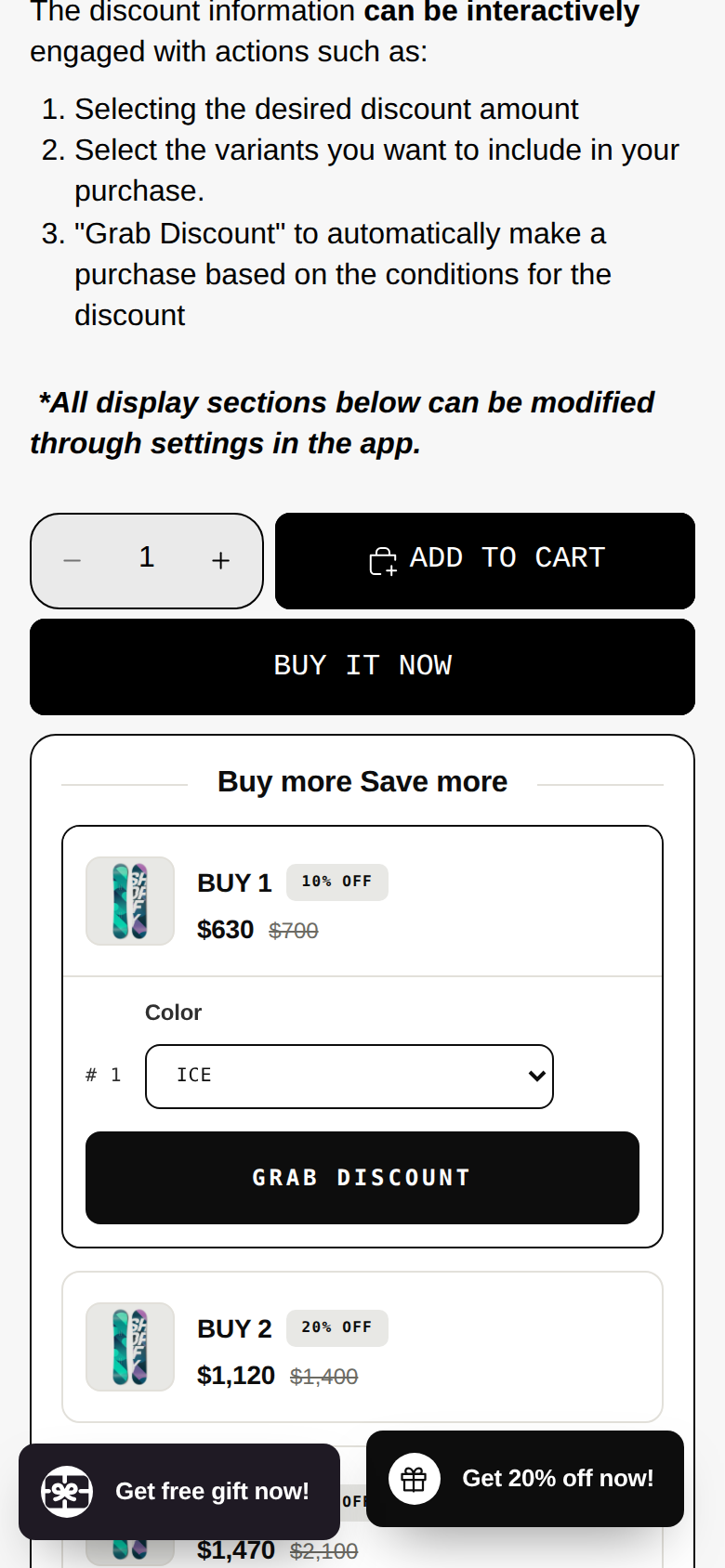
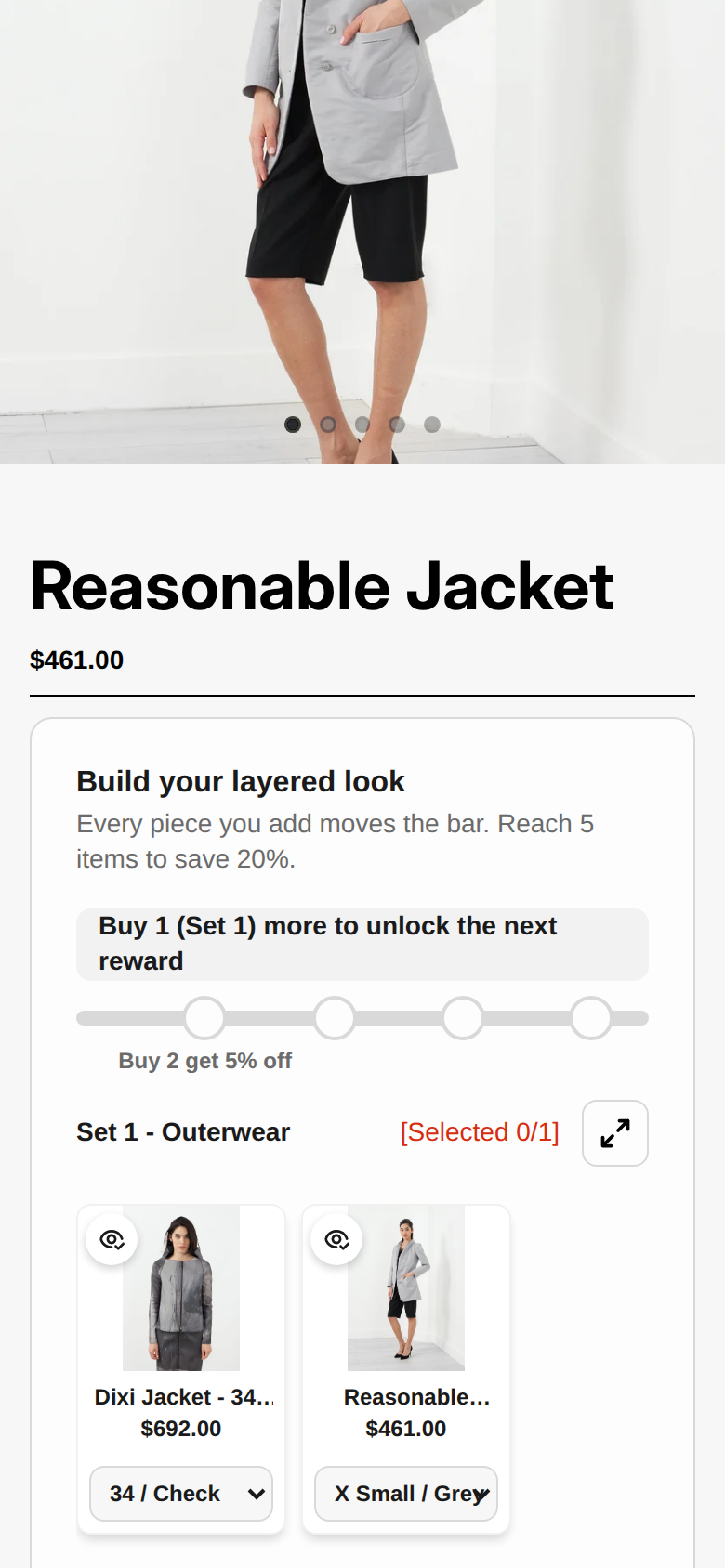
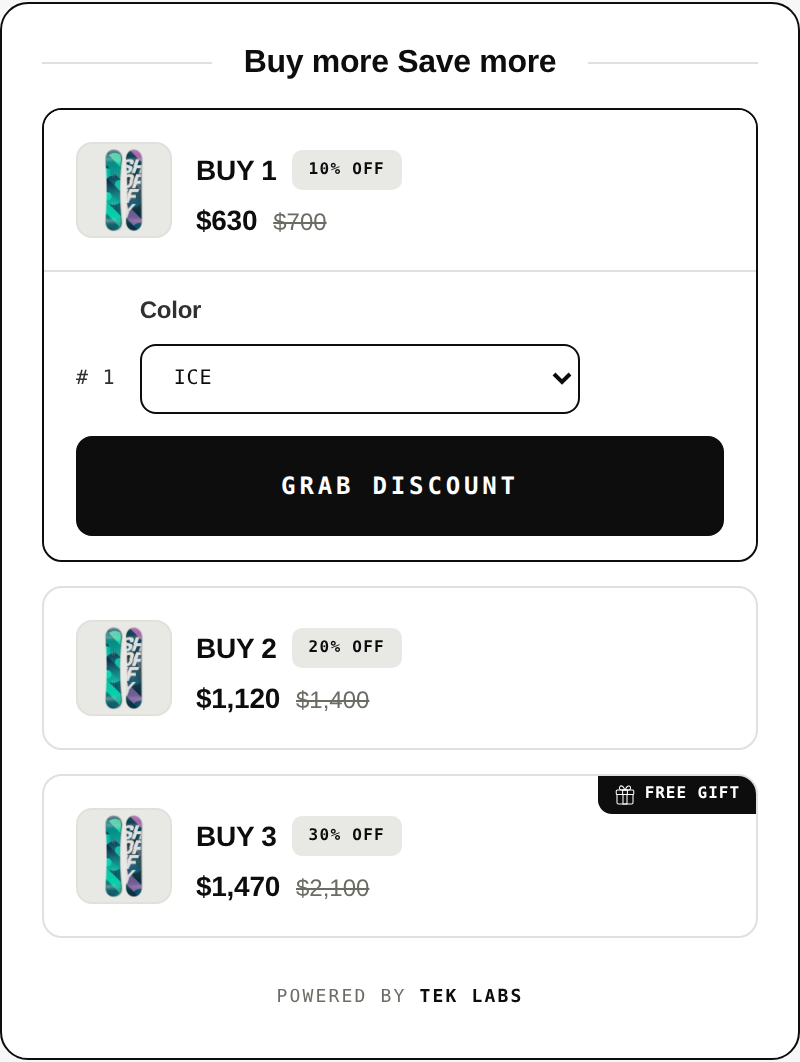
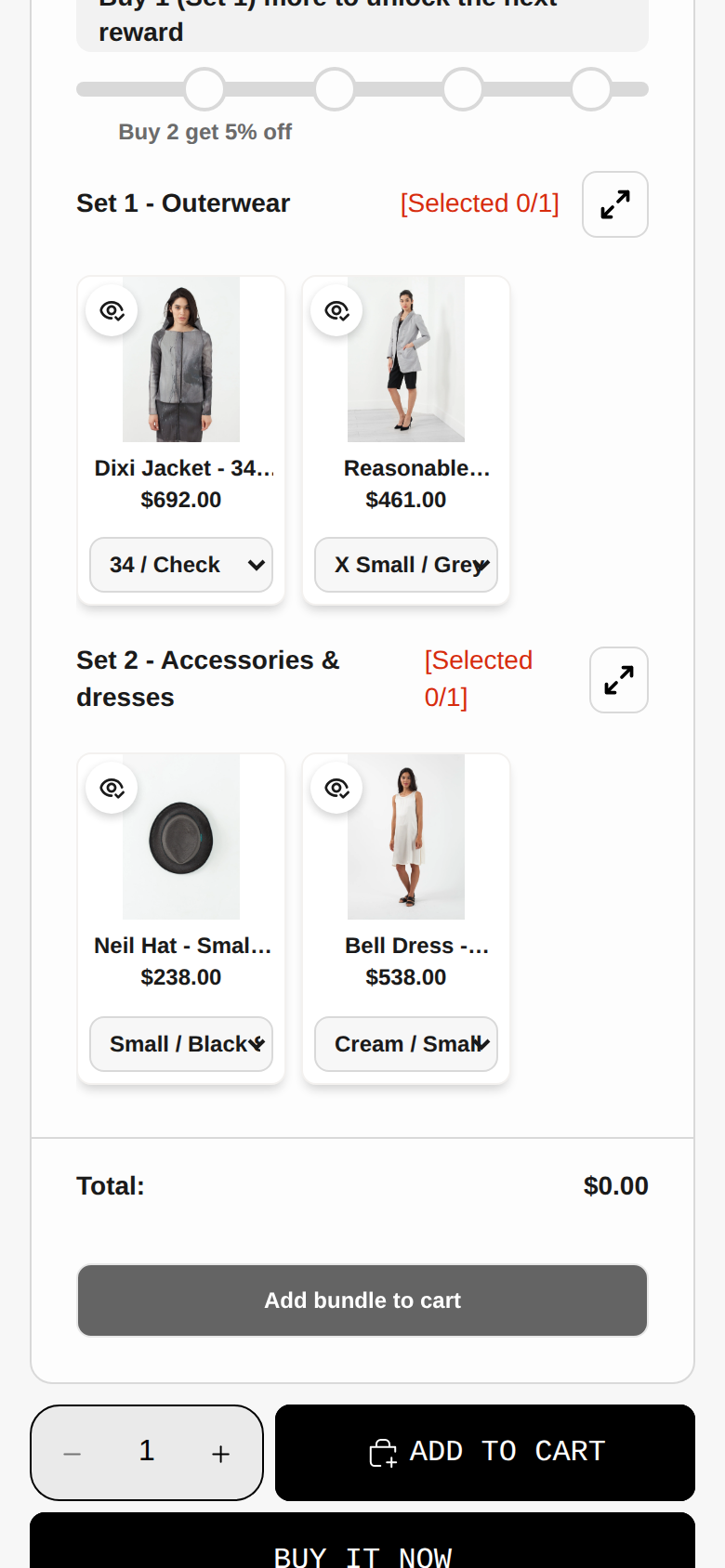
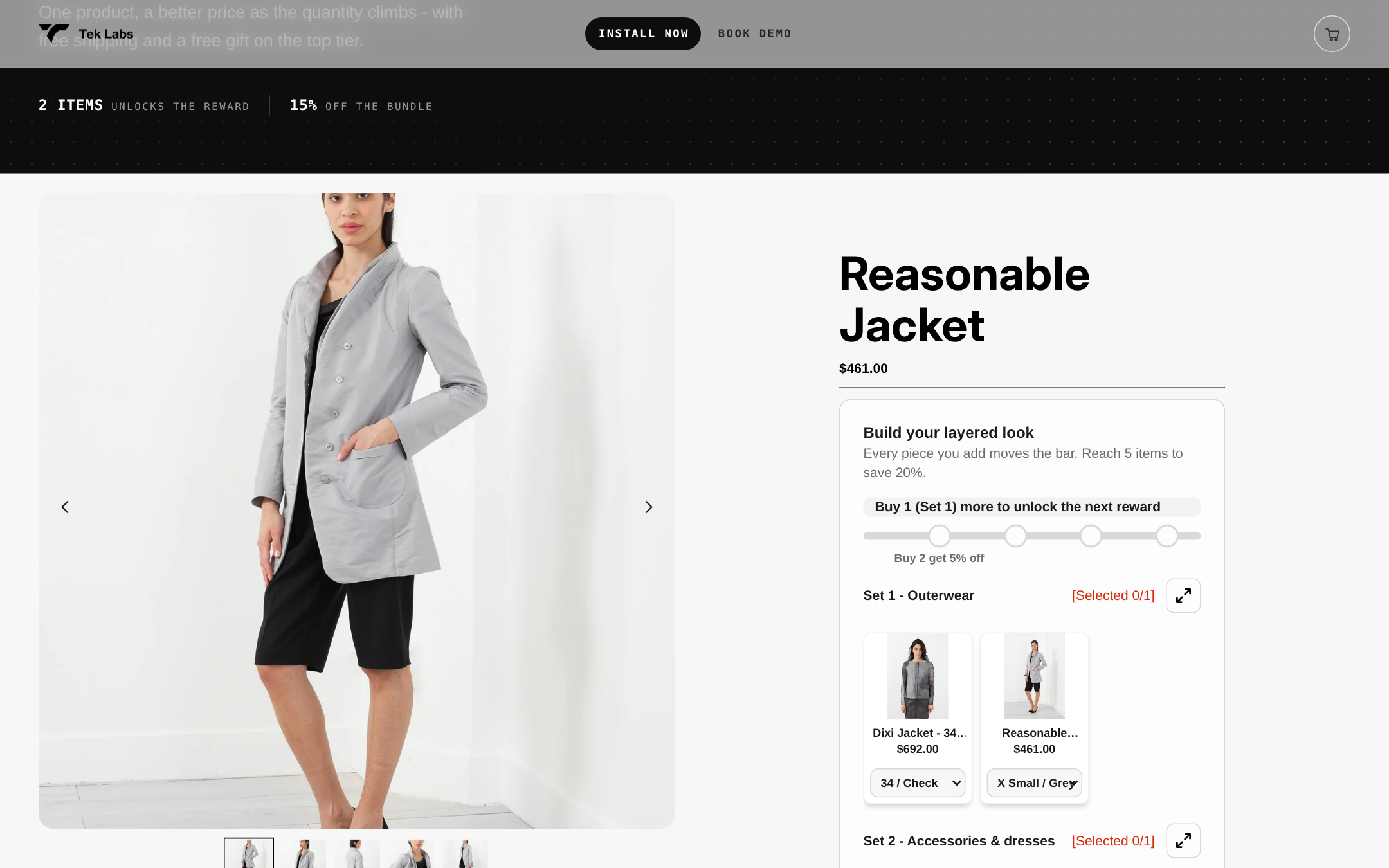
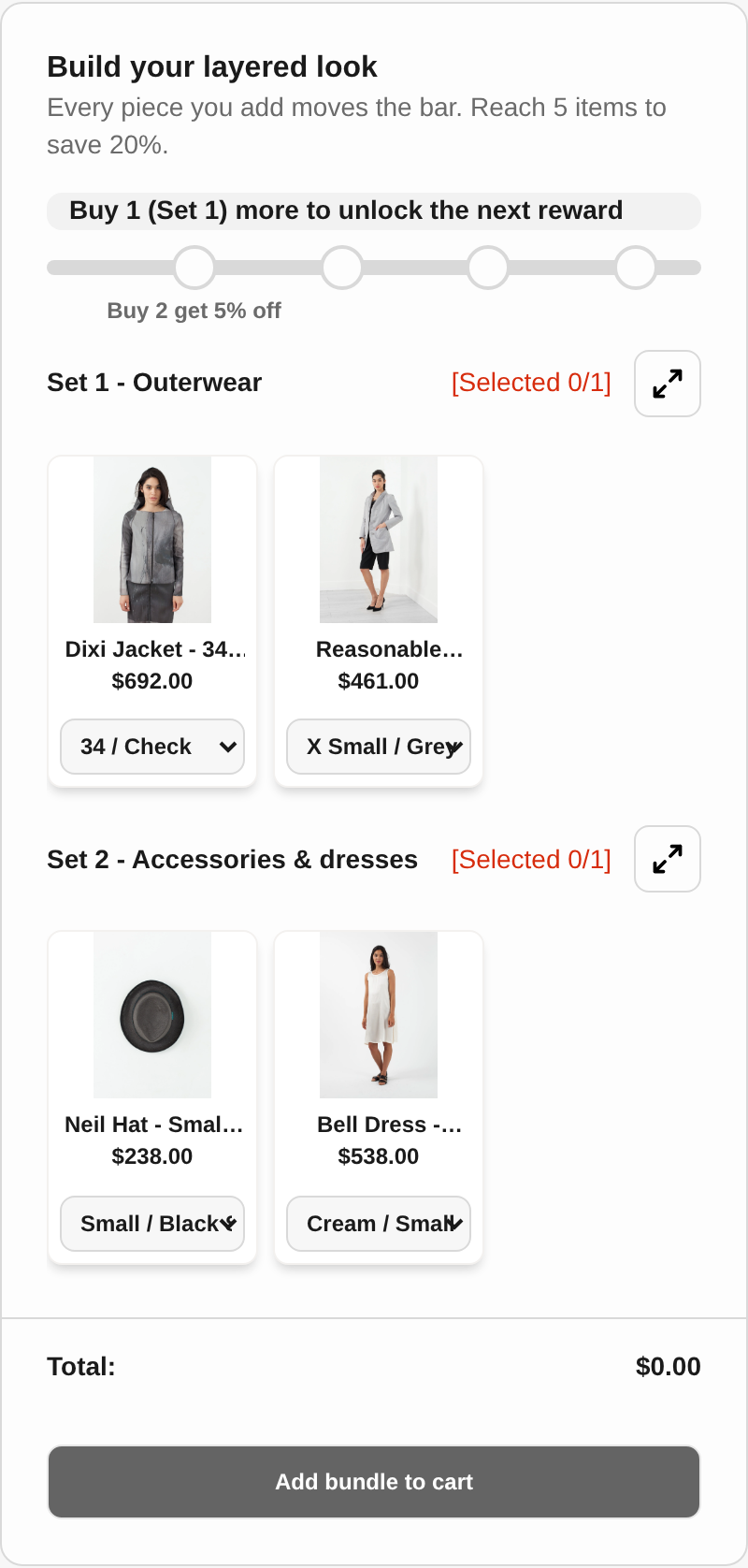
The Mix & Match Bundles listing describes support for fixed bundles, multipacks, mix-and-match and build-a-box formats, plus fixed pricing, tiered pricing, quantity breaks, volume discounts and flat or percentage discounts, with a free plan. In other words, the three formats in the first table of this post, quantity break, fixed set and pick-any-N, can run from one app. You can see how the pick-any-N builder looks on the live demo at the Mix & Match demo store (store password: 1). The demo uses apparel, but the mechanic is the same for a “choose any 3 flavors” supplement set.
Presenting the tiers on the product page
Good tier cards do three jobs: they tell the shopper how long they are covered, they show the price per day, and they avoid language that makes a promise the product cannot keep. A layout that works across most themes looks like this.
- Headline: “30 day supply,” “60 day supply,” “90 day supply” in the largest type on the card.
- Price: the total, the price per day, and the saving against buying singles, calculated the same way for every tier.
- Small print line: “Based on the label directions of [number] [capsules] per day,” so the supply claim is anchored to the label.
- Badge: use “Best value per day” only if the numbers show it. Avoid “Most popular” unless your order data shows it for the period you display.
- Default selection: pre-selecting the middle or top tier is a common tactic. Check it against your returns data and your regulatory adviser’s view before you rely on it, especially if the product is something a first-time buyer may want to try before committing to 90 days.
First-time buyers deserve a low-commitment option. The 30 day tier is not there to be a decoy. It is the entry price for someone who has not yet decided whether the product suits them, and it is the tier that supplies the reorder data you need to price the others. If you remove it, you lose the cleanest source of information about how long customers really stay.
Measuring whether the tiers work
Track a small set of numbers for each product, split by tier, over rolling 30 day windows. Resist the urge to read average order value on its own, because a deeper discount can lift AOV while lowering profit. The terms in our glossary explain AOV and related metrics if you want shared definitions for your team.
| Metric | Why it matters | What to do with it |
|---|---|---|
| Tier mix (share of orders by tier) | Shows whether shoppers move up or stay on singles | If nearly all orders are singles, the gap in price per day may be too small to notice |
| Contribution per order | The number the whole model rests on | Recompute monthly using actual shipping and fee invoices |
| Reorder timing by tier | Tells you whether 90 day buyers really come back near day 90 | Time your email reminders to the supply-day clock, not to a fixed date |
| Refund and complaint rate by tier | Big packs can raise the cost of an unhappy first purchase | If the 90 day refund rate climbs, reconsider the default selection or add a clearer trial path |
| Stock cover (days of inventory) | Multipacks consume stock faster per order | Check lot expiry or best-by dates against the 90 day sell-through before pushing the big tier |
A calendar note on timing: a tier built around a 90 day supply produces its next purchase roughly 90 days later. If you launch the 90 day tier in a sale period, expect your reorder revenue to arrive in a wave a quarter later and plan your inventory and cash accordingly.
Common mistakes
- Copying a competitor’s percentage. Their shipping, handling and product cost are not yours. A 25% tier that works for a brand with lower product cost can be a loss for you.
- Naming a tier after an outcome. Names such as “Immune Stack” or “Calm Pack” are claims in the FTC’s eyes if the net impression says so. Describe the contents and the supply instead.
- Forgetting the per-order fixed costs. Handling and parts of shipping do not scale with bottle count, which is why a modest discount can look profitable and a deep one can look fine until you add a welcome code.
- Letting multipack prices drift. Shopify does not update a bundle price when a component price changes. Put a repricing step in your checklist whenever you change the base price.
- Promising both subscriptions and bundles on the same SKU. Shopify says bundles cannot be sold with selling plans, so test the specific combination you advertise.
- Hiding the terms on a “free” tier. If you use “buy 2, get 1 free,” the conditions belong next to the offer, not behind an asterisk.
- Showing allergens for only one choice. In a pick-any-N set, every selectable item needs its allergen information visible.
Where to go from here
If you want to set up supply-day tiers, a starter set and a pick-any-N pack from one place, take a look at Tek Labs Mix & Match Bundles. It has a free plan, so you can build the 30, 60 and 90 day pricing from the contribution table above and preview it on your own theme before deciding whether it fits.
Frequently Asked Questions
How deep should a 90 day supplement discount be?
There is no universal number. In the hypothetical model above, about 11% off earned more than three separate single orders, while 30% off lost money if more than roughly 65% of single buyers would have reordered monthly anyway. Build your own contribution table and compare the discount against your actual reorder data.
How do I work out supply days for my product?
Divide servings per container by the servings per day directed on your label. FDA’s labeling guide treats servings per container as a required part of the Supplement Facts panel in most cases, so the number should already be on your bottle.
Can I name a bundle after a health goal?
Be careful. The FTC says it judges the net impression of an ad, including the product name and images, so a goal-based bundle name can imply a claim that needs competent and reliable scientific evidence. Neutral names such as “Daily Essentials, 90 day supply” avoid the issue, and your regulatory adviser should review any other wording.
Can I sell a supplement bundle and a subscription together on Shopify?
Shopify’s developer documentation says bundles built with Shopify’s bundle feature cannot be sold with selling plans such as subscriptions. If you want both, use a different structure for one of them (for example variants for multipacks) and test the full checkout, including how your subscription app handles the product.
Do allergen rules apply to bundles of supplements?
FDA says the allergen labeling law applies to most packaged food products, including dietary supplements, covering nine major allergens including sesame. Each bottle keeps its own label, and on your page you should show the allergen information for every item a shopper can select.