One-for-one promotion
Offer a second item free when someone buys the first, for a seasonal sale.
Buy X Get Y and BOGO
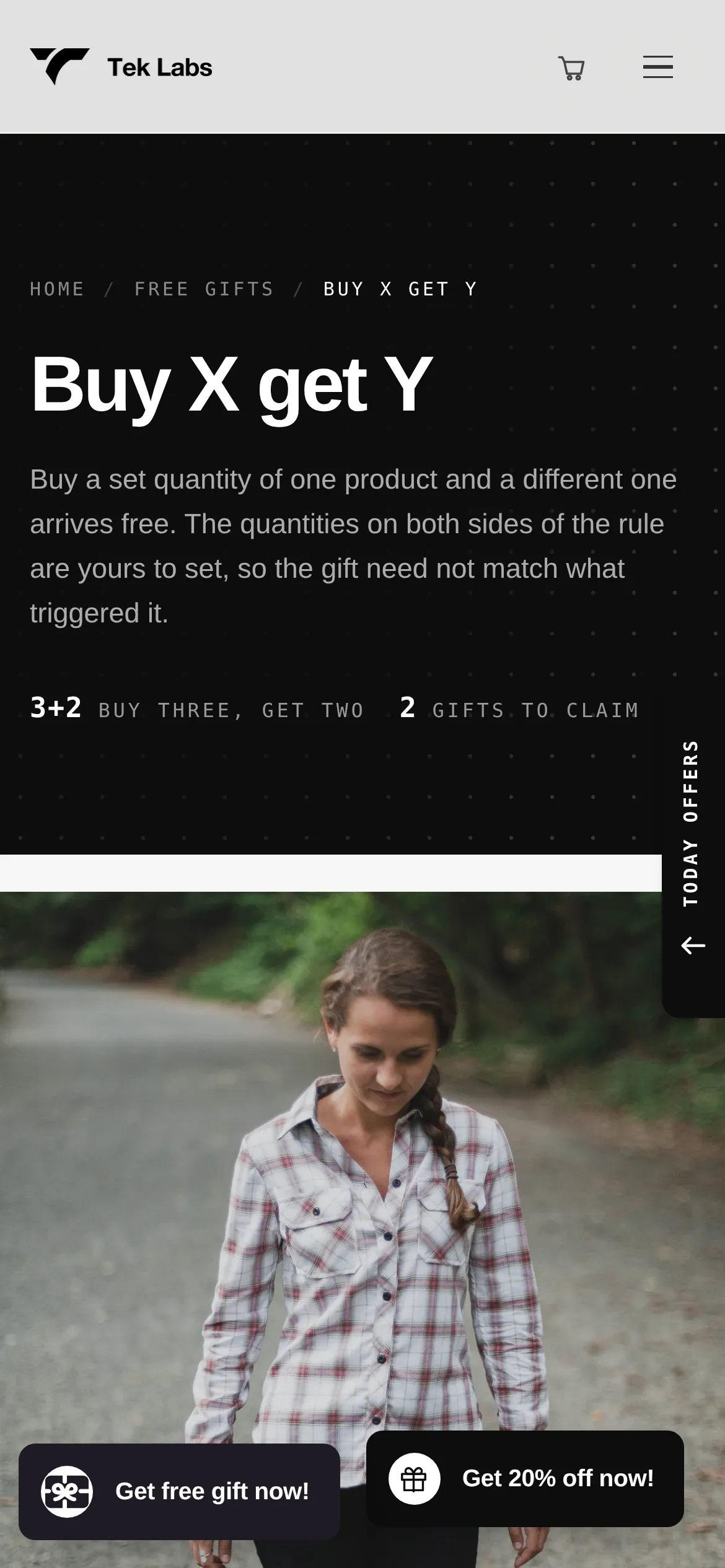
Offer a free or discounted item when customers buy the products you select. Use the Buy One Get One or Buy X Get Y templates and show the deal in a popup.
What it is
Buy X Get Y gives a free or discounted item when a customer buys selected products. BOGO is the same idea at one-for-one. In Free Gifts BOGO & Upsell these sit alongside free gift offers and use the same condition and reward settings.
Use it to pair a hero product with an add-on, to bring shoppers back to an item they have not tried, or to run a clear one-for-one promotion during a sale.
For the shopper
They add the product or quantity you set as the Buy X part of the offer.
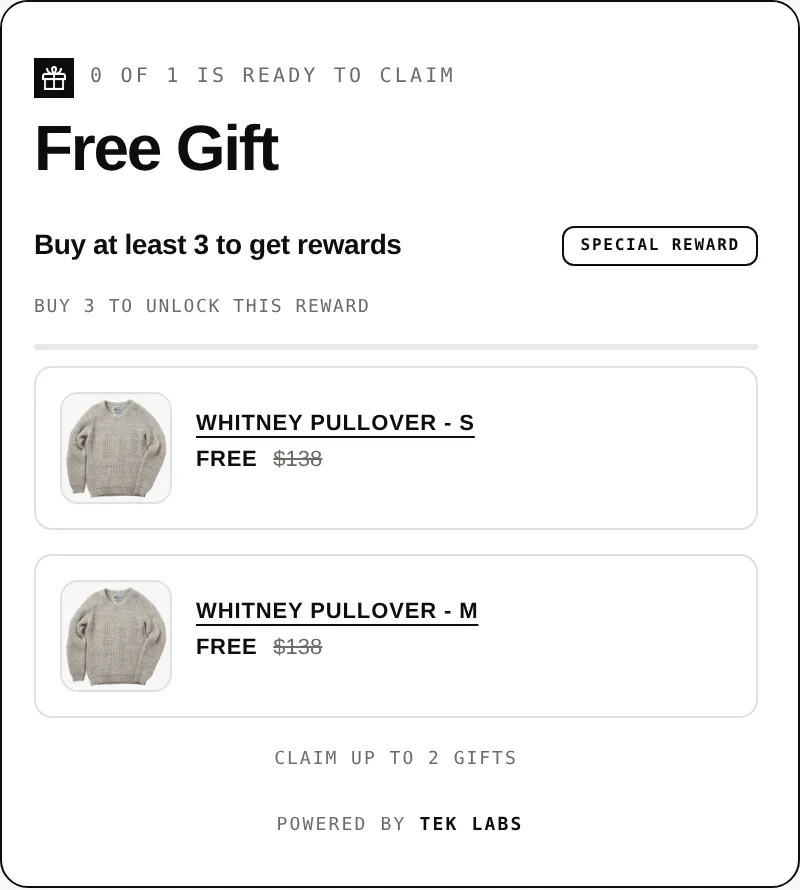
A BOGO popup shows the offered item with an add to cart button and a way to decline.
The gift product is added to the cart, either automatically or after the shopper selects it.
The Y item shows free, or at the percentage or fixed discount you set.
For you
Options you control
Start from the Free Gift rule, name it, and set the status to active.
Use cart quantity (the guide's example is buy 1 book, get 1 free bookmark) and apply it to specific products, collections, variants, or tags.
Select the gift products, choose automatic or customer-selected gifts, and set the discount to free, a percentage, or a fixed amount.
Adjust the popup colors, fonts, buttons, and custom CSS, and preview it on desktop and mobile.
Use cases
Offer a second item free when someone buys the first, for a seasonal sale.
Give a small accessory when the main product is in the cart.
Offer a new item at a discount when customers buy a related staple.
FAQ
BOGO is one item bought, one item received. Buy X Get Y is the broader version where you set the quantities and products. The demo store lists Buy One Get One and Buy X Get Y as separate templates.
No. You choose free, a percentage off, or a fixed amount off for the reward item.
The BOGO popup includes a decline offer button and a do-not-show-again text, according to the styling guide.
Yes. You can limit uses per order and in total. The guide suggests a per-order limit of 1 if you do not want the offer to repeat.
Related features
Free gifts, BOGO, bundles and progress bars. Every offer type, on a free plan to start.