Coupon for the next order
Reward the first purchase with a code and a Shop now button.
Thank you page offers
Add product recommendations, a coupon code, banners, and more to the Shopify thank you page. Show them only to the customers you choose.
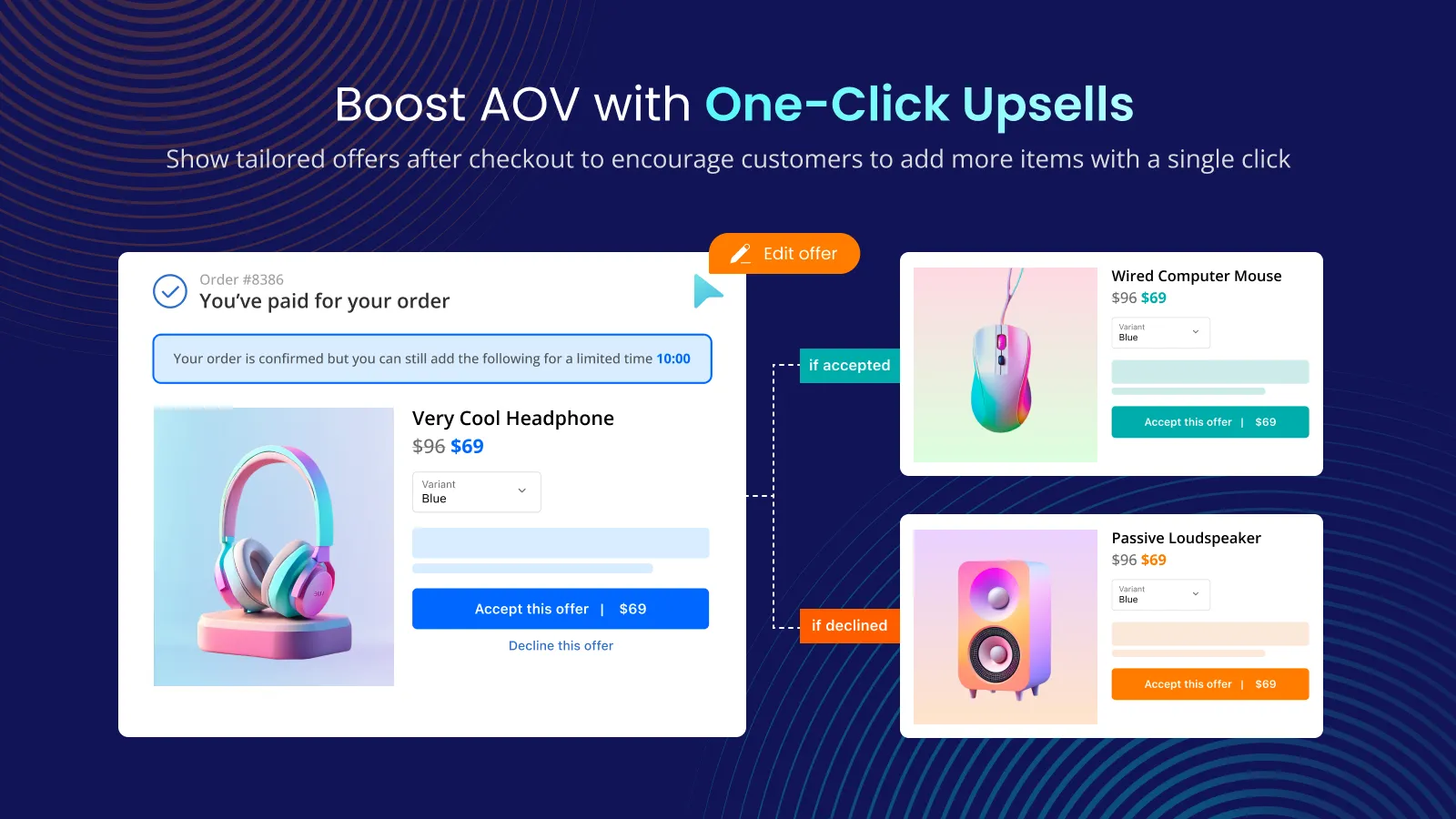
What it is
The thank you page is the last page of the order. With Post Purchase Upsell you add widgets to it from Shopify's thank you page editor: single or multiple product recommendations, a coupon code, text, banner, image, and button.
Use it to bring customers back with a coupon for their next order, introduce a new product at a discount, or add messaging such as a banner. It shares conditions with the funnel, so you can show different content to different customers.
For the shopper
After the order, the thank you page loads with your widgets at the positions you chose.
The funnel conditions decide who sees which widgets.
They can add a recommended product, copy a coupon code, or click a button.
A coupon block includes a Shop now button, and a product widget can send customers to checkout or the cart after they buy.
For you
Options you control
Post-purchase upsell and the thank you page share the same General settings, so conditions apply to both.
Choose from coupon code, single product recommendation, multiple product recommendations, text, banner, image, and button.
Click Enable on the Tek Labs Post Purchase block and save.
Click Open Shopify Editor, go to Sections, and drag the Thank You Block into position under Order Details.
Use cases
Reward the first purchase with a code and a Shop now button.
Recommend a new or out-of-season item at a trial price.
Add a banner with important information, which can be dismissible or collapsible.
Use post-purchase survey question types listed in the App Store listing to collect feedback.
FAQ
No. The guide says only the checkout page customization is Shopify Plus only.
Yes. The coupon code widget lets you select an existing Shopify discount code. Create the discount in Shopify first.
They are separate sections of a funnel. The thank you page can still appear when the post-purchase upsell is skipped, as long as the General settings conditions are met.
The guide lists six positions, from above the Order status block to below the Subtotal block.
The App Store listing mentions multiple post purchase survey question types. The user guide does not have a survey page yet, so check the app for current options.
Related features
Free gifts, BOGO, bundles and progress bars. Every offer type, on a free plan to start.