Secure payment reassurance
Show a lock icon with a short message about secure payment next to the pay button.
Checkout trust badges
Add trust badges, payment icons, and short reassurance messages to the Shopify checkout page. Show them only to the customers your funnel conditions select.
What it is
The Trust Badges widget adds a row or column of badges to your checkout. Each badge has a title, a description, and either a preset icon with a color or your own uploaded image. You can also add a Payment image widget to show accepted payment logos.
Use it to calm last-minute doubts about shipping, returns, or secure payment. The widget lives in a Salemate block that you place in the Shopify checkout editor, and it follows the funnel conditions you set, so you can show different reassurance to different customers. Checkout customization needs Shopify Plus.
For the shopper
Scroll through the steps. The phone shows what the shopper sees at each one; products and prices are an example.
The Salemate checkout block loads and looks up the funnel that applies to this customer, based on the cart, email, payment method, total, country, and language.
If a funnel matches and its checkout block is active, the block fetches its widgets. If no funnel matches, nothing is shown.
Each badge shows its icon or image, title, and description, arranged horizontally or vertically at the icon size you chose.
The badges sit at the position you placed the block in the Shopify checkout editor.
For you
Options you control
Create or edit a funnel in Funnels & Thank You Page. On a Shopify Plus store a Checkout tab appears next to Conditions. Click Edit block.
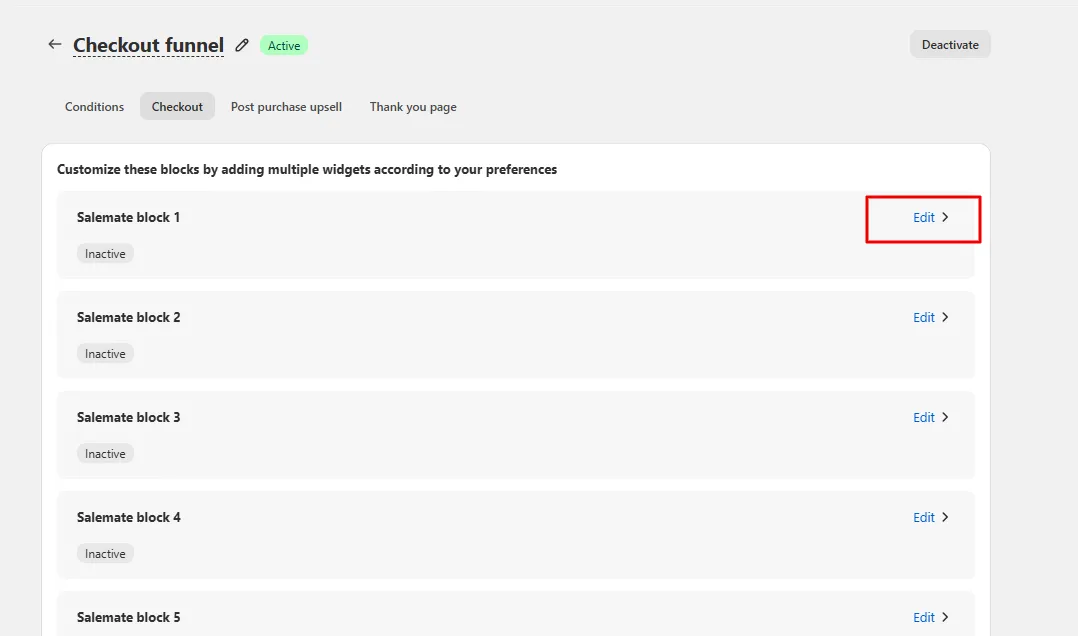
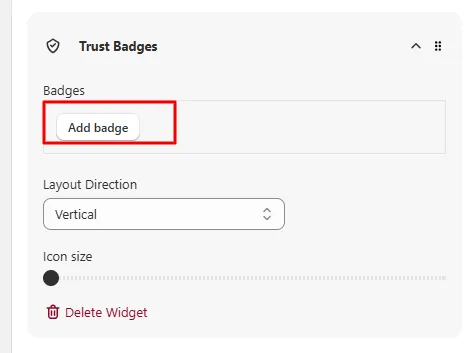
Choose one of the Salemate blocks (Salemate block 1 to 6) and add the Trust Badges widget with Add widget.
Set Layout Direction and Icon size, then add each badge with its title, description, icon or custom image, and icon color.
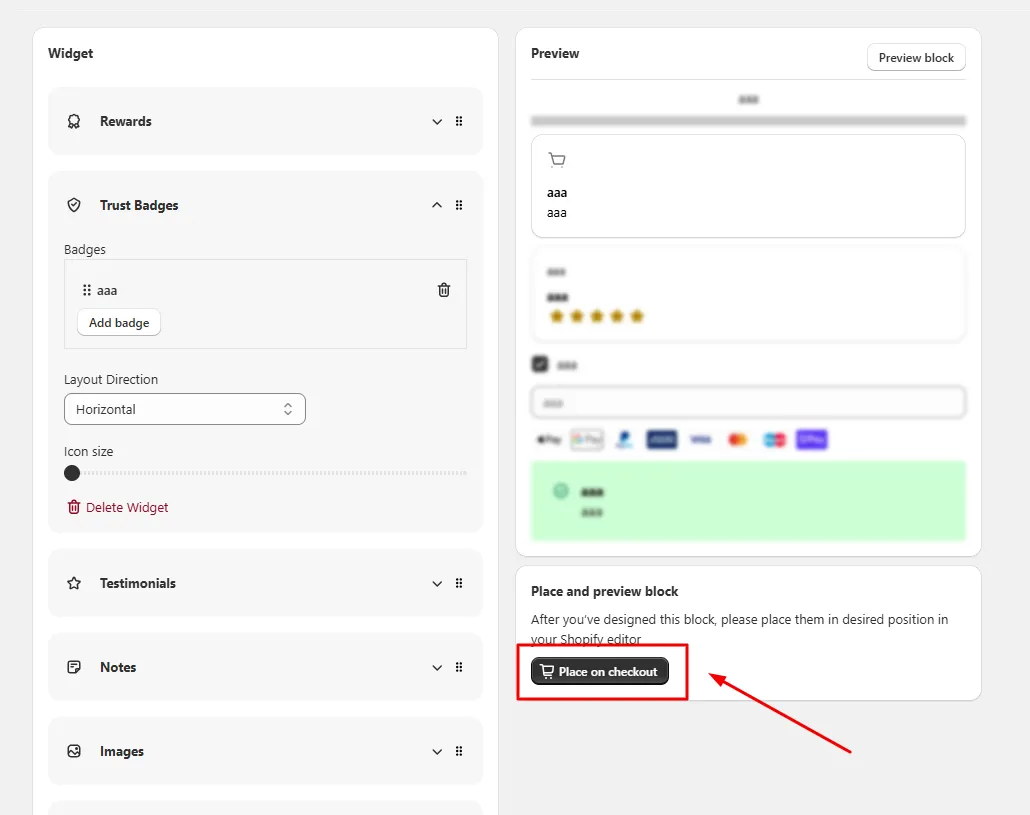
Save, then click Open Shopify editor in the banner and drag the Salemate block to the position you want in the checkout editor.
Use cases
Show a lock icon with a short message about secure payment next to the pay button.
Use a truck and a store icon to state delivery time and your return policy.
Add the Payment image widget so shoppers see the payment methods you accept.
FAQ
Yes. The Checkout tab only appears for Shopify Plus stores, and the server rejects checkout block requests from other plans with the message that checkout is only available for Shopify Plus stores.
Yes. Checkout blocks belong to a funnel, so they follow that funnel's conditions, such as customer tag, order count, payment method, total, country, and language.
Yes. Each badge can use a preset icon or an uploaded custom image or icon.
Upsell and downsell funnels, thank-you page offers: our team sets it up with you and checks it before it goes live.
Free to install. Built for Shopify. Rated 4.9 from 30 reviews.