First-visit welcome
Offer a code to visitors who have not added anything yet.
Gift discount code
Give visitors a discount code they can copy from a popup. A sticky button keeps the offer one click away on every page.
What it is
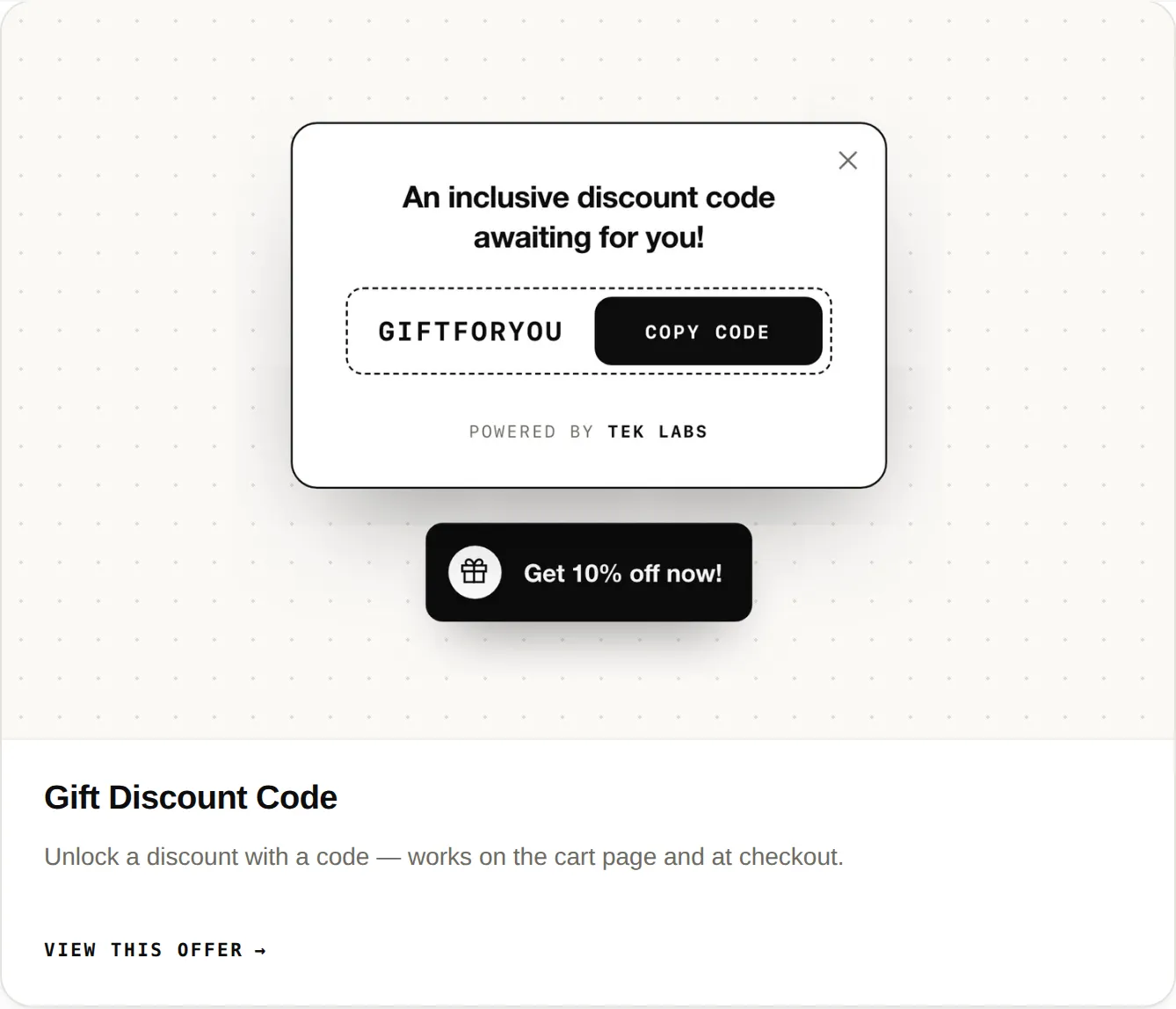
The gift discount code feature unlocks a discount with a code that works on the cart page and at checkout. On the demo store it appears as a popup with the code and a Copy code button, plus a launcher button that stays on the page.
Use it when you want a simple, visible offer for new visitors, a seasonal promotion, or a nudge for shoppers who have not committed yet. Note: this feature has no dedicated page in the user guide yet, so the details below come from the demo store.
For the shopper
A button, labeled Get 20% off now! on the demo store, sits in the corner of every page.
It shows the discount code with a Copy code button.
One click copies the code.
On the demo store the steps are: open the cart drawer, then paste the code into the Discount code field.
For you
Options you control
Each widget needs its block enabled under Themes, Customize, App embeds. Save after switching blocks on.
The dashboard shows Active, Inactive, or Action needed for each block, so you can see what still has to be switched on.
Open the demo store (password 1) and look for the sticky button and the code popup to see the experience your shoppers get.
Use cases
Offer a code to visitors who have not added anything yet.
Keep a seasonal code visible without a banner on every page.
Run the code alongside a progress bar so shoppers see two reasons to add more.
FAQ
They copy it from the popup, then paste it into the Discount code field in the cart drawer, according to the demo store.
The demo store says it works on the cart page and at checkout.
Not at the time of writing. The user guide covers free gifts, progress bars, and upsell offers, and this feature is shown on the demo store.
The App Store listing shows the app as free, and the user guide says it is free for all new users.
Related features
Free gifts, BOGO, bundles and progress bars. Every offer type, on a free plan to start.