Cart drawer stores
Keep the whole gift journey inside the drawer so shoppers never leave the page.
Gift in cart widget
Let shoppers see and claim their gifts inside the cart page or cart drawer, with a progress bar toward each offer and a gift selector.
What it is
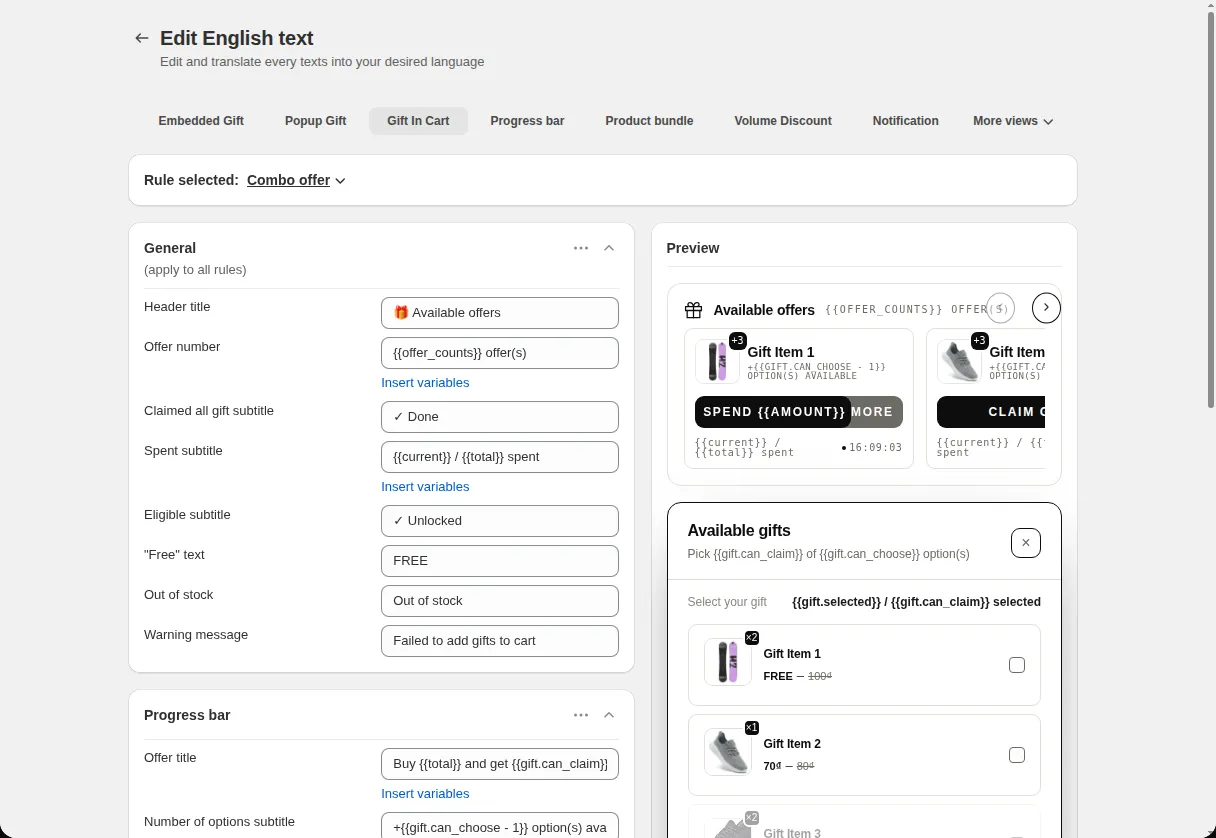
Gift in Cart is a claim channel for free gift offers. Instead of sending shoppers back to a product page or a popup, the offers appear as cards inside the cart. Each card shows the offer number, how much more the shopper must spend, a countdown if set, and a gift selector once the condition is met.
Use it when most of your shoppers go straight to the cart, or when your theme uses a cart drawer. It works for offers where the gift is added automatically and for offers where the customer chooses the gift.
For the shopper
Scroll through the steps. The phone shows what the shopper sees at each one; products and prices are an example.
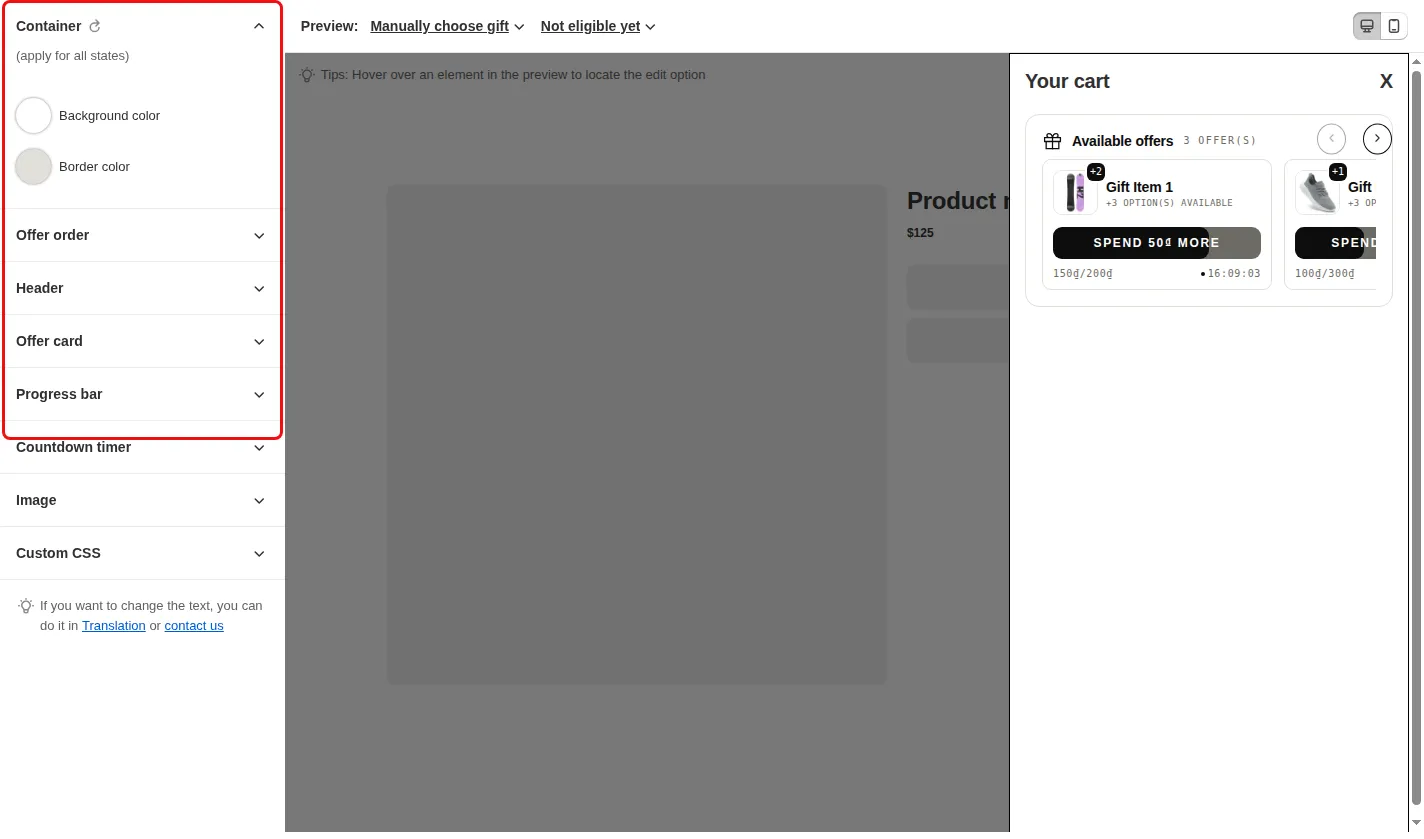
The cart page or cart drawer shows a header with the number of offers and one card per offer.
Each card shows a progress bar and a spent subtitle that tells the shopper how close the cart is to the condition.
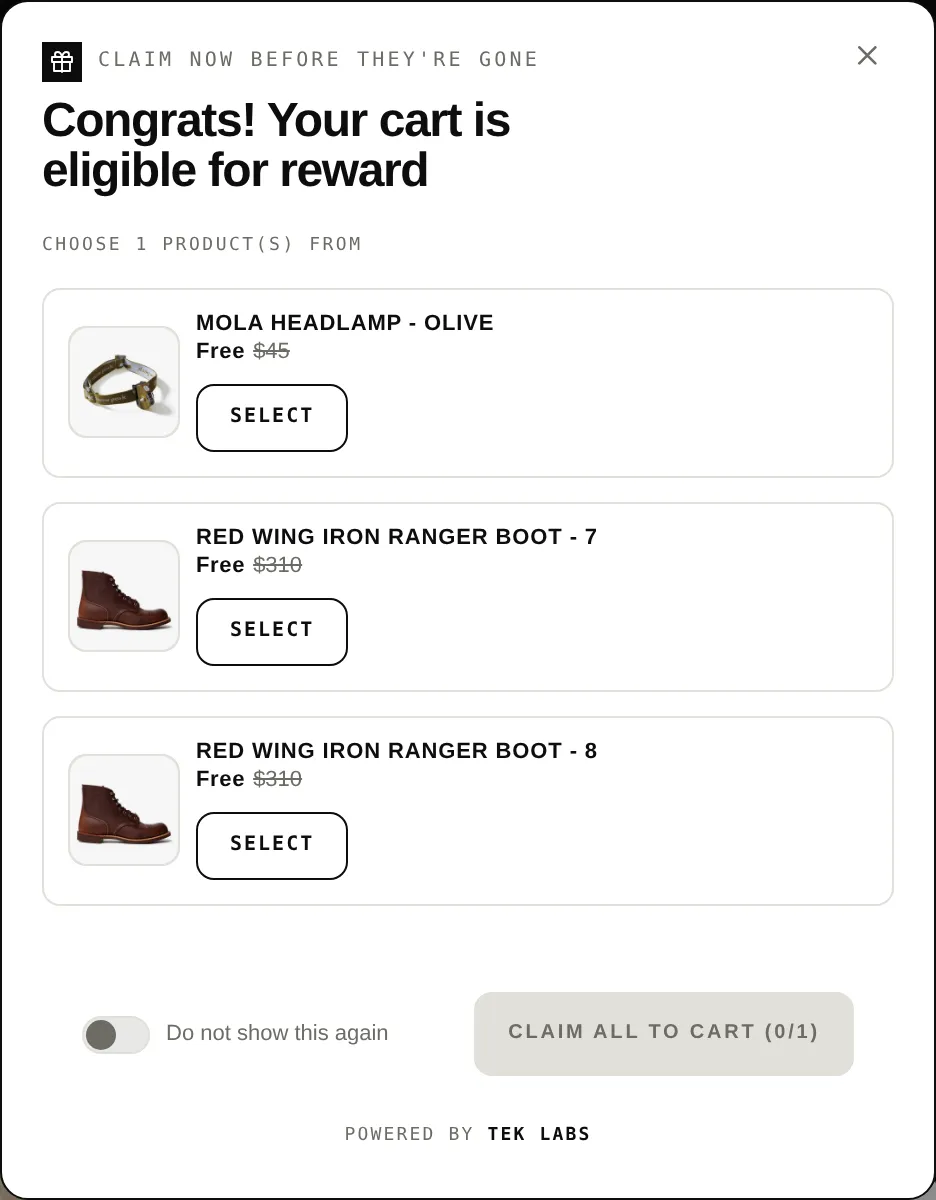
When the condition is met the card changes to an eligible state and a Select your gift area opens with the gift list.
The shopper picks gifts and uses the Add to cart button. Offers that are fully claimed show a claimed state.
For you
Options you control
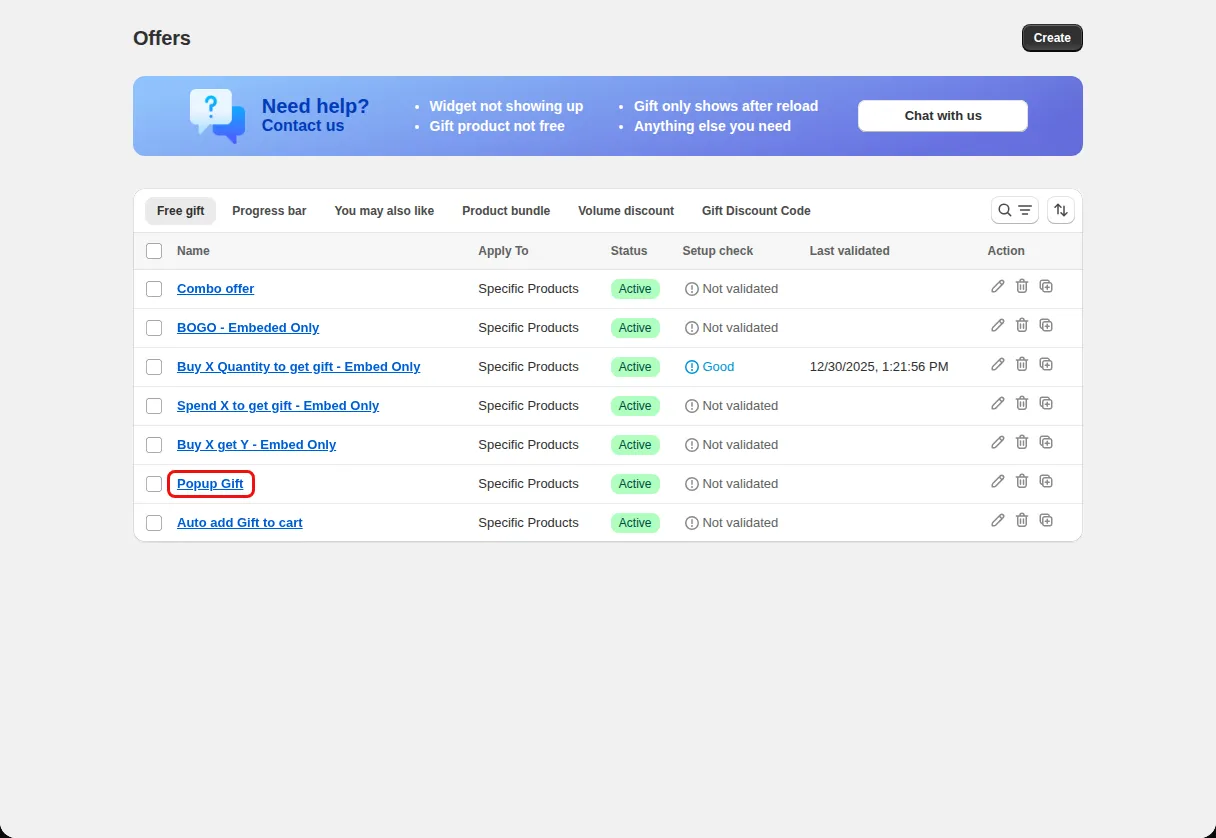
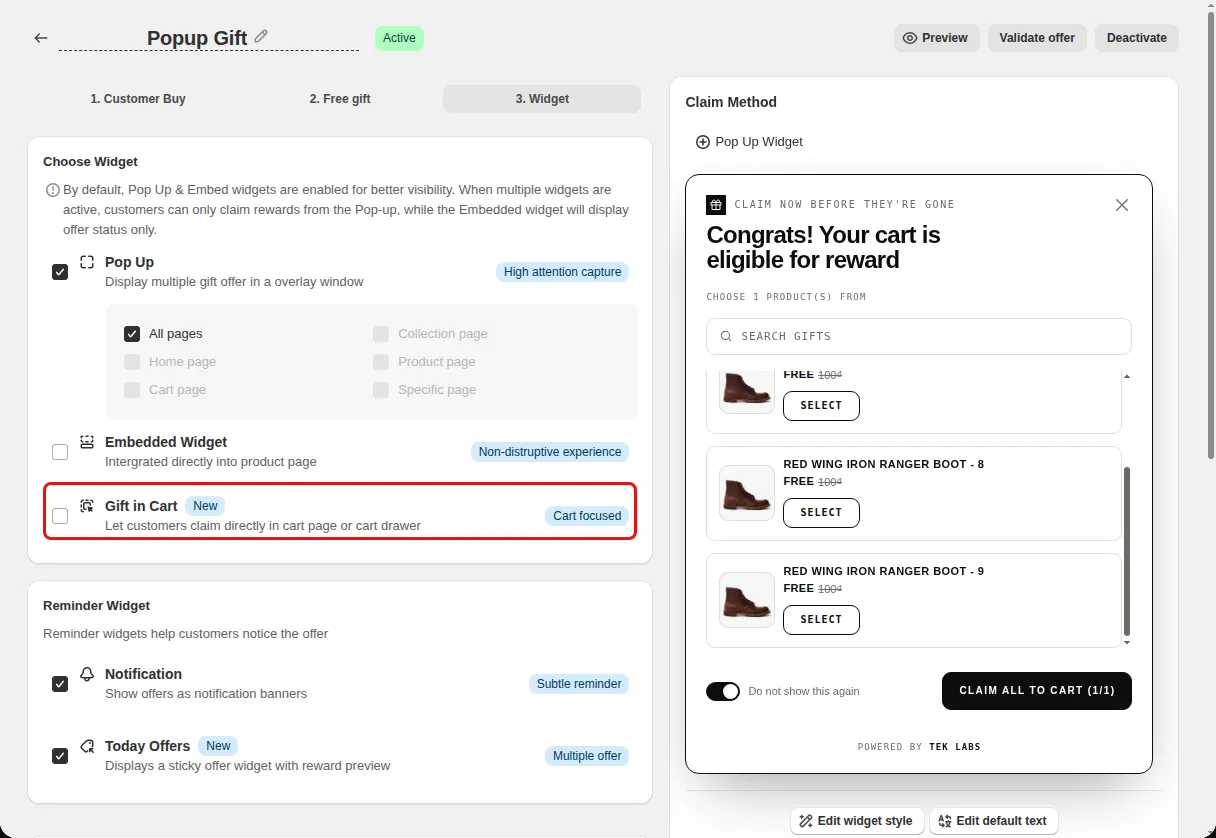
On the Widget step, under Choose Widget, tick Gift in Cart (Let customers claim directly in cart page or cart drawer).
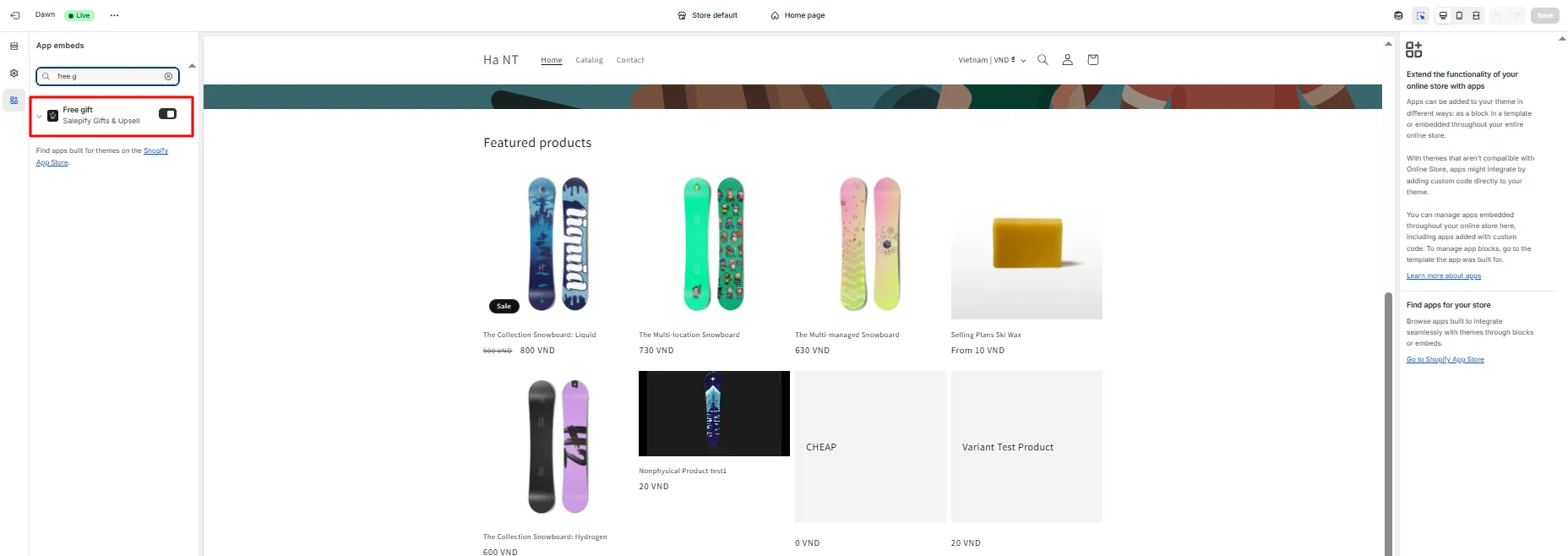
Turn on the Free gift app embed under Themes, Customize, App embeds, then save.
Open Styling and choose Gift In Cart. Set the offer order, header, offer card, progress bar, and gift selector.
Use cases
Keep the whole gift journey inside the drawer so shoppers never leave the page.
Show each offer as its own card with its own progress and timer.
Let shoppers pick between several gifts right in the cart.
FAQ
Yes. The widget script looks for the cart drawer element and mounts there, and falls back to the page body.
Yes. When the offer lets the customer choose, a gift selector opens in the cart after the condition is met.
Yes. Choose expiring soonest, expiring latest, newly added, oldest added, or a manual order.
Free gifts, BOGO, bundles and progress bars. Every offer type, on a free plan to start.