International store
Use one rule for all markets.
Multi-currency offers
Offers set in your store currency work for shoppers who see another currency. Spend goals and discounts are converted using Shopify's currency rate.
What it is
When a store sells in more than one currency, a spend goal of one value must mean the same thing for every shopper. The storefront widgets multiply amounts by the Shopify currency rate, and the discount functions use the presentment currency rate at checkout.
Use it if you use Shopify Markets or sell internationally. You set the goal once in your shop currency and shoppers see the equivalent amount.
For the shopper
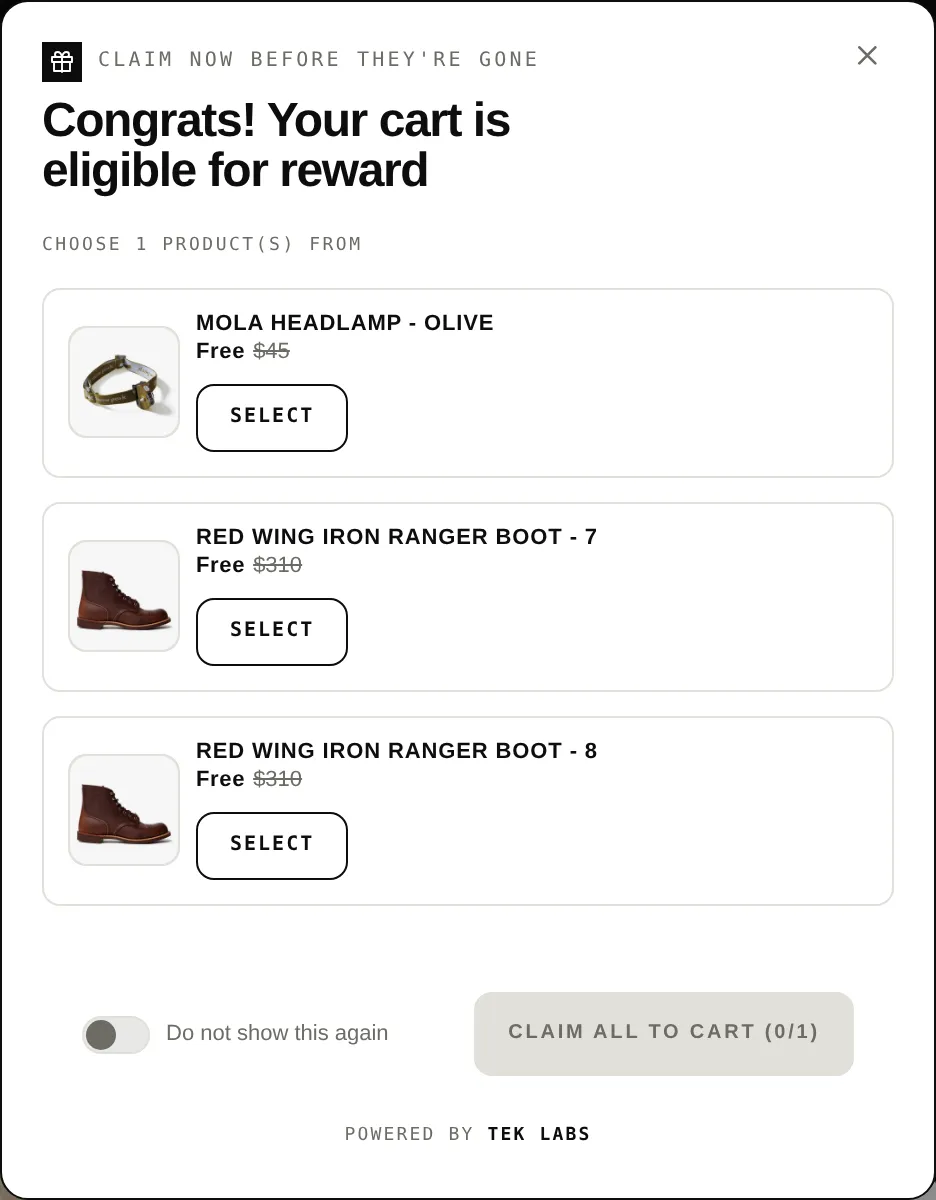
Scroll through the steps. The phone shows what the shopper sees at each one; products and prices are an example.
Prices show in the shopper's currency.
The widget converts spend goals using the Shopify currency rate.
The progress bar or message uses the converted goal.
The discount functions apply the same currency rate.
For you
Options you control
Set up currencies in Shopify Markets.
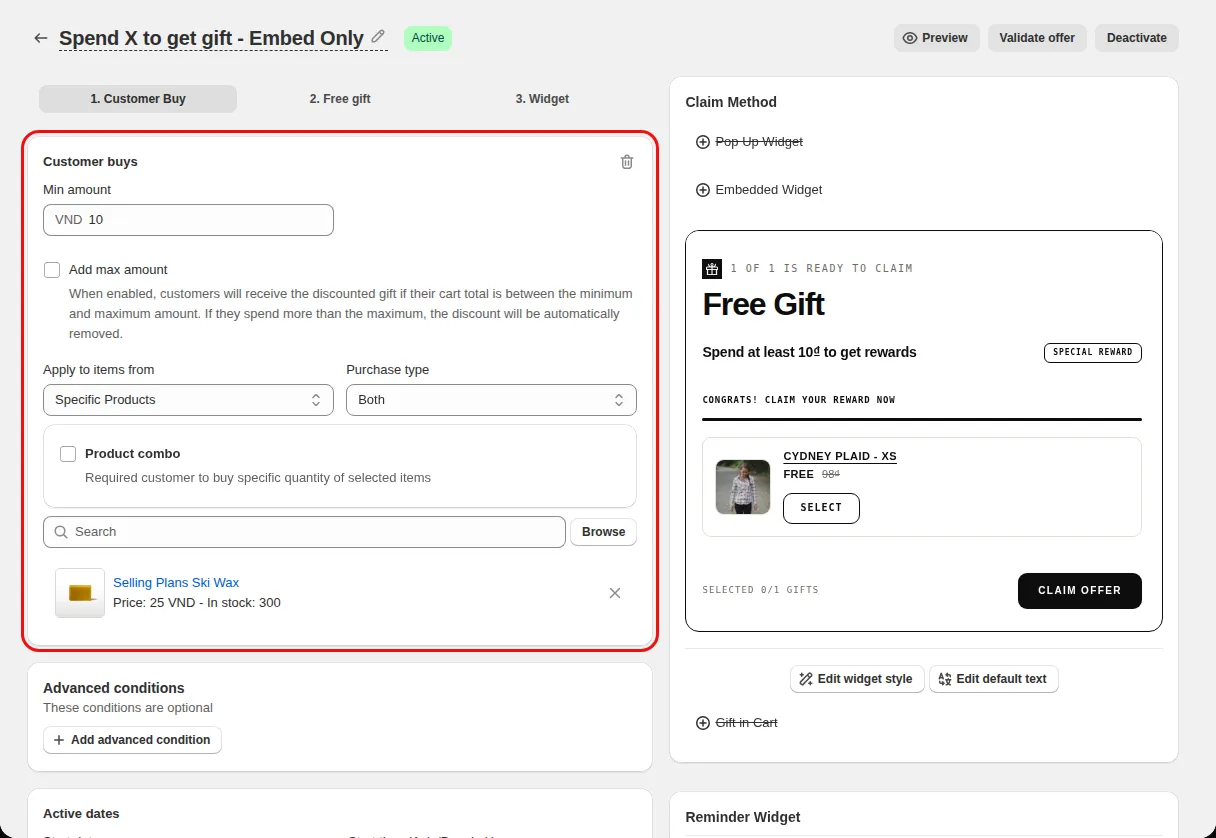
In the offer's Condition step enter the Min amount in your shop currency.
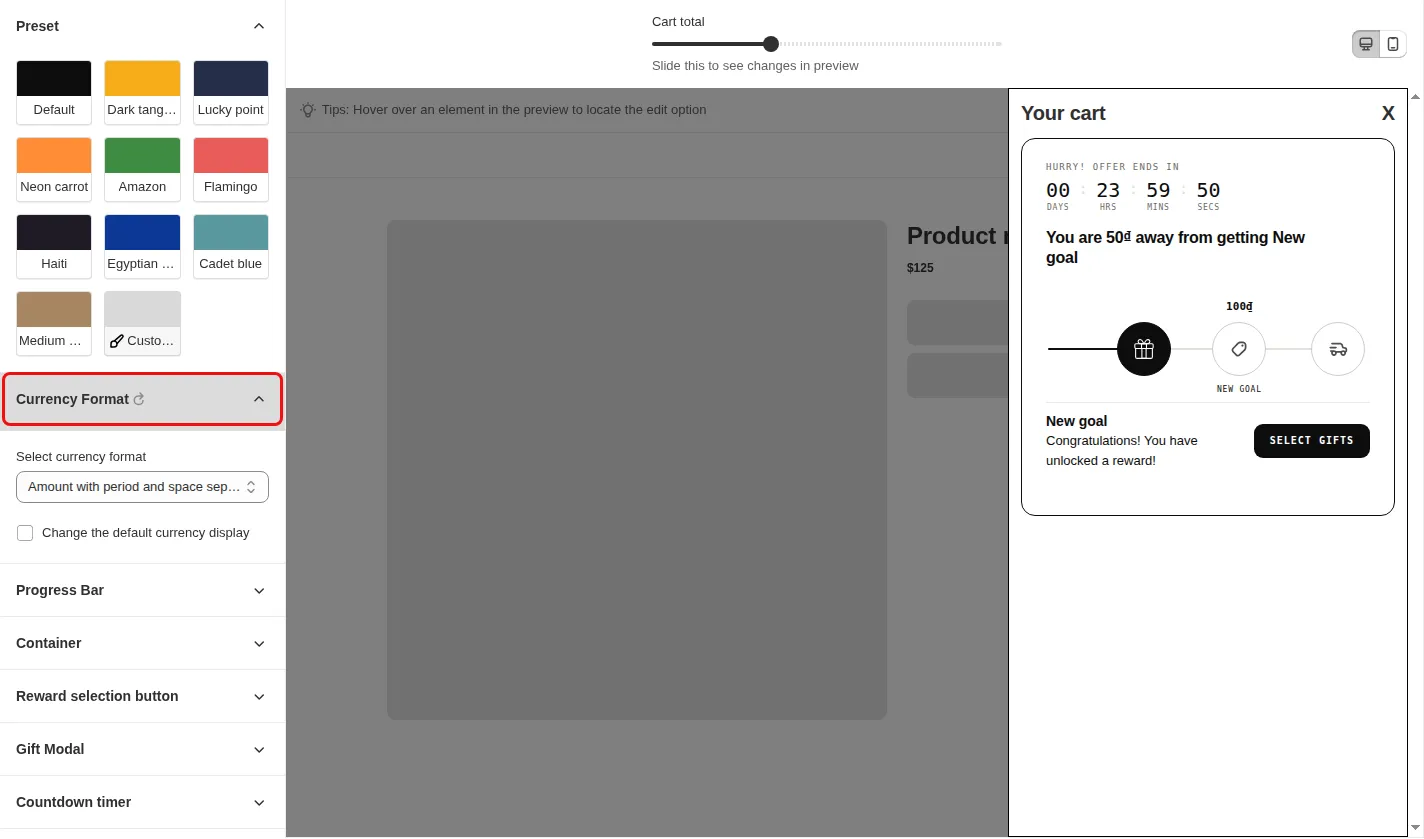
For milestone bars, open Styling, Progress bar, and set the currency format.
Switch the storefront currency and check that the goal changes.
Use cases
Use one rule for all markets.
Let shoppers see a goal in their own currency.
Show a free shipping goal in local money.
FAQ
The code converts amounts using the Shopify currency rate, so one rule can serve several currencies.
Yes. Each discount function reads the presentment currency rate.
The rate is 1 and nothing changes.
Free gifts, BOGO, bundles and progress bars. Every offer type, on a free plan to start.