Multi-language store
Show Spanish shoppers a Spanish gift message.
Translate offer text into your store languages
Edit the text of every widget for each language your Shopify store uses, so shoppers see offers in their own language.
What it is
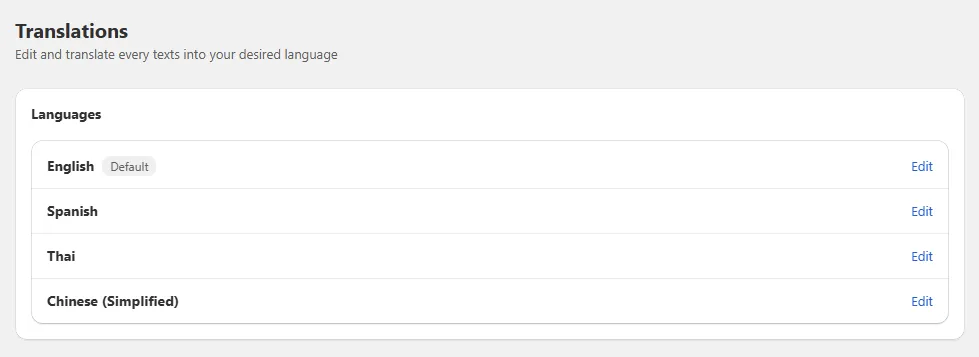
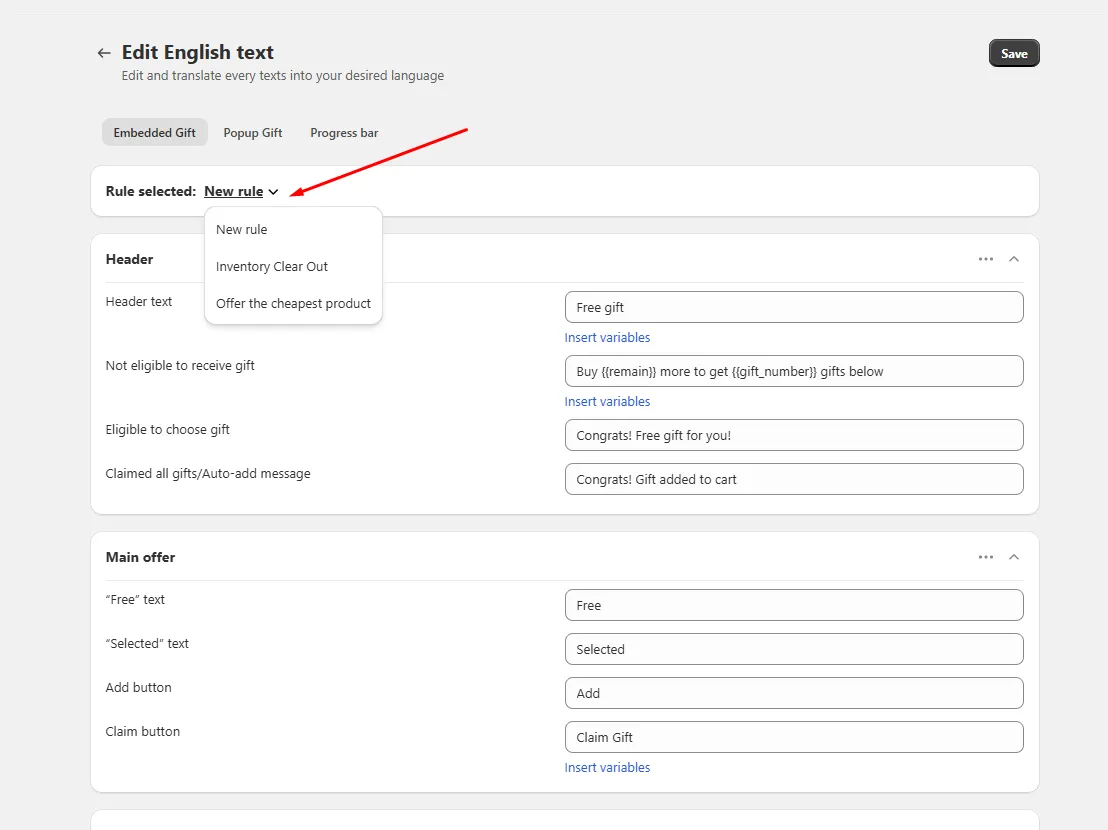
The Translations page lists the languages from your Shopify store. Pick a language and edit the text of each widget: embedded gift, popup gift, gift in cart, progress bar, product bundle, volume discount, today offers, notification, you may also like, and discount code.
You can also edit the default wording in your primary language, for example to match your brand tone. Variables such as the amount or the timer can be inserted into messages.
For the shopper
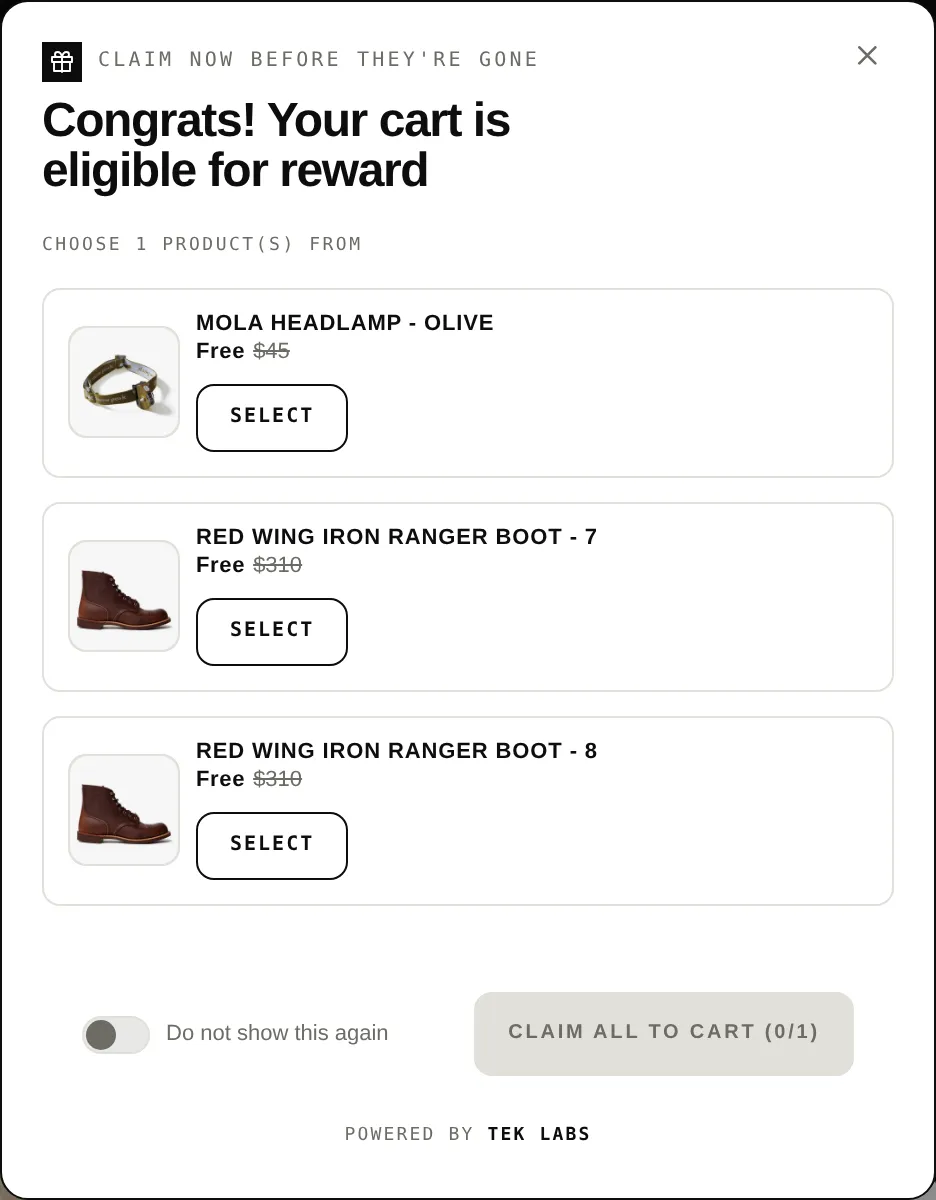
Scroll through the steps. The phone shows what the shopper sees at each one; products and prices are an example.
The storefront uses the shopper's store language.
The widget looks up the text you saved for that language.
Values like the remaining amount or the countdown are placed into your message.
If a field is empty the widget uses its default text.
For you
Options you control
Add the languages in your Shopify store settings first.
Choose a tab such as Popup Gift, edit the text fields, and save.
Use cases
Show Spanish shoppers a Spanish gift message.
Rewrite the default Claim button text.
Give one offer its own title in the Today Offers tab.
FAQ
The page requests the shop locales from Shopify and lists them with a Primary badge for the main language.
Pricing lists Multi-language translations as a paid plan feature, and the page can be previewed but changes are not saved on limited plans.
The admin has locale files for 27 languages, such as French, German, Japanese, and Vietnamese.
Related features
Free gifts, BOGO, bundles and progress bars. Every offer type, on a free plan to start.