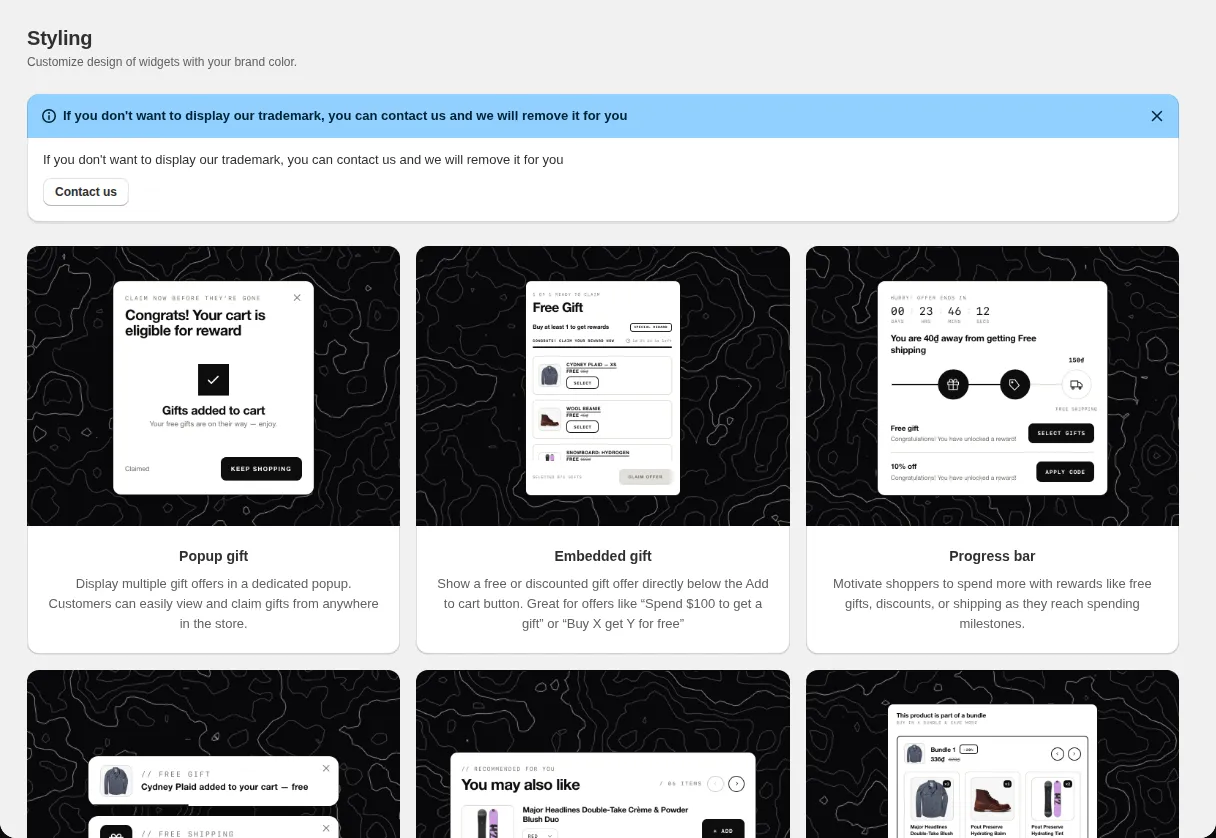
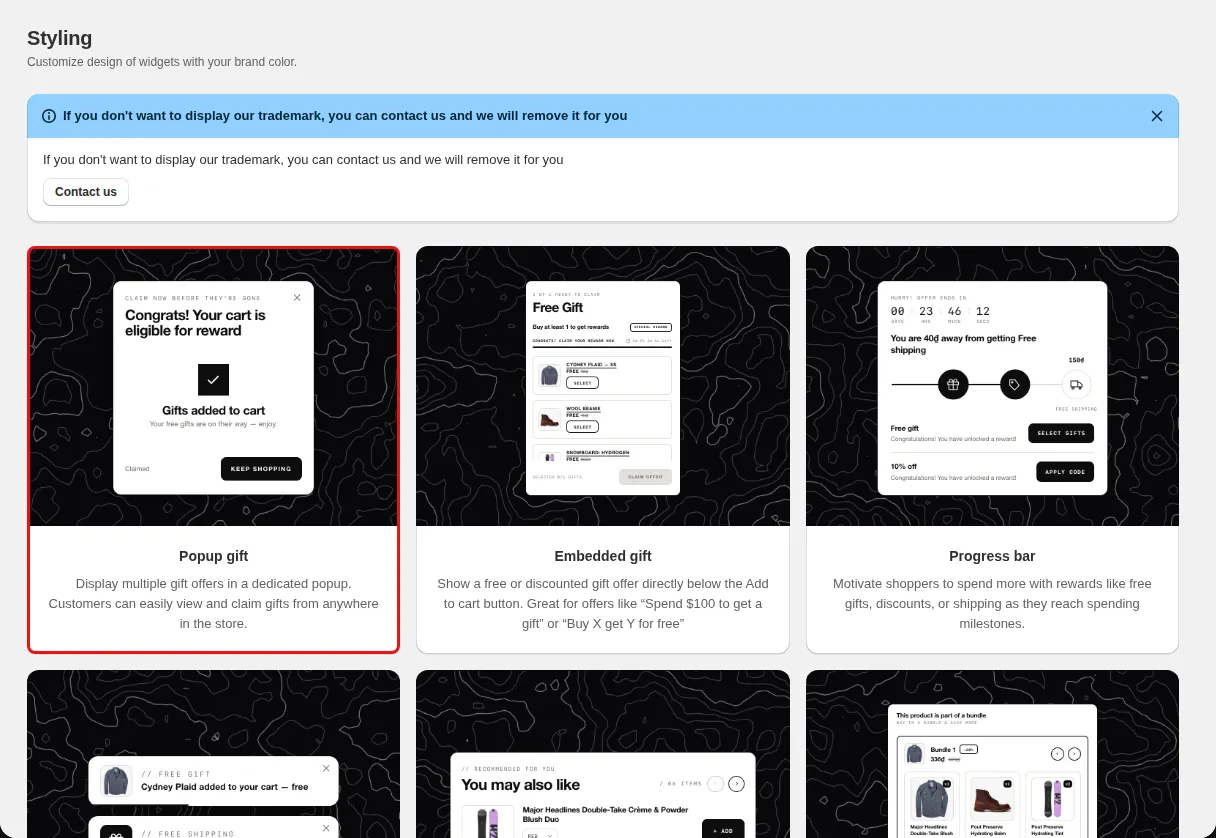
Brand match
Set button and header colors to your brand palette.
Widget styling editor with custom CSS
Style every widget in one editor with a live preview: colors, fonts, layouts, positions, animations, and your own CSS.
What it is
The Styling page has one editor for each widget type. You can hover over an element in the preview to find its setting, change colors and spacing, choose presets for some widgets, and add Custom CSS.
Use it to make gift popups, bars, and tables look like part of your theme. Styling covers Embedded gift, Popup gift, Progress bar, Product bundle, Volume discount, Today Offers, Product Selector, Floating Button and Notification Modal, Discount Box and Gift Slider, and Gift In Cart.
For the shopper
Scroll through the steps. The phone shows what the shopper sees at each one; products and prices are an example.
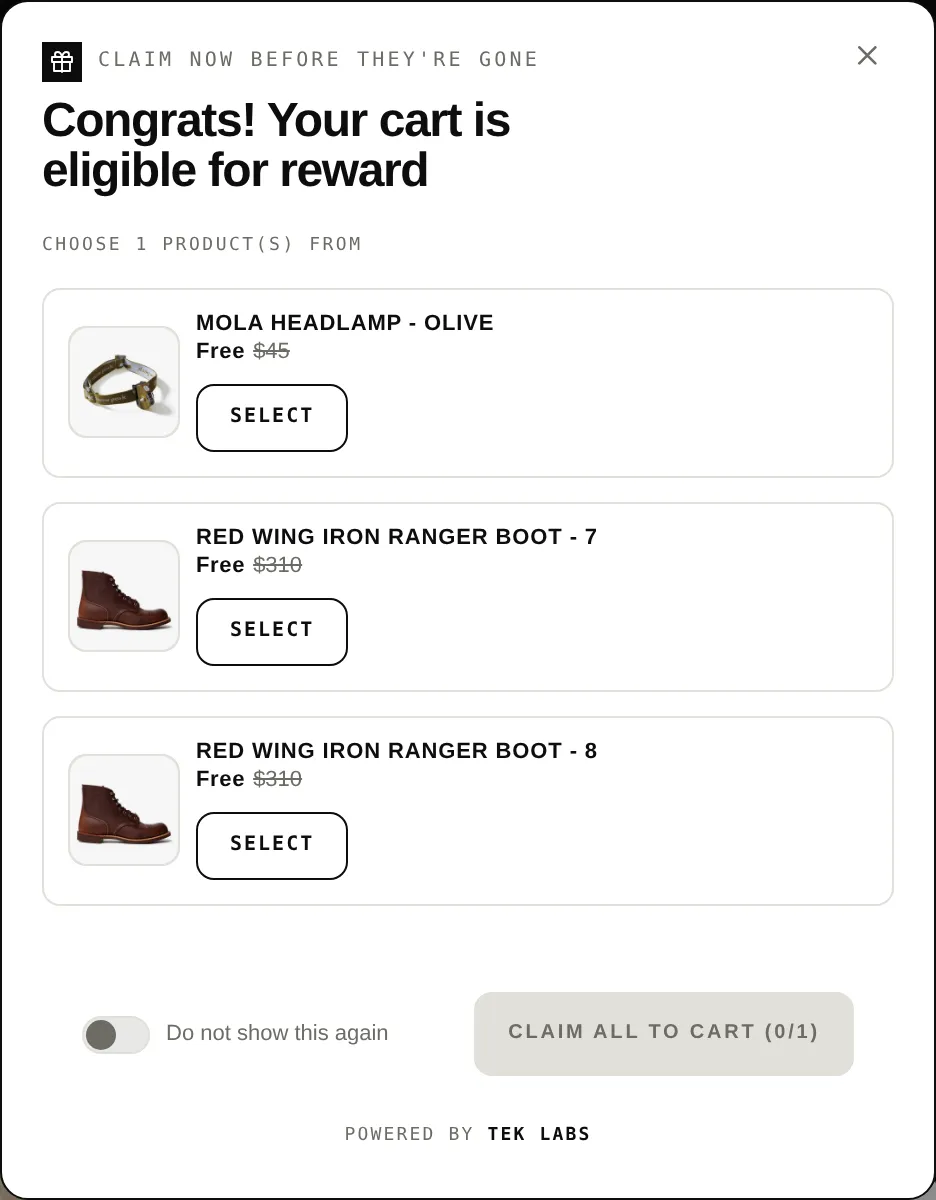
The widget uses the colors, fonts, and layout you chose.
Not eligible, eligible, and claimed states can be styled separately.
Notifications can use the store theme font.
Your CSS is added for the widget.
For you
Options you control
Hover over an element in the preview and use the side panel to change its style.
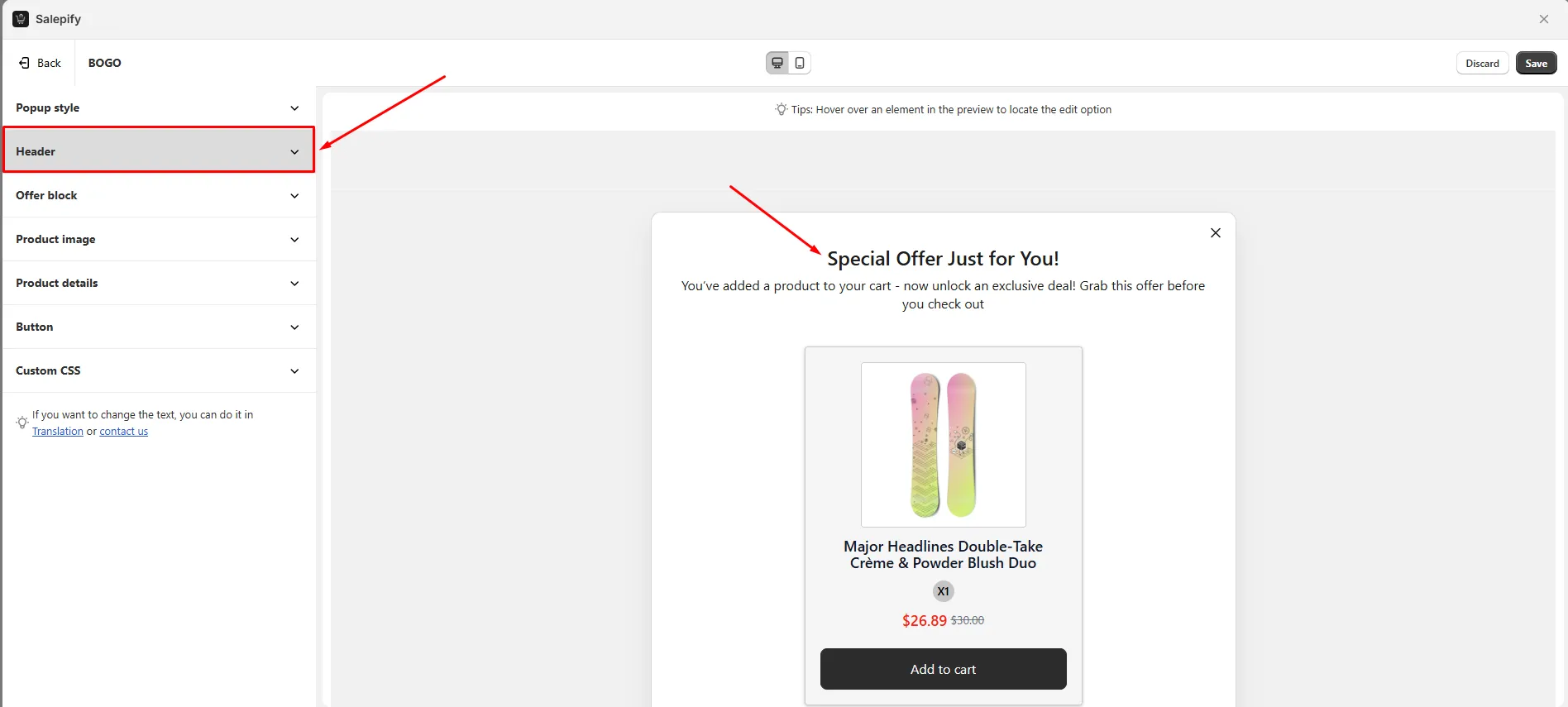
Open the Custom CSS section of the editor and paste your rules.
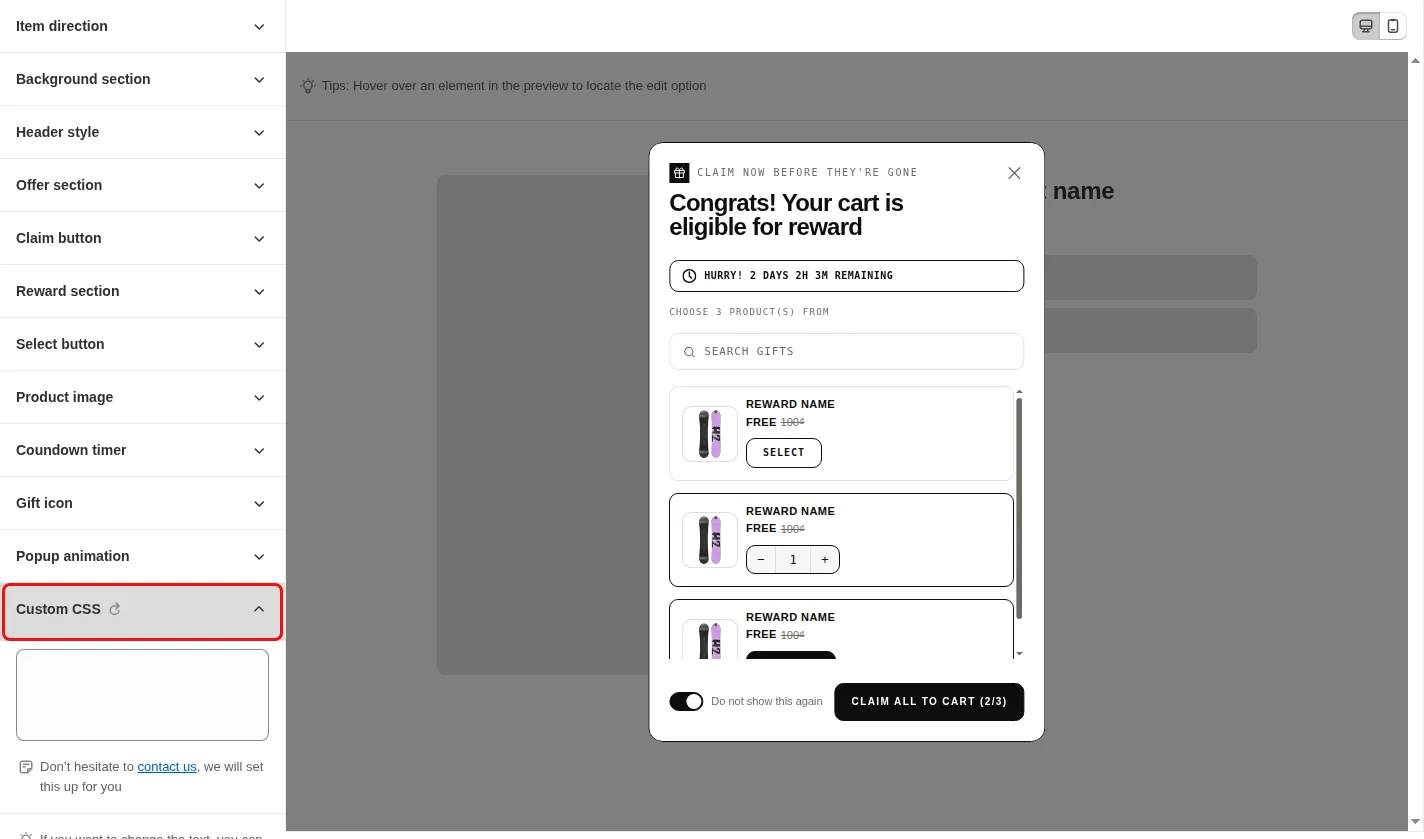
Click Save in the save bar.
Use cases
Set button and header colors to your brand palette.
Make the claimed state green and the locked state gray.
Use Custom CSS for details no setting covers.
FAQ
The app shows a banner that Styling customization is available on a higher plan, and edits can be previewed but not saved on limited plans.
The Styling page says to contact the Tek Labs team to have the trademark removed.
Yes. The editors for embedded gift, today offers, product bundle, volume discount, gift in cart, floating button and discount box each include a Custom CSS section.
Related features
Free gifts, BOGO, bundles and progress bars. Every offer type, on a free plan to start.