Regional gift
Offer a gift only in countries where you have stock.
Offers by country and language
Limit an offer to shoppers from selected countries or provinces, or, for milestone reward bars, to selected store languages.
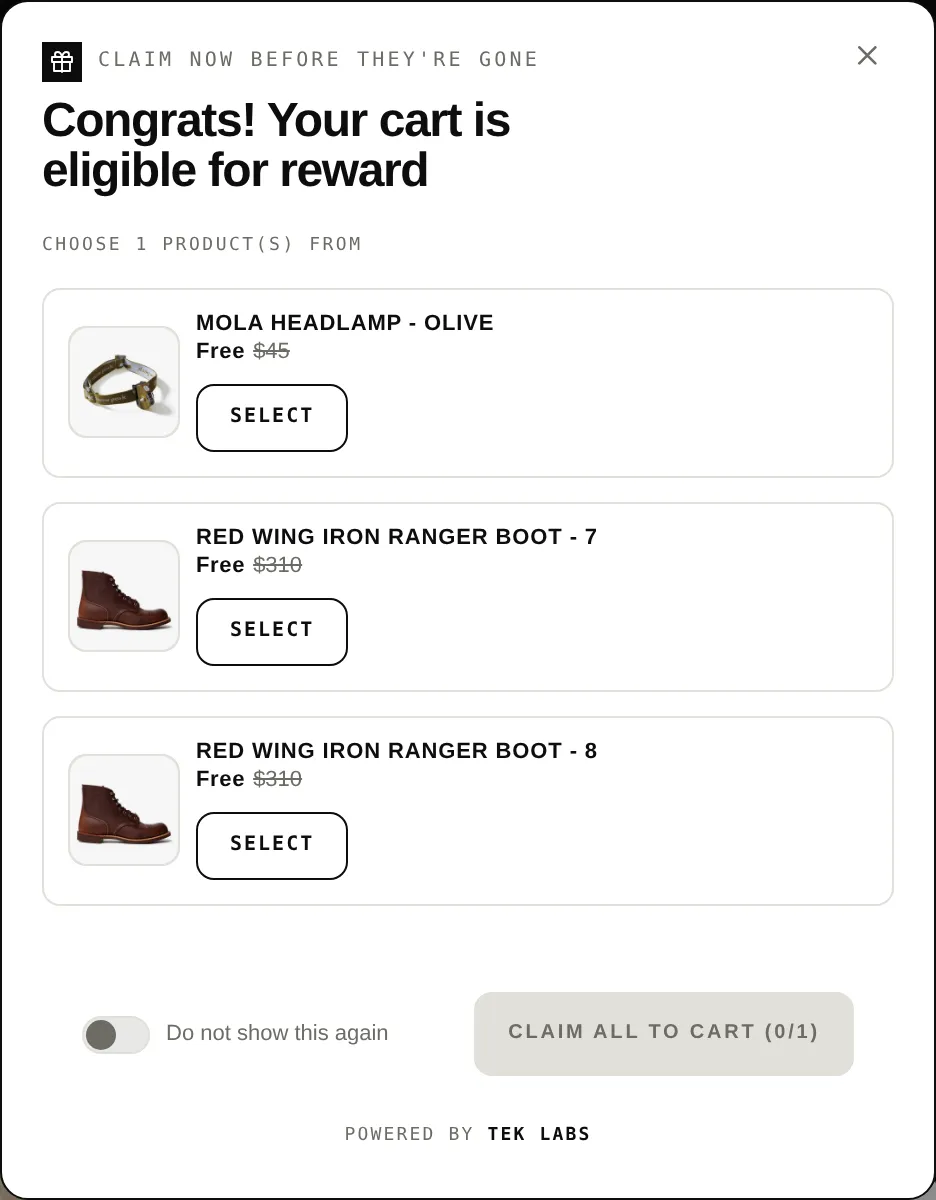
What it is
Country targeting lets you include or exclude countries for a Free gift offer or a milestone reward bar. You can go down to provinces. The app reads the visitor's location from their IP address and passes it to the discount function.
Locale targeting is available on the milestone reward bar and lets you include or exclude specific store languages. Use these when shipping, stock, or promotions differ by region or market.
For the shopper
Scroll through the steps. The phone shows what the shopper sees at each one; products and prices are an example.
The storefront detects the visitor's country and region.
The offer compares the location against your include or exclude list.
Everyone else does not see the widget.
The discount function uses the stored location so the discount matches what the shopper saw.
For you
Options you control
Go to Offers and open a Free gift offer or a Milestone reward.
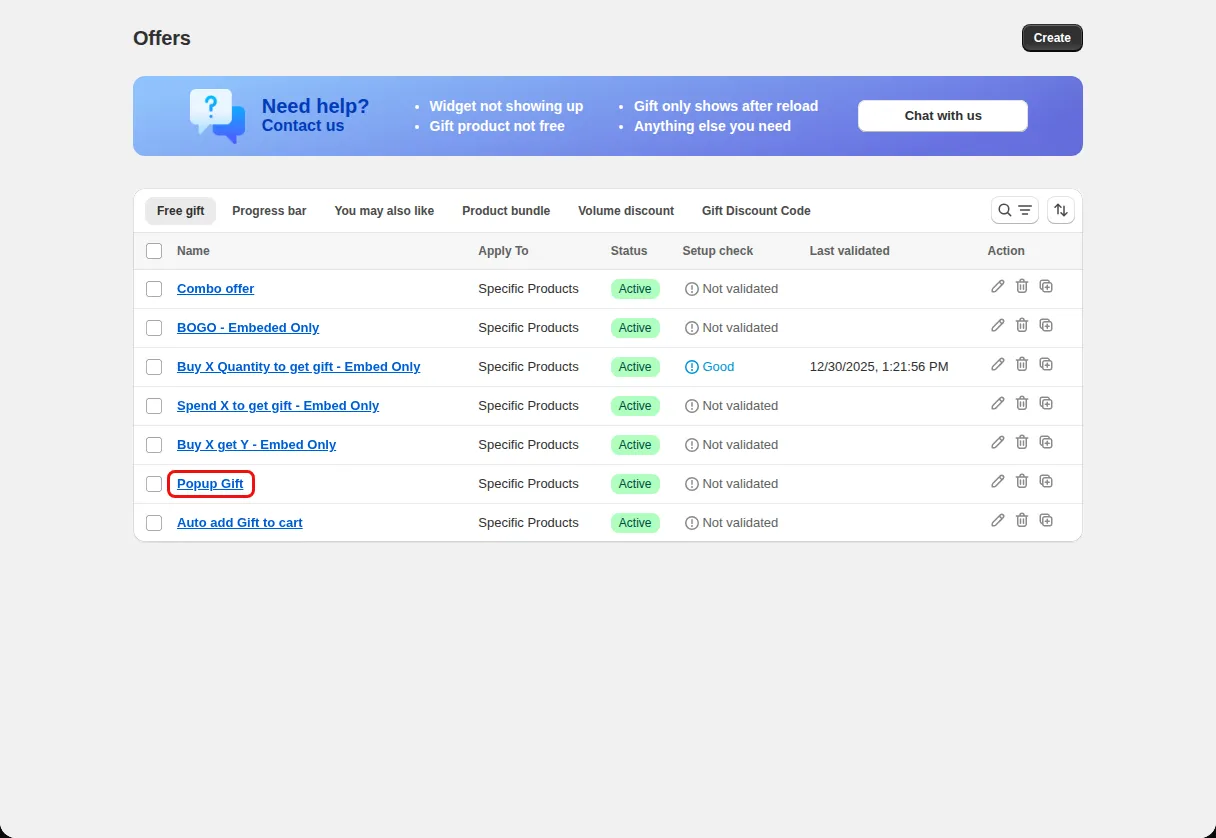
On the Condition step expand Advanced conditions.
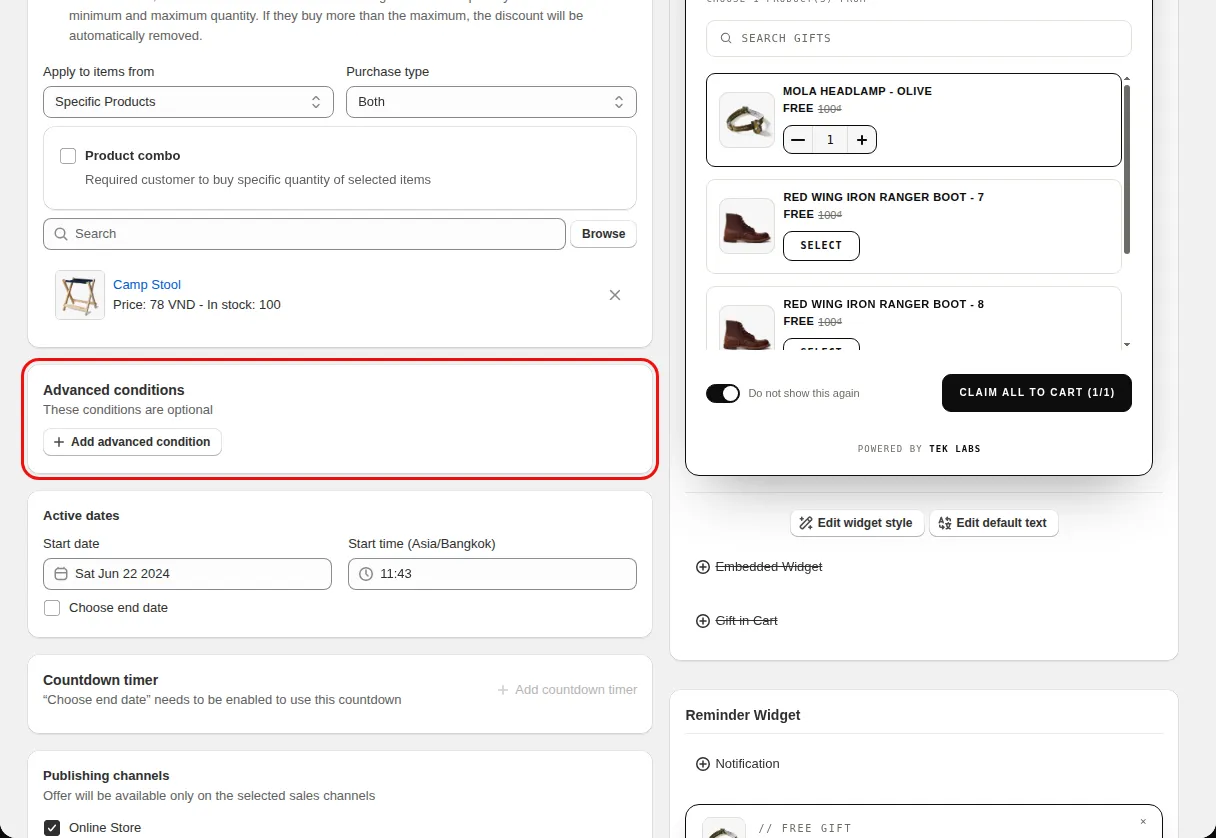
Under Country targeting choose Specific countries, pick Include or Exclude, and select the countries or provinces.
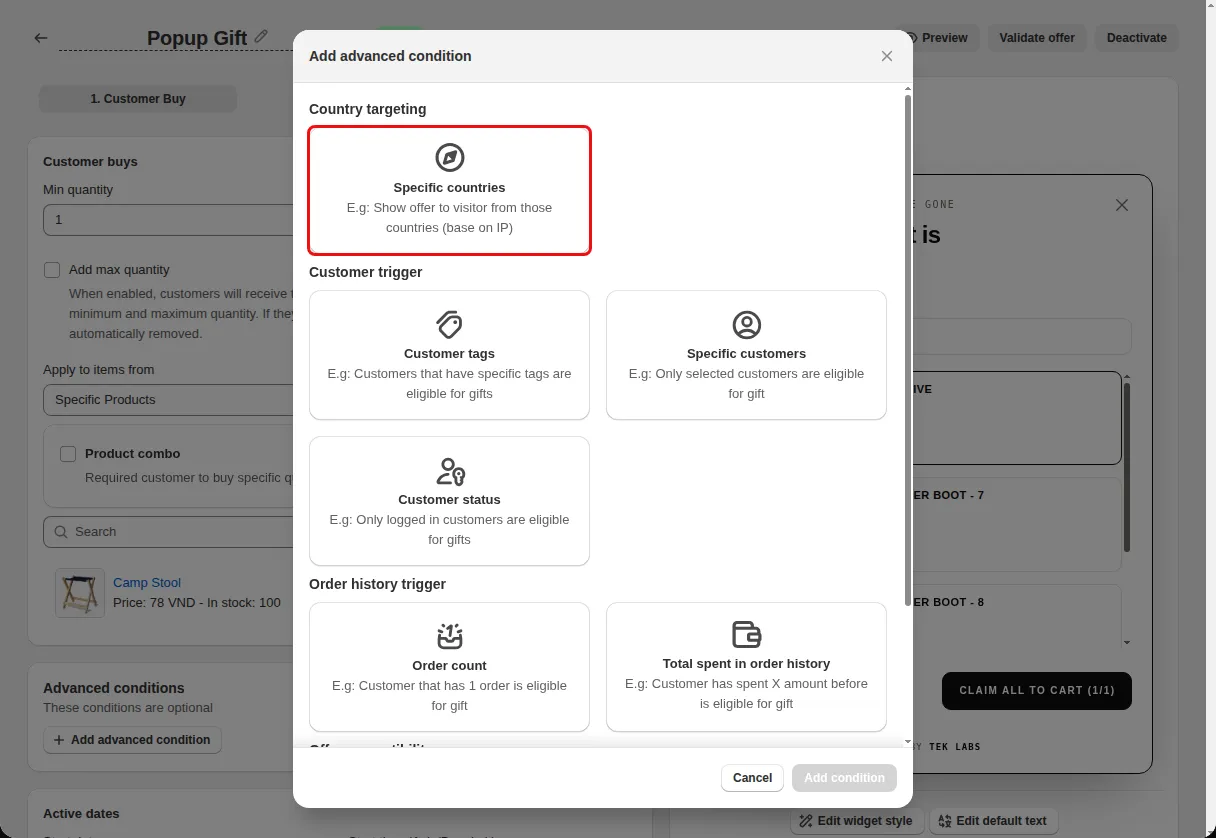
For a milestone reward, under Locale targeting choose Specific locales and select the languages.
Use cases
Offer a gift only in countries where you have stock.
Exclude countries where the offer cannot ship.
Show a milestone bar only to shoppers browsing in one language.
FAQ
The widget code requests visitor location from an IP lookup service and stores the country and region.
In the code, locale targeting is part of the milestone reward bar advanced conditions. The free gift advanced conditions list country, customer, order history, and compatibility.
Yes. A shipping discount milestone has Select applied locations, Include or Exclude Provinces, and a shipping method restriction.
Free gifts, BOGO, bundles and progress bars. Every offer type, on a free plan to start.