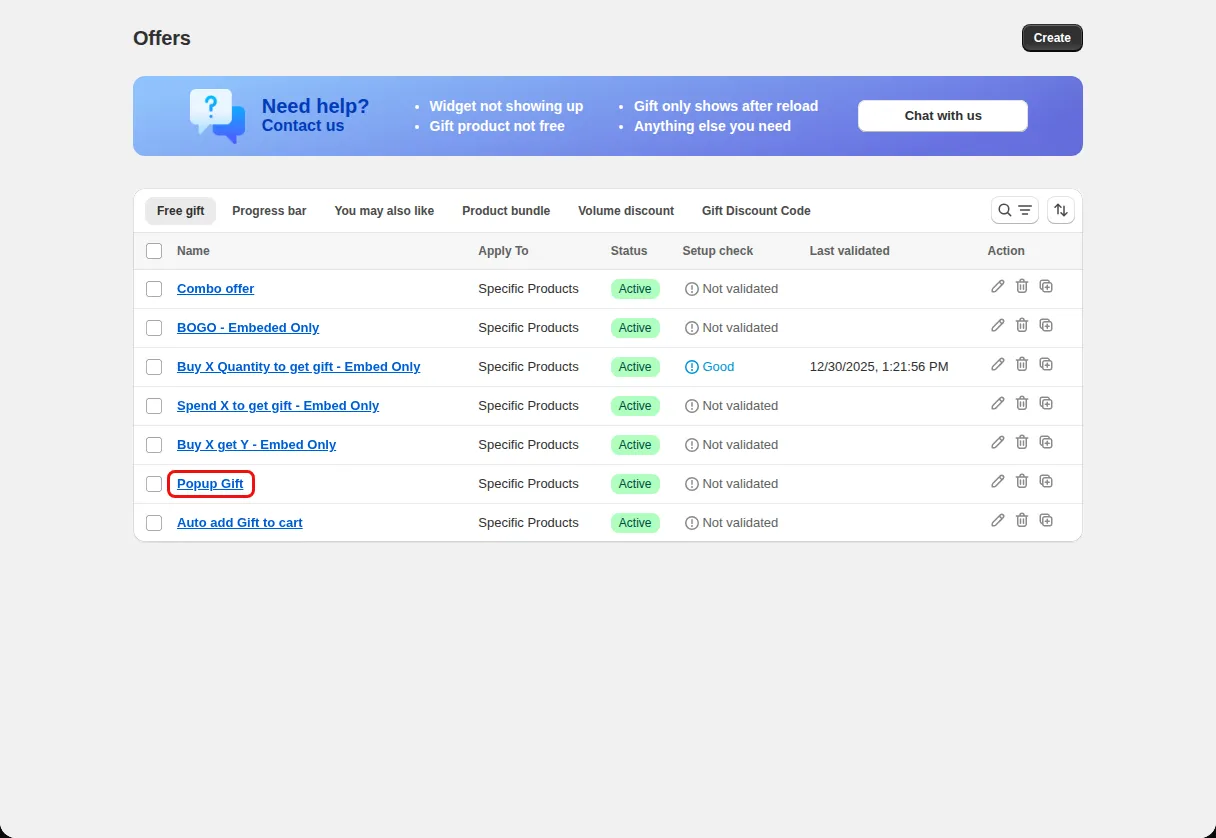
VIP offer first
Give a VIP gift priority 1 and stop weaker gift offers for those customers.
Offer priority and discount stacking
Decide which offer runs first when several apply, stop lower priority offers, and choose which Shopify discounts can combine with each offer.
What it is
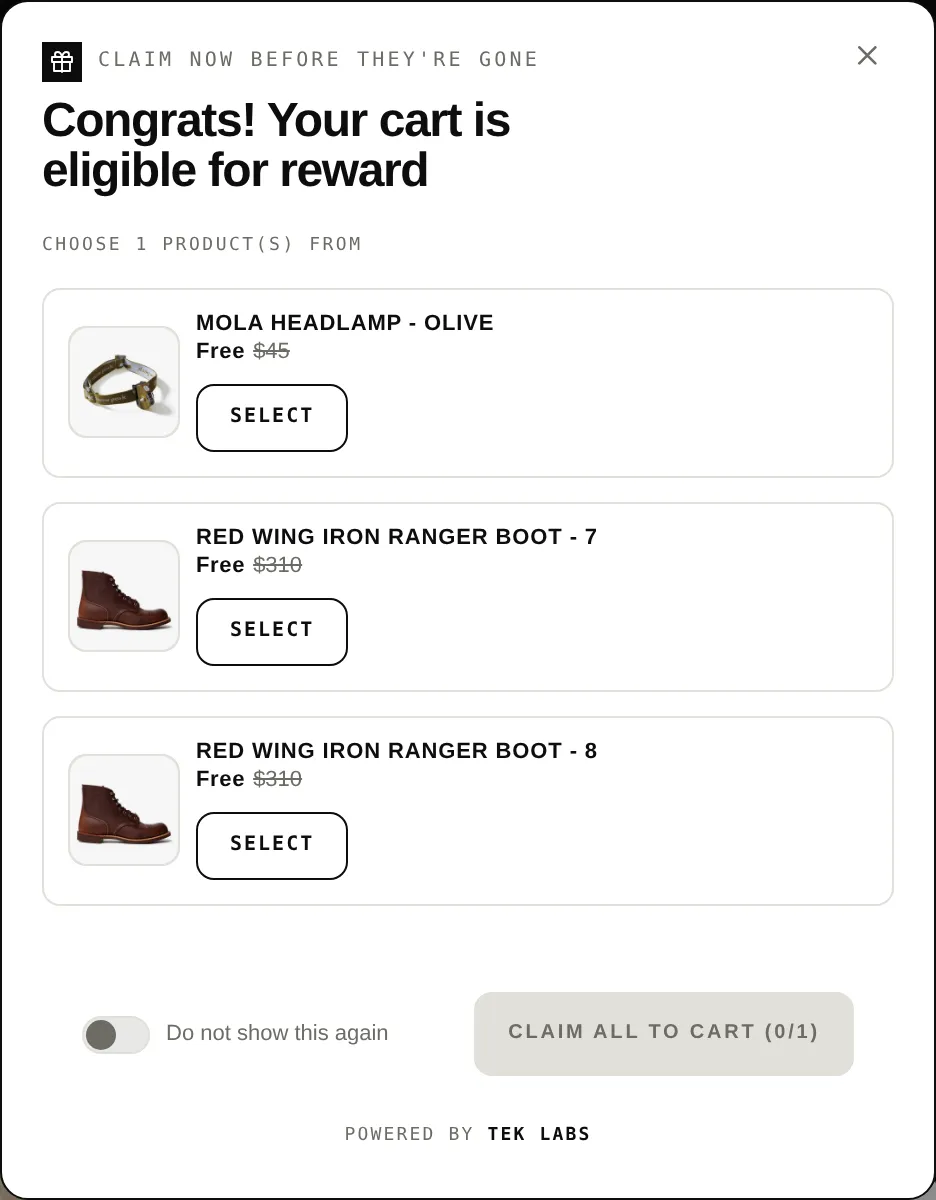
Works with other offers lets you give each Free gift offer a priority number and turn on Stop lower priority. When a customer meets the condition of that offer, offers with a larger priority number are stopped.
Combinations settings decide whether the offer's discount can combine with product discounts, order discounts, and shipping discounts. Together they prevent two promotions from stacking in ways you did not plan.
For the shopper
Scroll through the steps. The phone shows what the shopper sees at each one; products and prices are an example.
More than one offer may apply to the same cart.
The offer with the lowest priority number is processed first.
If Stop lower priority is on and the condition is met, the lower priority offers are skipped.
Shopify applies the combinations you allowed for product, order, and shipping discounts.
For you
Options you control
On the Condition step expand Advanced conditions and find Offer compatibility.
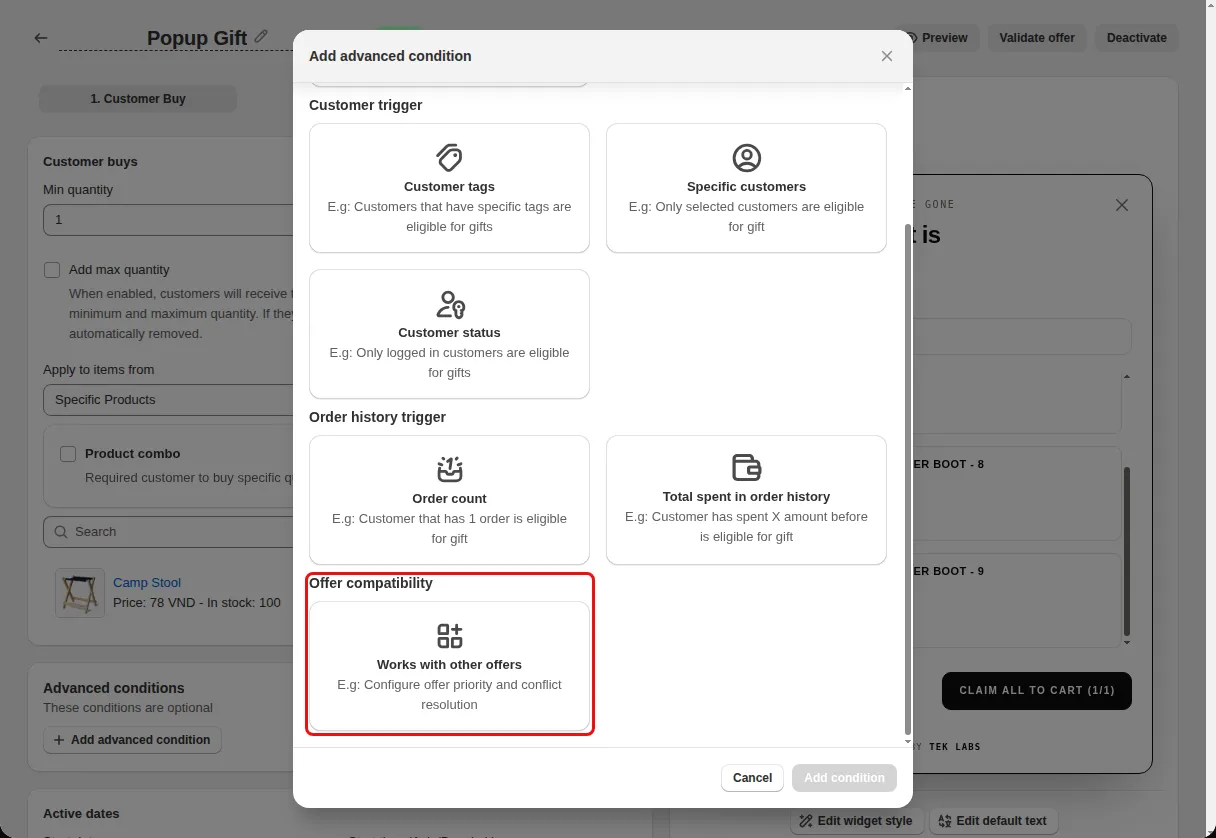
Under Works with other offers enter a Priority and tick Stop lower priority if needed.
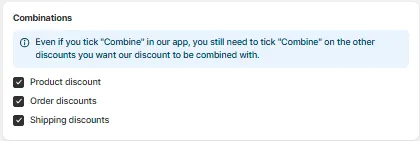
On the Reward step, under Discount settings, choose Combinations: Product discount, Order discounts, and Shipping discounts.
Use cases
Give a VIP gift priority 1 and stop weaker gift offers for those customers.
Stop a small gift offer when the big gift offer applies.
Allow shipping discounts to combine with the gift discount.
FAQ
The help text says offers with priority numbers after this one will be stopped, so lower numbers have higher priority.
Priority is under Advanced conditions, Offer compatibility. Combinations are under Discount settings on the reward step.
In the code the priority settings are part of the Free gift advanced conditions.
Free gifts, BOGO, bundles and progress bars. Every offer type, on a free plan to start.