In-store gift with purchase
Reward in-store baskets with the same gift as online.
Free gifts and bundles in Shopify POS
Offer free gifts and product bundles at the point of sale. A POS tile shows how many offers are available and a modal lets staff claim them.
What it is
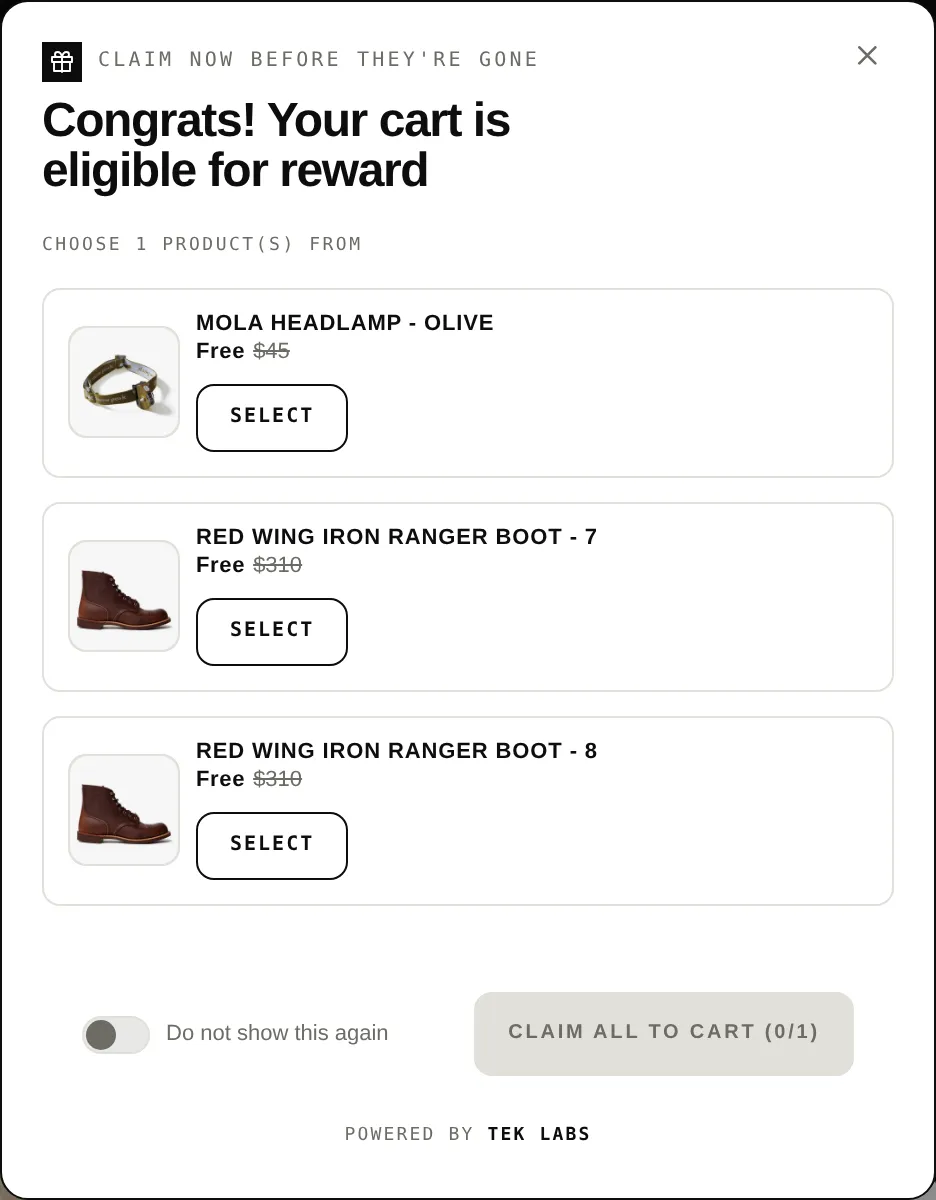
Salepify includes a POS UI extension named Tek Labs POS. On the POS home screen a tile shows a badge with the number of claimable offers. Staff open it to see Available offers, pick gifts or bundle variants, and add them to the cart.
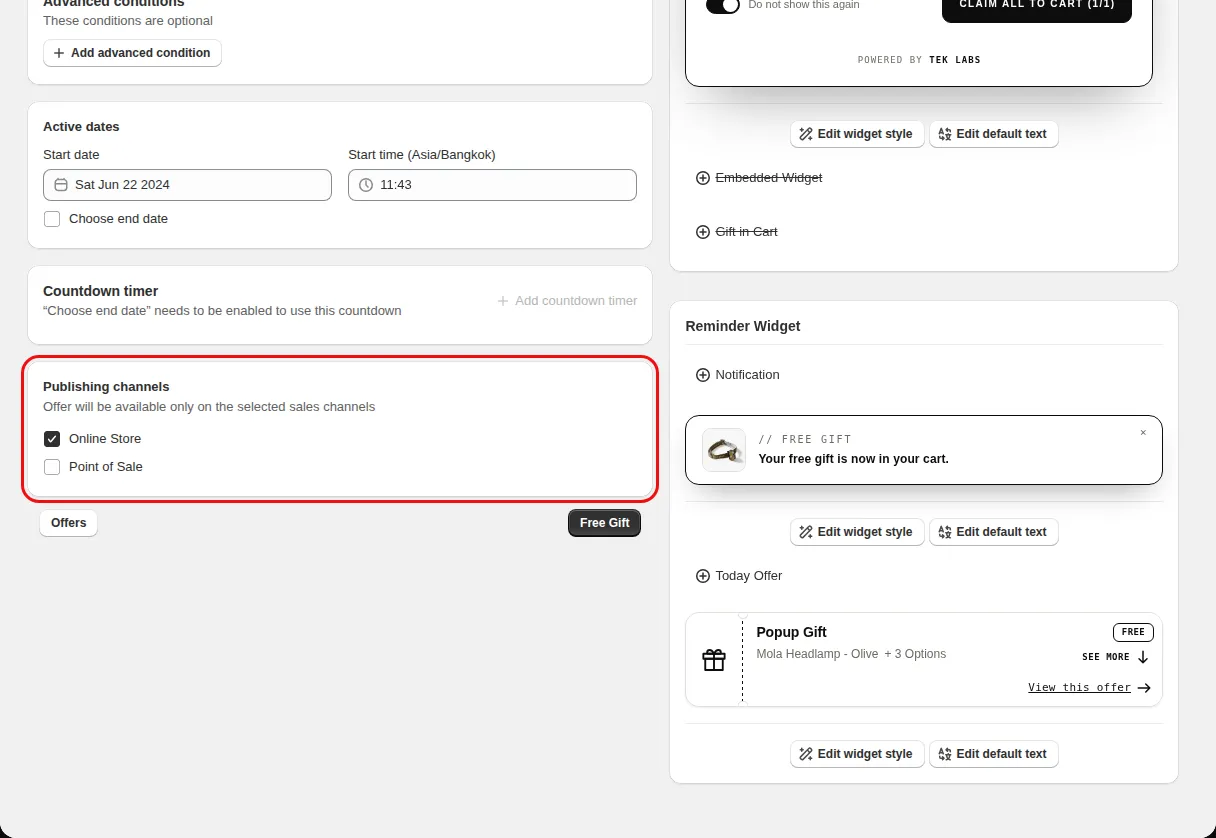
Each offer has a Publishing channels setting with Online Store and Point of Sale, so you control where an offer is available. Offers are checked against the POS cart and the customer, and country conditions are matched using the visitor location.
For the shopper
Scroll through the steps. The phone shows what the shopper sees at each one; products and prices are an example.
The Tek Labs tile on the home screen shows a badge with the number of claimable offers.
The list shows each matching free gift and product bundle.
For free gift offers staff choose gifts and quantity and tap Claim gift. For bundles they pick variants.
The gifts or bundle items are added to the POS cart.
For you
Options you control
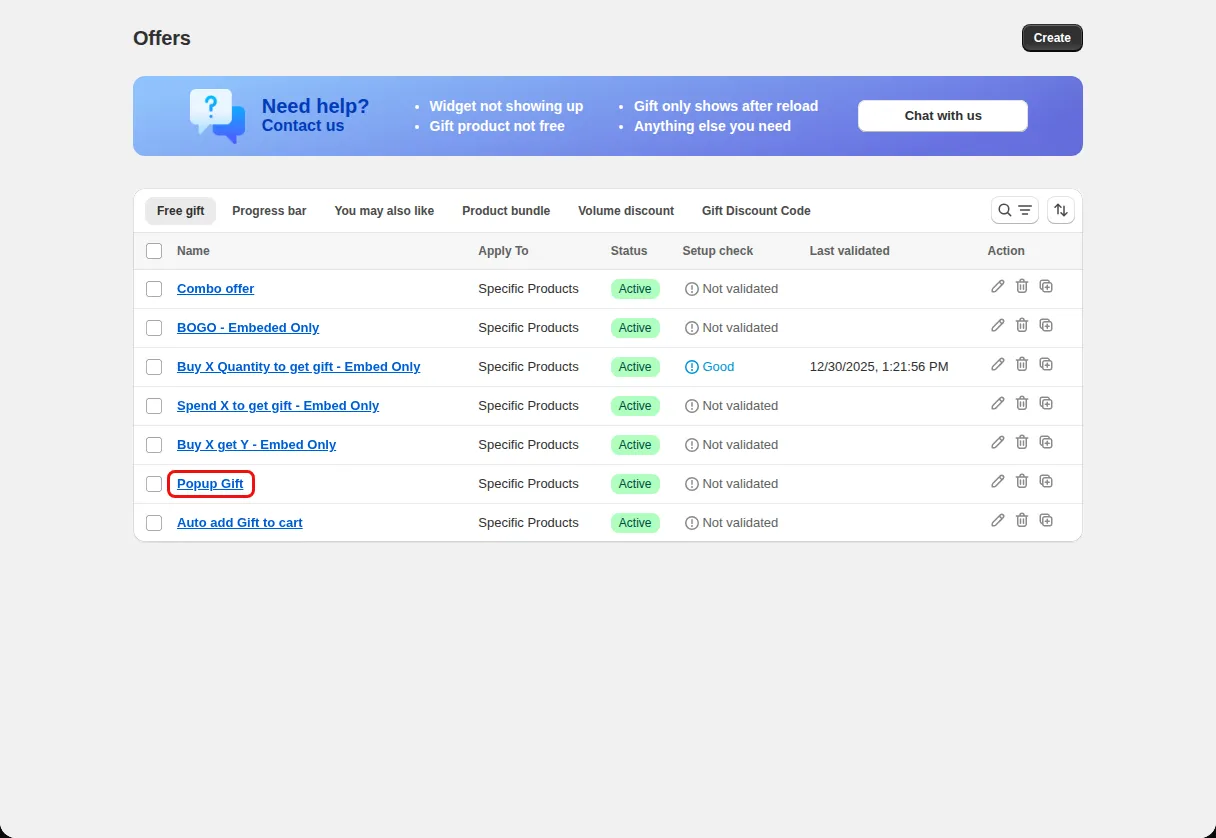
Go to Offers and open a Free gift offer or a Product bundle.
Under Publishing channels (Offer will be available only on the selected sales channels) tick Point of Sale.
In Shopify POS, add the Tek Labs POS tile to the home screen.
Add products to a POS cart and open the tile to see Available offers.
Use cases
Reward in-store baskets with the same gift as online.
Let staff add a bundle and choose variants.
Leave Point of Sale unticked to keep an offer web-only.
FAQ
The POS extension loads free gift rules and product bundle rules.
Yes. Choose only Online Store under Publishing channels.
The app shows a banner that Publishing channels is available on a higher plan for some plans.
Related features
Free gifts, BOGO, bundles and progress bars. Every offer type, on a free plan to start.