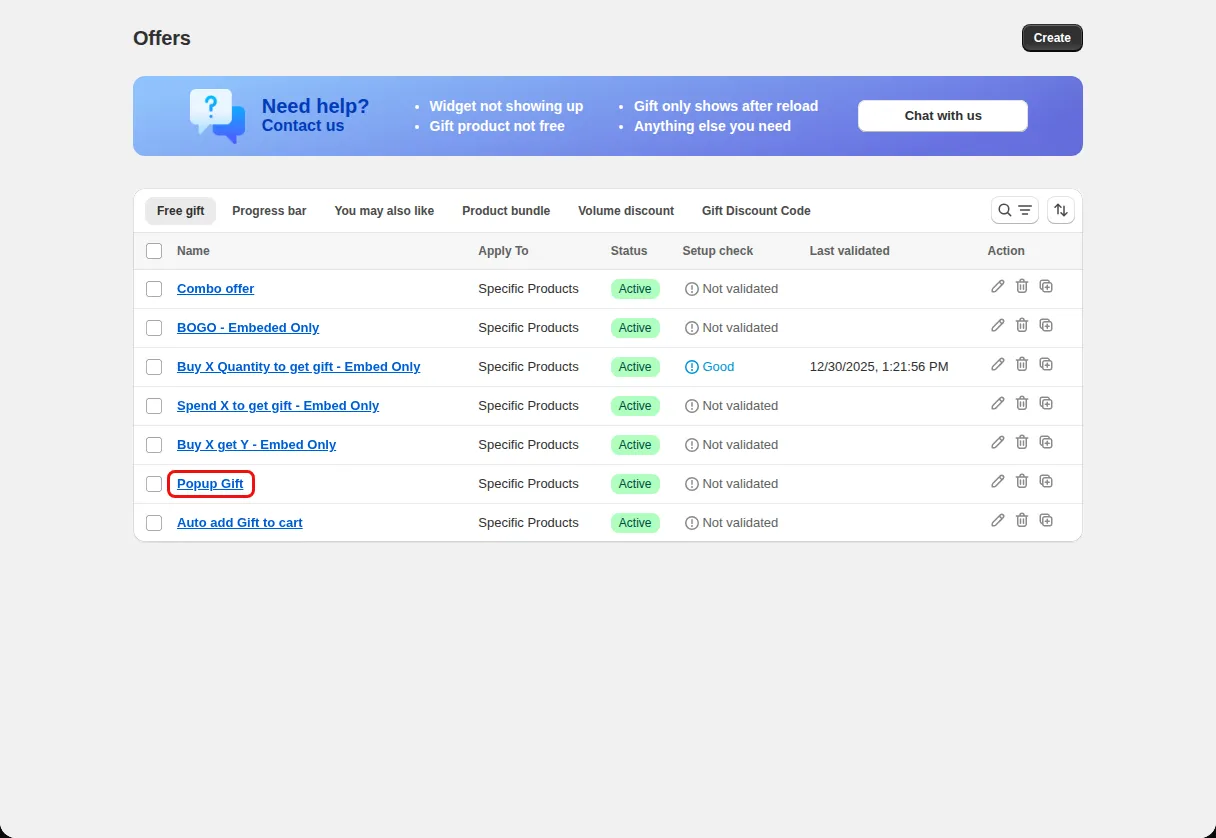
Hero offer
Make one gift offer impossible to miss on every page.
Free gift popup
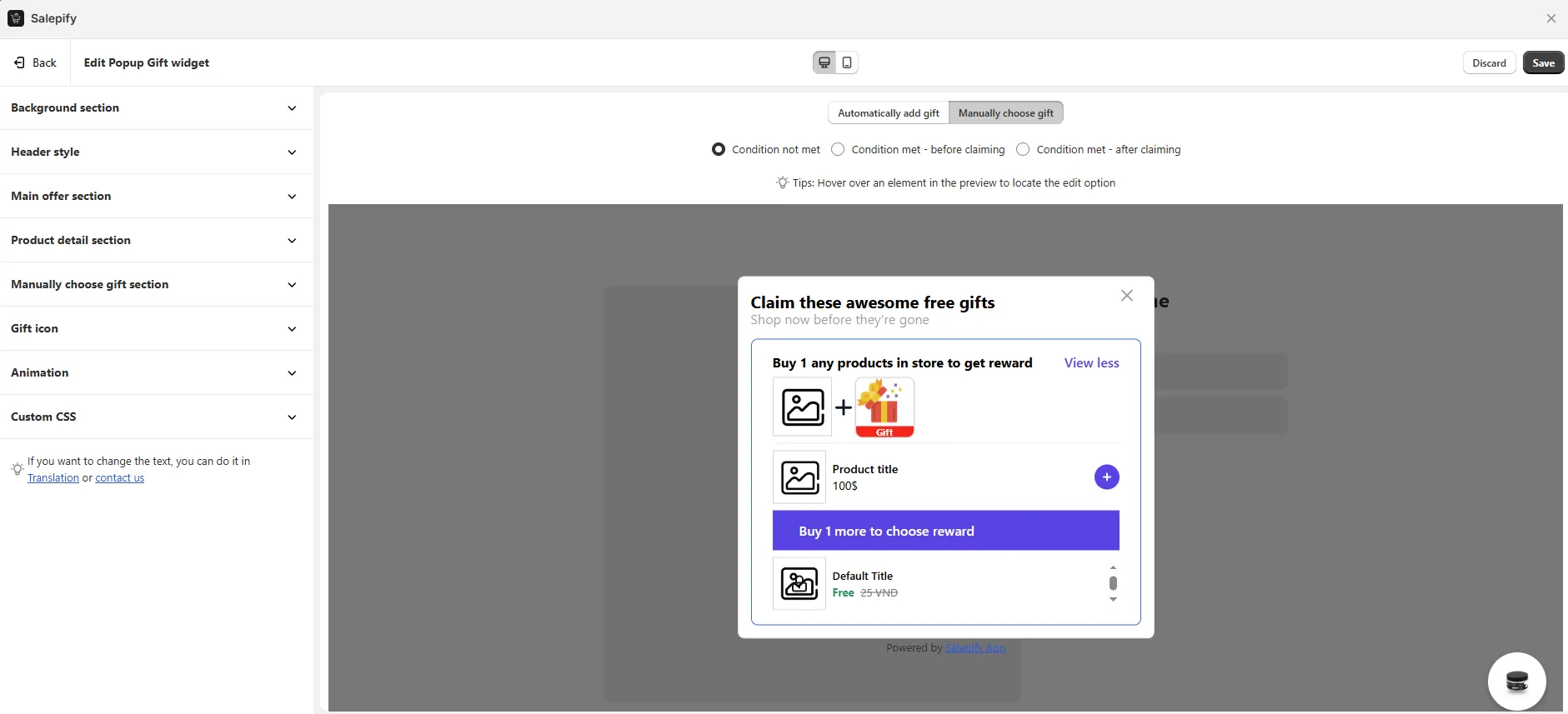
Show gift offers in a popup that shoppers open from a floating icon. The popup can list full offer details or gifts only, and shoppers can claim a gift from it.
What it is
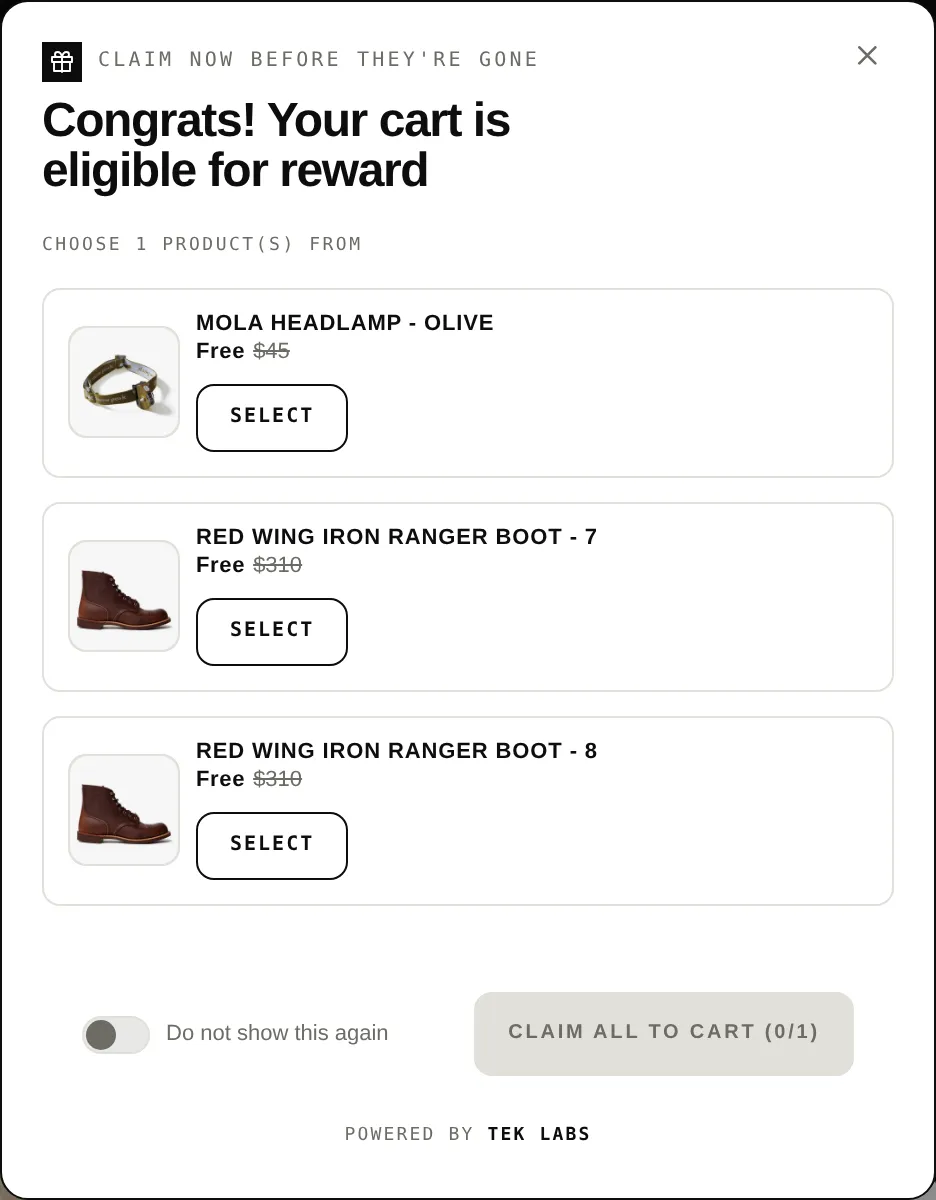
The Pop Up widget shows several gift offers in one overlay window. Shoppers open it from a floating icon you can place in a corner or on a side of the screen. It supports a detailed offers list or a gifts-only layout, pagination when there are many gifts, and a countdown timer.
Use it when you want high attention for your offers. When more than one widget is active, the popup is where customers claim rewards, while the embedded widget only shows status.
For the shopper
Scroll through the steps. The phone shows what the shopper sees at each one; products and prices are an example.
A floating icon appears at the position you chose.
It lists each offer with its condition, progress, and countdown timer if set.
Once the cart meets the condition the popup shows the eligible message and the gifts.
The shopper picks gifts and claims them. A dismiss toggle lets the shopper hide the popup for that offer.
For you
Options you control
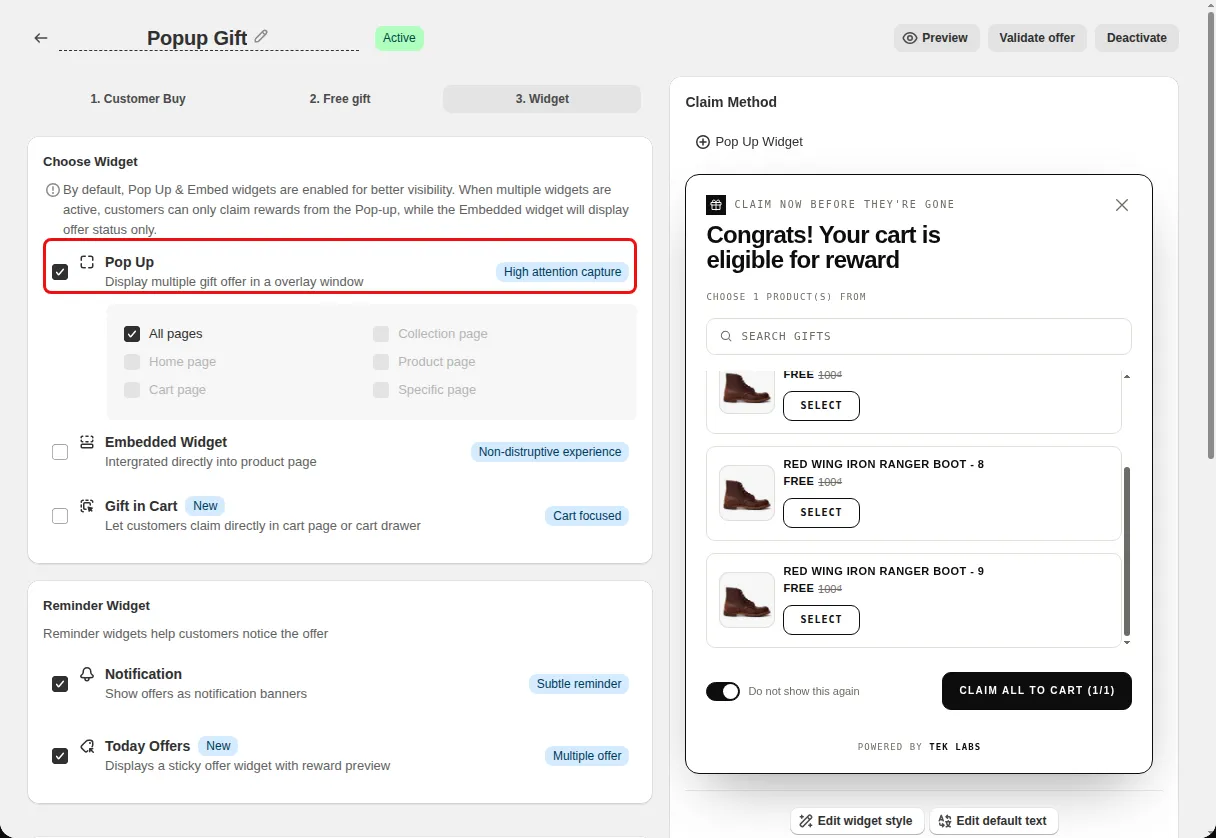
On the Widget step under Choose Widget tick Pop Up (Display multiple gift offer in a overlay window).
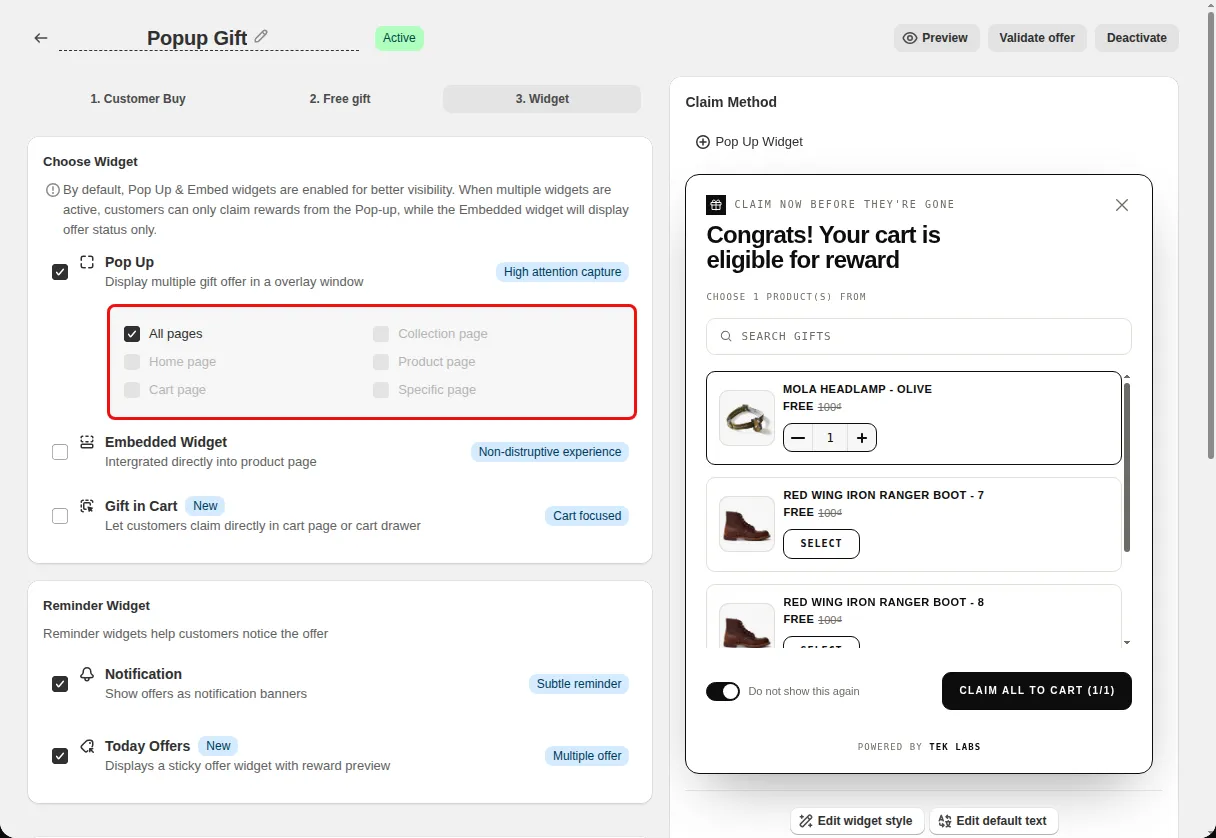
Under Show offer widget on pick All pages, Home page, Product page, Collection page, Cart page, or Specific page.
If the app shows Popup gift is not activated, click Activate Popup gift, then click Save in the theme editor.
Open Styling, choose Popup gift, and set the layout, icon position, and animation.
Use cases
Make one gift offer impossible to miss on every page.
Use pagination so long gift lists stay tidy.
Let repeat visitors turn the popup off for an offer with the dismiss toggle.
FAQ
The popup is an overlay opened from an icon. The embedded widget sits on the product page. When both are active, customers claim from the popup and the embedded widget shows status.
Yes. You can pick all pages, home, product, collection, cart, or a specific page.
The setup check warns when the popup is not set to display on any page and when the Popup Gift block is not enabled in the theme.
Free gifts, BOGO, bundles and progress bars. Every offer type, on a free plan to start.