Shopify can combine up to 5 product or order discount codes and 1 shipping code on one order, alongside up to 25 active automatic discounts, but only when every discount is set to combine with the others’ class and only inside a few hard rules. The fastest way to find out how your own discounts behave is to run a short cart test plan, with expected totals worked out in advance, before Black Friday traffic does the testing for you.
Black Friday 2026 is Friday, November 27, and Cyber Monday is November 30. If you are reading this in the week of October 20, that is 38 days out. Discount stacks tend to grow in the last two weeks before a sale: a welcome code here, a free shipping rule there, a Buy X Get Y for the hero product. Each addition is a chance for two discounts to interact in a way nobody planned. This post gives you the current Shopify rules, a pass/fail matrix of 15 carts with the totals you should see, and a short list of the places where the documentation is silent and you have to record what your store actually does.
Everything about Shopify’s behavior below comes from the Shopify Help Center and shopify.dev pages I read on October 1, 2026, and is linked at the claim. Where I add a hypothetical store, the arithmetic is shown so you can redo it with your own prices.
Key takeaways
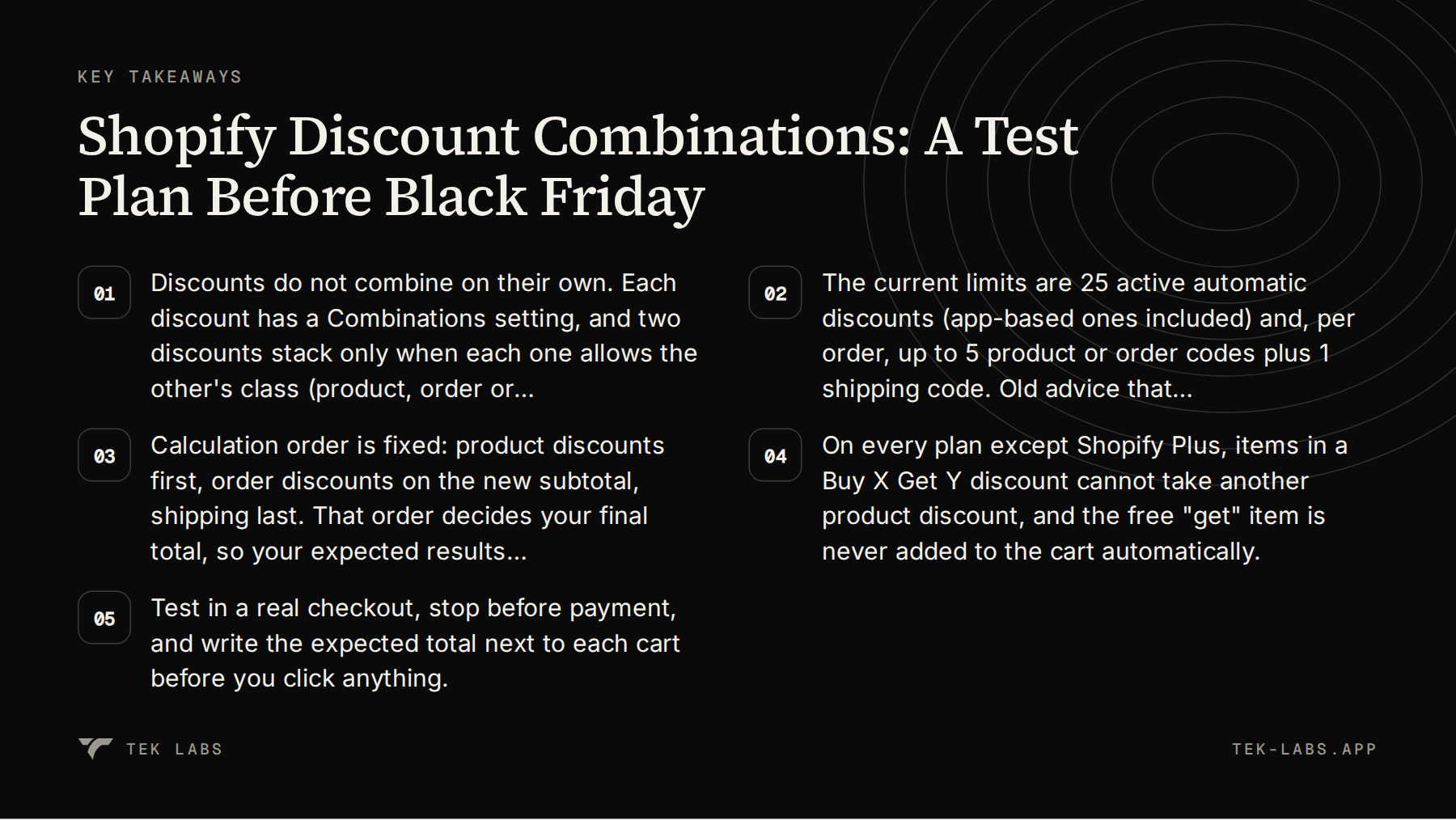
- Discounts do not combine on their own. Each discount has a Combinations setting, and two discounts stack only when each one allows the other’s class (product, order or shipping).
- The current limits are 25 active automatic discounts (app-based ones included) and, per order, up to 5 product or order codes plus 1 shipping code. Old advice that automatic discounts never combine with codes is out of date.
- Calculation order is fixed: product discounts first, order discounts on the new subtotal, shipping last. That order decides your final total, so your expected results must follow it.
- On every plan except Shopify Plus, items in a Buy X Get Y discount cannot take another product discount, and the free “get” item is never added to the cart automatically.
- Test in a real checkout, stop before payment, and write the expected total next to each cart before you click anything.
What changed, and what the old forum answers get wrong
Search for discount stacking problems and you will find threads from 2023 and 2024 that describe a stricter platform. One merchant thread from June 2023 reports that two automatic discounts marked as combinable would not both apply at checkout, and the replies conclude that only the largest discount applies when an item is eligible for several. That was a fair description of the state of things then, and parts of it are still true (more on that in the Buy X Get Y section). But the current Help Center page is more permissive than those answers suggest, and Shopify has also changed the surrounding platform in ways that matter for a sale.
| Date | Change | Why it matters for your test |
|---|---|---|
| — | — | — |
| November 21, 2024 | Shopify raised the limit for automatic app-based discounts from 5 to 25 (shopify.dev changelog) | A store can now run many app-powered automatic offers at once, so the 25 cap is something you can actually hit. |
| April 15, 2026 | Editing and publishing new Shopify Scripts stopped (shopify.dev changelog) | Any Script logic you relied on in 2025 could not be changed after this date. |
| June 30, 2026 | All Shopify Scripts ceased to execute (same changelog) | If a past Black Friday depended on a Script to reject or reshape discounts, that logic is gone this year and has to be rebuilt as a discount app or Function. |
| Current | Combinations page lists 25 automatic discounts and 5 + 1 codes per order (Help Center) | These are the numbers your matrix should enforce. |
One detail to flag: the Help Center combinations page I read still lists “Discounts added to an order using the Scripts API” among the discounts that bypass combination settings. Given the changelog above, I read that as a leftover for stores that have no Scripts left to run, but I could not find Shopify stating that either way. If you migrated a Script this year, test the replacement like any other discount.
The rules your tests must respect
Before building a matrix, it helps to have the rules in one place. This is the part of the Help Center page that changes the expected results of nearly every cart below.
Three classes, six combinations
Every discount belongs to a class: product discounts apply to specific items or collections, order discounts apply to the cart subtotal, and shipping discounts change shipping costs. Shopify lists six types of combination:
| Combination | Who can use it |
|---|---|
| — | — |
| Order discount with free shipping | All merchants |
| Product discount with free shipping | All merchants |
| Product discount with another product discount on separate items | All merchants |
| Product discount with an order discount | Eligible merchants |
| Order discount with another order discount | Eligible merchants |
| Product discount with another product discount on the same item | Shopify Plus only |
“Eligible” has a specific meaning: the store must not use any checkout.liquid customizations or features, and must not be using the Licensify app. Shopify’s troubleshooting section adds that if the option to combine product with order discounts is missing, you should check that the store uses Checkout Extensibility with no checkout.liquid customization. One class pair never combines: two shipping discounts cannot apply to the same order.
Settings, not luck
Discounts do not combine automatically. In the Combinations section of each discount you tick the classes it may combine with. Shopify’s page also says that two discounts apply together only when the setting on each one allows it, which is why a combination can silently fail when you updated only one side. You do not have to create both discounts at once, but both must be active and both must allow the other’s class.
Shopify’s discounts overview also lets you view which discounts have combinations turned on. In the Discounts list you can add a filter called Combines with and choose the classes you want to see. That filter is the quickest audit tool before a sale.
Calculation order
Shopify states the order plainly: product discounts apply first to individual items, order discounts apply to the revised subtotal after product discounts, and shipping discounts apply last. Two consequences are easy to miss:
- When two percentage order discounts apply, both are calculated on the subtotal after product discounts, not one after the other. Shopify’s own example is 10% plus 20% off a $100 subtotal giving $70, which is 30% off.
- When a percentage order discount and a fixed-amount order discount apply together, the percentage is taken first and the fixed amount comes off the new subtotal.
Limits and exceptions
- 25 active automatic discounts, app-based ones included, which also means at most 25 automatic discounts can apply to one order.
- Per order, at most 5 product or order discount codes and 1 shipping discount code.
- Combinations work only on orders placed through the Online Store, the Storefront API and Shopify POS. They are not available at external checkouts such as Facebook, Instagram or Google.
- Discounts with a $0 or 0% value may not work correctly at checkout, so Shopify suggests at least $0.01 or 1%.
- If discounts cannot combine, Shopify applies the best discount or combination for the customer, rather than the first one entered.
- For apps, a single discount can contain several classes (Shopify Functions discount classes). Such a discount combines only with discounts that allow every class it includes.
Buy X Get Y is its own case
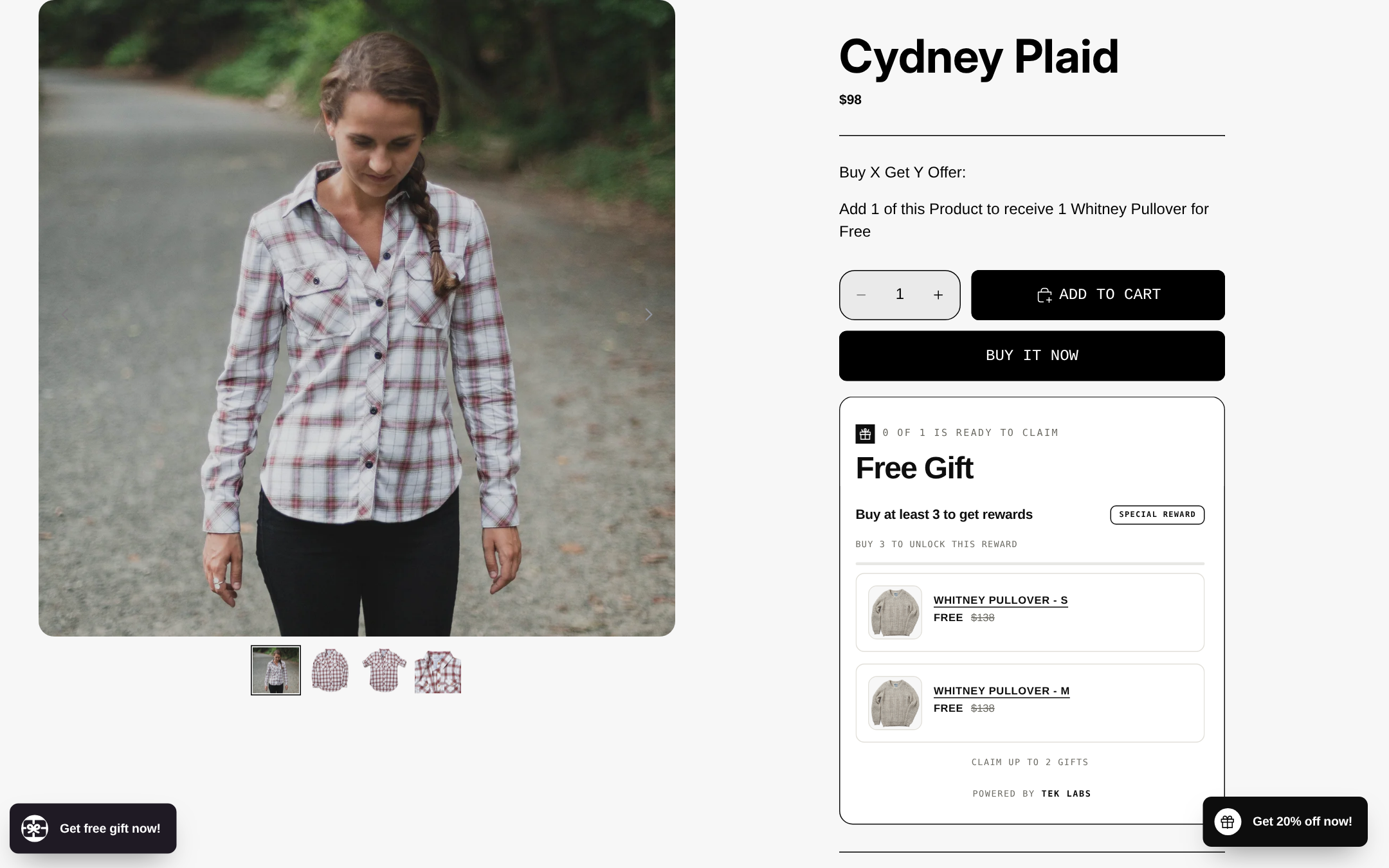
On all plans except Shopify Plus, every product that is part of a Buy X Get Y discount is ineligible for further product discounts, and if a code would apply to those products the best value overall wins. On Plus, the customer-gets product can combine product discounts on the same line item. A related rule is easy to forget: the free or discounted “get” item is never added to the cart automatically. The customer adds everything, and the discount then applies. The Buy X Get Y help page notes that a Buy X Get Y created in the Shopify admin does not apply to the post-purchase page, which matters if you also run post-purchase offers.
There is one more Buy X Get Y rule that affects minimum-spend setups. Products count toward a minimum purchase amount at full price, before any other discount, and an item that already has another (combinable) product discount does not count at all. If you set a Buy X Get Y that requires a minimum spend and then layer a product discount on those same items, you may lose the trigger. That is covered by test 13.
Set up a clean test store state
Test in the store, not in your head. Shopify’s own guidance is to place a test order, or to add products to a cart, go to checkout, enter your codes and confirm the discounts display correctly, then close the checkout before paying. The second route costs nothing, so use it for most of the matrix.
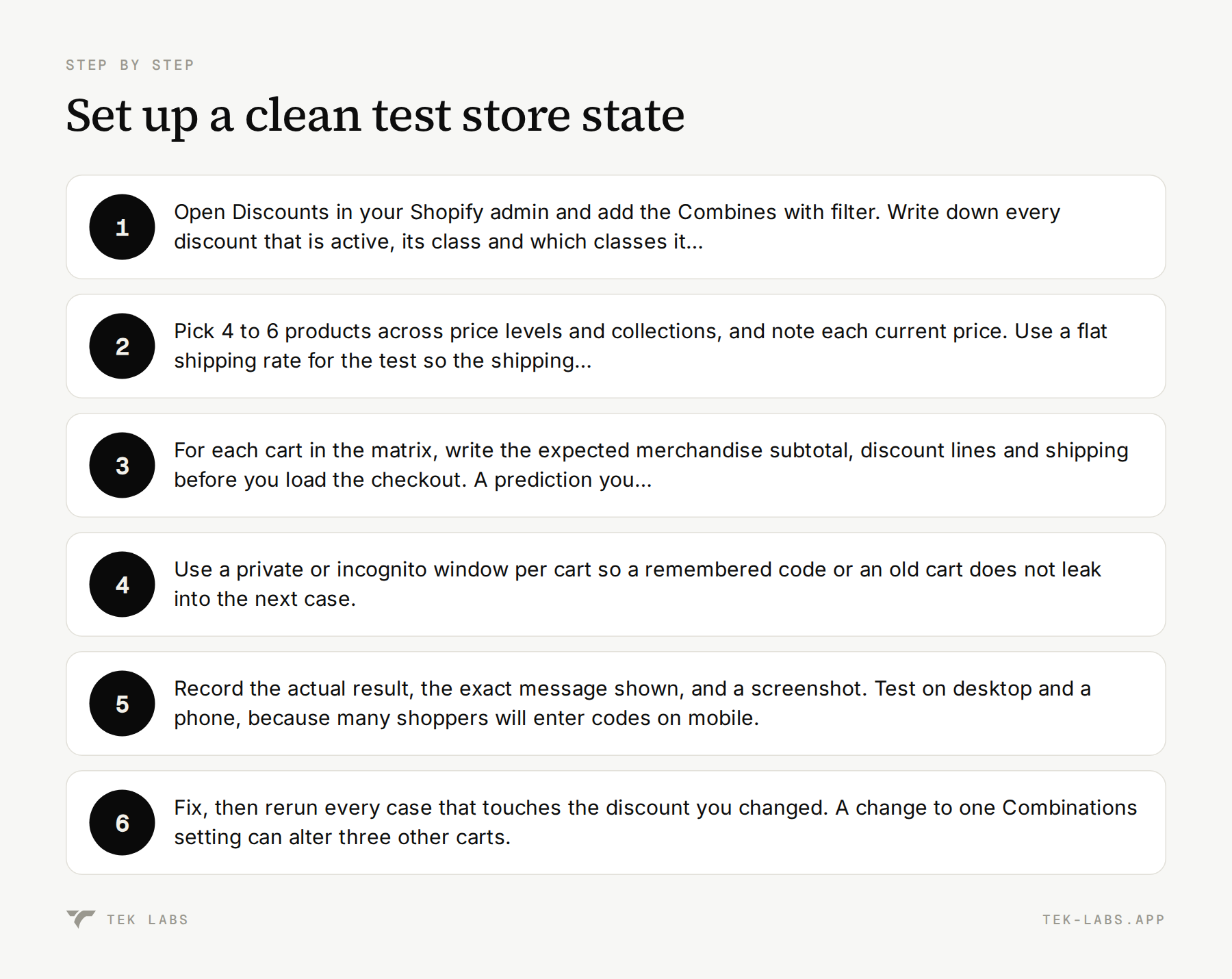
- Open Discounts in your Shopify admin and add the Combines with filter. Write down every discount that is active, its class and which classes it allows. If you see more than about 20 automatic discounts, count them: the cap is 25 and app-based ones are included.
- Pick 4 to 6 products across price levels and collections, and note each current price. Use a flat shipping rate for the test so the shipping arithmetic is simple.
- For each cart in the matrix, write the expected merchandise subtotal, discount lines and shipping before you load the checkout. A prediction you made first is the only kind that can fail.
- Use a private or incognito window per cart so a remembered code or an old cart does not leak into the next case.
- Record the actual result, the exact message shown, and a screenshot. Test on desktop and a phone, because many shoppers will enter codes on mobile.
- Fix, then rerun every case that touches the discount you changed. A change to one Combinations setting can alter three other carts.
A hypothetical discount stack
The matrix needs concrete numbers, so here is a hypothetical store that sells outdoor basics. Prices are invented for the example. A flat $8 shipping rate applies.
| Item | Price |
|---|---|
| — | — |
| Jacket | $120 |
| Tee | $40 |
| Hat | $30 |
| Socks (per pair) | $12 |
And the hypothetical Black Friday discount stack:
| ID | Type and class | Rule | Combines with |
|---|---|---|---|
| — | — | — | — |
| A1 | Automatic, product | 15% off the Socks collection | Order, shipping |
| A2 | Automatic, order | $20 off orders over $200 | Product, order, shipping |
| A3 | Automatic, shipping | Free shipping over $75 | Product, order |
| A4 | Automatic, Buy X Get Y | Buy 2 hats, get 1 hat free | Order, shipping |
| C1 | Code WELCOME10, order | 10% off the order | Product, order, shipping |
| C2 | Code VIP15, order | 15% off the order | Product, order, shipping |
| C3 | Code HATS50, product | 50% off hats | Order, shipping |
| C4 | Code SHIP5, shipping | $5 off shipping | Product, order |
| C5 | Code HATS10, product | 10% off hats | Order, shipping |
Do not copy this stack. Replace it with your real active discounts, and keep the structure: one or two discounts per class, plus at least one Buy X Get Y and at least one case at each limit.
Worked example: two carts, step by step
Two full calculations show how the order of operations plays out. Taxes are ignored.
Cart A: product, order and shipping together
The cart holds 1 Jacket ($120) and 2 pairs of Socks ($24), so the subtotal is $144.00. A1 and A3 apply automatically, and the shopper enters C1 (WELCOME10).
- Product discount first: A1 takes 15% off the socks, which is $3.60, so the socks cost $20.40 and the subtotal becomes $140.40.
- Order discount next: C1 takes 10% of $140.40, which is $14.04, leaving $126.36.
- Shipping last: the $8 rate is removed by A3 because the cart is over $75.
- Expected total: $126.36 with free shipping.
If your checkout shows $129.60 for the merchandise (10% off $144 and no sock discount), A1 did not combine with C1.
Cart B: percentage then fixed amount
The cart holds 2 Jackets ($240) and 2 pairs of Socks ($24), so the subtotal is $264.00. A1, A2 and A3 apply automatically and the shopper enters C1.
- Product discount: A1 takes $3.60 off the socks, leaving $260.40.
- Percentage order discount: C1 takes 10% of $260.40, which is $26.04, leaving $234.36.
- Fixed order discount: A2 then takes $20, leaving $214.36.
- Shipping: free through A3.
- Expected total: $214.36.
If the checkout shows $216.36, the fixed $20 came off first, which contradicts the order Shopify describes. The difference is only $2, which is why a written prediction matters: nobody notices a $2 gap by eye.
The pass/fail test matrix
Run these in order. Each row lists the cart, the discounts in play, and what a pass looks like. Merchandise totals exclude shipping unless a shipping discount is being tested.
Group 1: stacking and order of operations
| # | Cart and discounts | Expected result |
|---|---|---|
| — | — | — |
| 1 | Cart A above: 1 Jacket and 2 Socks; A1 and A3 automatic, C1 entered | Merchandise $126.36, shipping free. Pass if all three discount lines show. |
| 2 | Cart B above: 2 Jackets and 2 Socks; A1, A2, A3, C1 | Merchandise $214.36, shipping free. Pass if percentage is taken before the $20. |
| 3 | 1 Jacket and 1 Tee ($160); C1 and C2 entered, A2 not eligible | 10% ($16) and 15% ($24) both come off $160 for $120.00. A sequential result of $122.40 means the percentages compounded, which is not what Shopify describes. |
| 4 | 1 Jacket ($120); automatic A3 (free over $75) and code C4 (SHIP5) | Only one shipping discount applies, the better one for the shopper (free shipping, worth $8, beats $5). Pass if shipping is $0 and the cart does not error. |
| 5 | 1 Jacket and 2 Socks; A1 automatic, plus a free shipping code whose Combinations settings are all switched off | The shipping code is refused, because product and order discounts take priority over a shipping discount that cannot combine. Shopify says a message such as “You already have a better combination” is expected. |
Group 2: limits
| # | Cart and discounts | Expected result |
|---|---|---|
| — | — | — |
| 6 | Create 6 order codes worth 1% each, all set to combine with order discounts. Enter all six on one cart, then add C4 | At most 5 product or order codes apply and the sixth does not. The shipping code still applies because the limit is separate. Record which code is dropped and the message, because Shopify does not say. |
| 7 | Count active automatic discounts in the Discounts list, apps included | 25 or fewer. If you are at 25, one more will not apply, so retire expired ones before adding Black Friday offers. |
| 8 | Enter two codes that are not set to combine with each other | The second is refused with “Discount couldn’t be used with your existing discounts”, or the better of the two applies. Pass if your cart matches your intent for that pair. |
| 9 | Enter a 0% or $0 code in staging | May not work. Pass condition is that you replaced it with at least $0.01 or 1%. |
Group 3: Buy X Get Y
| # | Cart and discounts | Expected result |
|---|---|---|
| — | — | — |
| 10 | 2 Hats ($60); A4 automatic | No discount. The free third hat is never added automatically, so pass means no discount and no surprise gift. |
| 11 | 3 Hats ($90); A4 automatic | Merchandise $60. The customer added all three hats themselves. |
| 12 | 3 Hats; A4 and code C1 | A4 takes $30 (leaving $60), then C1 takes 10% of $60, which is $6, for $54.00. Order discounts can combine with Buy X Get Y. |
| 13 | Jacket plus 3 Hats ($210) with a “spend $200 get $20 off” order discount and C3 (HATS50) | Hats drop by $45 to $165 (C3 beats A4, see test 14). Whether the spend-$200 rule still triggers after the product discount is not stated on the Help Center pages I read, so treat this as an observe-and-record case and write the answer in your team notes. |
| 14 | 3 Hats; A4 plus C3 (HATS50, worth $45), then separately A4 plus C5 (HATS10, worth $9) | On non-Plus plans the products in A4 cannot take another product discount, and the best overall discount is applied. With C3 the code is worth more, so expect $45 merchandise. With C5 the Buy X Get Y is worth more, so expect $60. Shopify’s troubleshooting section words this differently, saying the Buy X Get Y is removed when a code applies to the same products. Both cases must be recorded and the result written into your runbook. |
| 15 | A Buy X Get Y that needs a minimum spend, plus a combinable product discount on the same items | Per Shopify, an item that already has another product discount does not count toward the minimum at all, so the trigger may fail. Confirm with a cart just above the minimum. |
Two of those rows ask you to record rather than confirm. That is deliberate. Good test plans separate rules Shopify has written down (you check that your store matches) from behavior nobody has documented (you find out and write it down so your support team is not guessing in the middle of Cyber Week).
Extra checks that are not cart math
Some failures have nothing to do with arithmetic. Add these to the same session.
- **Start and end times.** A discount starts at 12:00 a.m. in the time zone selected in your Shopify admin. A Friday start date means the store time zone’s midnight, not the customer’s. If your sale is “live from midnight”, test with a discount that starts at the next midnight and watch it flip.
- **App-created discounts.** Whether an app’s discount combines depends on the developer having updated the app to the combinations API, according to Shopify. Open each app discount and check that the Combinations section exists. A single app discount that mixes classes (for example 10% off the order plus free shipping) combines only with discounts that allow every class it contains.
- **Express buttons and external checkouts.** Shopify says combinations are not available at checkouts on Facebook, Instagram, Google or other external platforms. If a meaningful share of your traffic arrives there, expect to see different totals and make sure no promotion promises something that checkout will not deliver.
- **Post-purchase offers.** Buy X Get Y discounts made in the Shopify admin do not apply on the post-purchase page, so a one-click offer after payment needs its own price logic.
- **Scripts you used last year.** If a Script used to reject a code or cap a discount, there is no Script this year. Shopify’s Functions documentation describes how apps can reject discount codes with custom messages, so ask your discount app vendor whether they cover that rule.
Why this matters more with gifts, milestones and apps
Native Shopify discounts are only one layer. Most stores add a free shipping bar, a gift threshold or a bundle app, and each of those can produce a discount or a price change at checkout. The rules above still govern the final result, so each extra source should have its own rows in the matrix.
Shopify’s checkout apps page states that public apps built with Shopify Functions are available on Basic and higher plans, while custom apps built with Functions are available only on Shopify Plus. In practice that means a store outside Plus gets advanced discount logic through a public app, and the app’s combination behavior is something you test rather than assume.
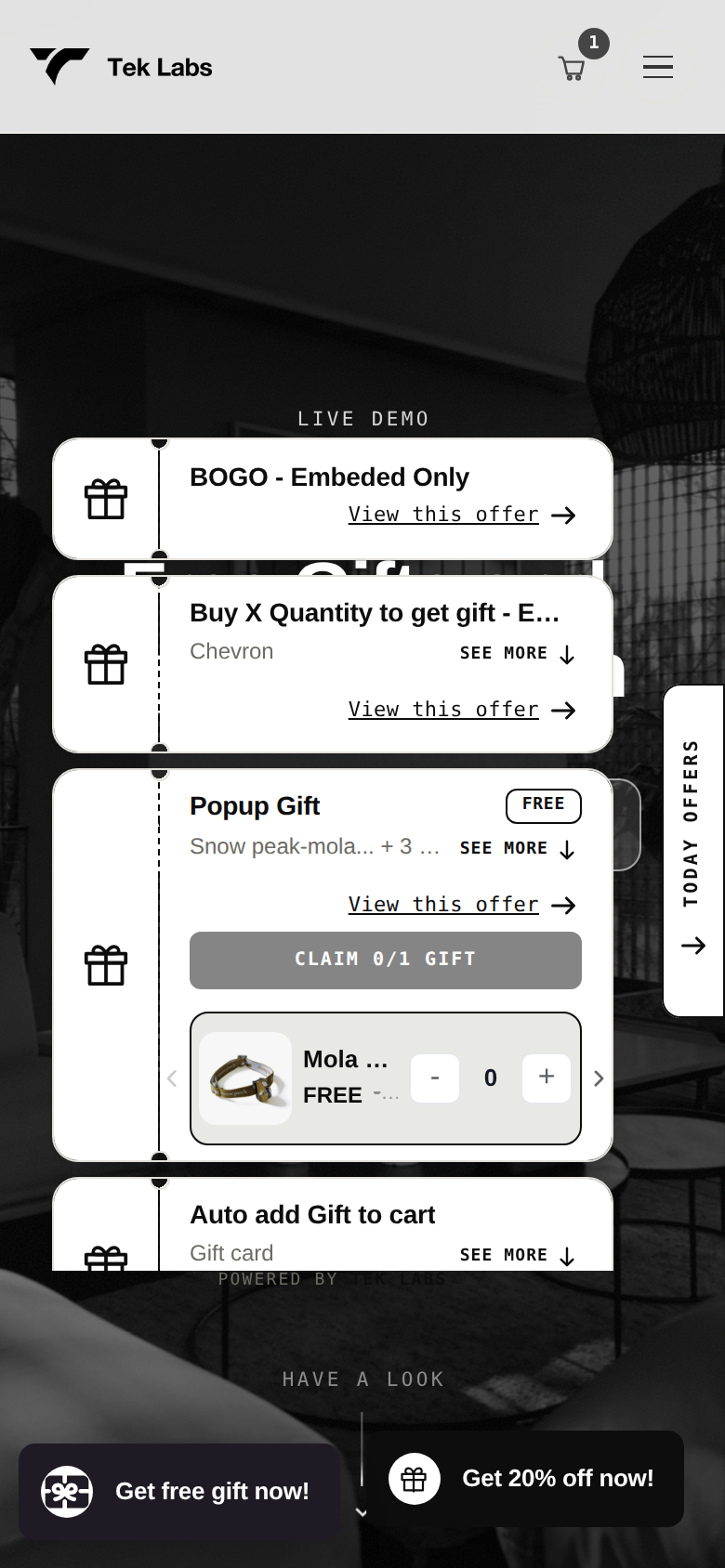
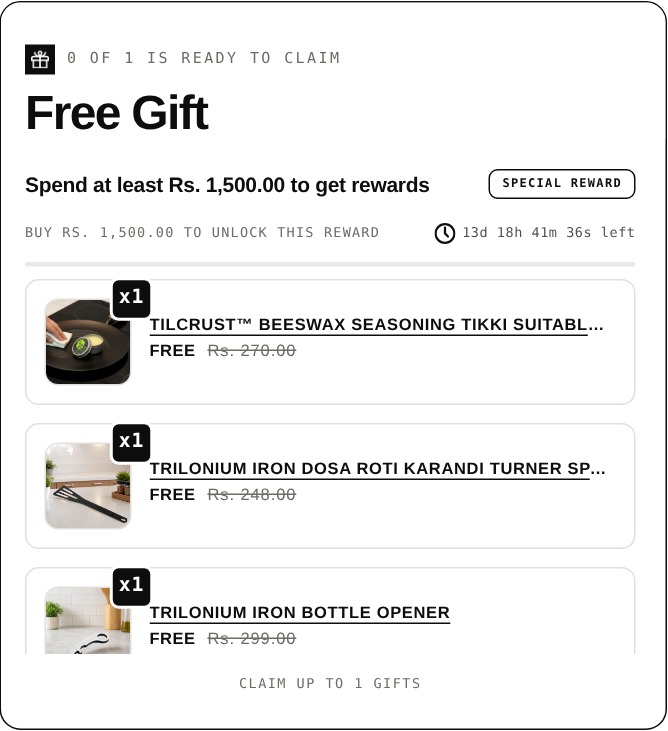
If you use a gift app, add three cases: a gift with a threshold plus a code, a gift with a Buy X Get Y, and a gift when a shipping code is present. The Free Gifts BOGO & Upsell app lists compatibility with Shopify discounts and Shopify Checkout, so those are exactly the combinations to try on the demo store (store password: 1) and then on your own store. Native Buy X Get Y never auto-adds the free item, which is one reason merchants use a gift app, and our earlier comparison of Shopify’s default Buy X Get Y and third-party providers covers that choice in more depth. For the gift side of the maths, see the free gift threshold worked example.
Common mistakes
- **Setting combinations on only one discount.** Both sides must allow the other’s class. When a new code does not stack, open the older discount first.
- **Expecting two product discounts on one item.** Outside Plus, one line item gets one product discount, and anything in a Buy X Get Y is excluded from others. A product plus an order discount on the same item is fine.
- **Testing only with one code.** Most problems show up when a second or third code enters. Run each cart with the exact set of codes a shopper could realistically hold, including the one in your popup.
- **Leaving old automatic discounts live.** Expired campaigns still count toward the 25 cap if they are active, and stale rules can win “best discount” comparisons.
- **Trusting a forum answer from 2023.** Limits and combination types have changed. Read the Help Center page on the day you plan the sale.
- **Forgetting the schedule.** A discount that starts a day late because of the admin time zone costs a day of Black Friday.
- **Never writing the results down.** The point of the matrix is that support, marketing and the person on call on Cyber Monday can read the same table.
A schedule that fits the 38 days
Black Friday is November 27. Working back from it, a realistic plan is:
- **By October 30:** audit the Discounts list with the Combines with filter, retire expired discounts, and list every app that creates discounts.
- **By November 6:** build the carts for your real stack, write expected totals, and run the matrix once. Fix every unexpected result.
- **By November 13:** rerun the matrix after any change to discounts, apps or the theme cart.
- **By November 20:** freeze the discount stack. Anything new after this date gets its own mini-matrix before it goes live.
- **November 26 and 27:** schedule start times, spot check the live store on desktop and mobile, and keep the written results where support can find them.
Where to look when a result is wrong
Shopify’s troubleshooting section is useful because it maps symptoms to causes. When a cart total is off, work through the same order:
- “Discount couldn’t be used with your existing discounts” even though nothing appears to apply: confirm both discounts allow each other’s class, look for an active automatic discount hiding in the cart, and temporarily disable discount or checkout apps to see whether one is interfering.
- A code was replaced by another discount: Shopify applies the best discount when discounts cannot combine, and when two product discounts have the same value it may pick one for performance reasons. That is expected behavior.
- An automatic discount is not applying next to a code: check that both are set to combine, that every product in the cart meets both discounts’ conditions, and that you are under the limit of 25 automatic discounts and the limit of 5 codes.
- A shipping discount does not apply next to a product or order discount: if they cannot combine, product and order discounts take priority, because the discounted cart value is used to calculate shipping options. Let them combine, or ask an app to build a single discount with multiple savings.
- Product in a Buy X Get Y gets no extra discount: this is by design on non-Plus plans. Put the other discount on different products or collections, or use an order discount.
If none of that explains it, Shopify suggests gathering the discount names, screenshots of each Combinations setting, the exact message, an example order number and the products affected before you contact Support. That list is worth saving in the test document so the data is ready when you need it.
Frequently Asked Questions
Can Shopify automatic discounts combine with discount codes?
Yes. Shopify’s combinations page says an automatic discount and a discount code can apply to the same cart as long as each is set to combine with the other’s class. The old rule that automatic discounts never combine with codes no longer applies.
How many discount codes can a customer use on one Shopify order?
Up to 5 product or order discount codes plus 1 shipping discount code. Separately, a store can have at most 25 active automatic discounts, and app-based automatic discounts count toward that total.
Why won’t two product discounts apply to the same item?
Outside Shopify Plus, only one product discount applies per line item, and every product in a Buy X Get Y discount is ineligible for further product discounts. A product discount and an order discount can still both apply, and Plus stores can combine product discounts on the same line using matching tags.
In what order does Shopify apply combined discounts?
Product discounts apply first to individual items, order discounts apply to the revised subtotal, and shipping discounts apply last. When two percentage order discounts apply, both are calculated on the same subtotal, and when a percentage and a fixed order discount apply, the percentage comes first.
Do Buy X Get Y discounts add the free item to the cart?
No. Shopify states that customers must add all items to the cart manually and that the free or discounted item is never added automatically. A gift or offer app is what adds the item for them.
How should I test discount combinations without placing orders?
Add products to a cart, go to checkout, enter your codes and check the totals, then close the checkout before payment, which is the approach Shopify’s help page describes. Write the expected total for each cart first, and place at least one real test order before a big sale.