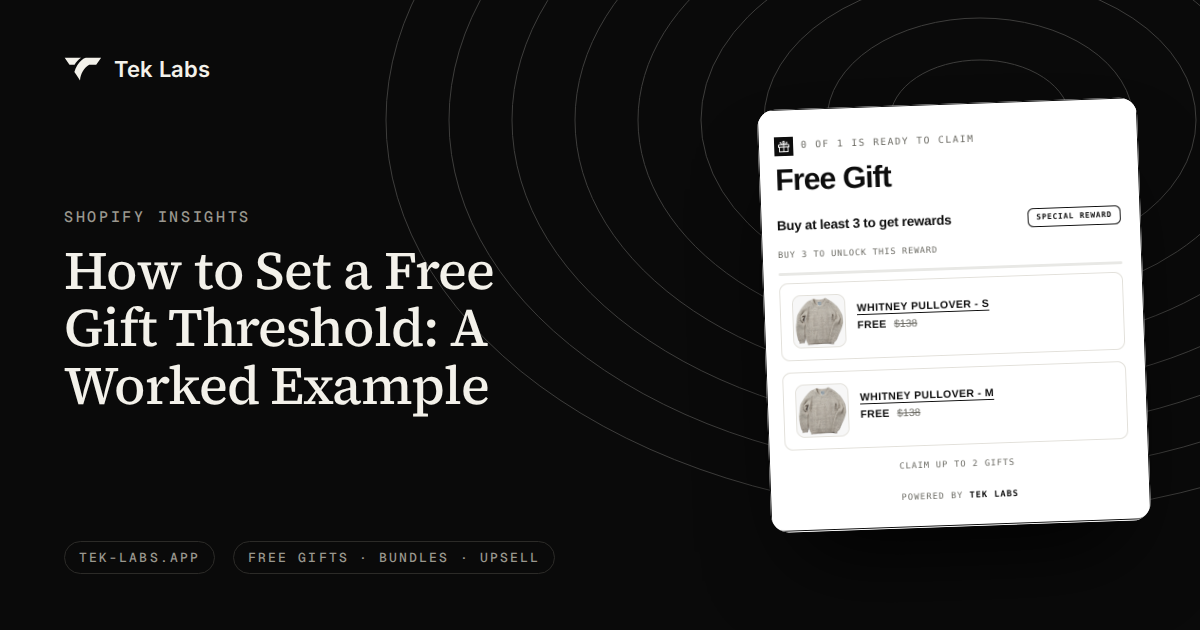
To set a free gift with purchase threshold, start near your average order value plus 25 to 35 percent, then check the arithmetic across all of your orders, not only the ones that stretch. In the hypothetical store below, a $75 threshold with a $3 gift looked profitable per order (+$4.50) and lost $409.50 per 1,000 orders once the orders that would have qualified anyway were counted. A $100 threshold roughly broke even on stretch alone, before any lift in conversion.
Key takeaways
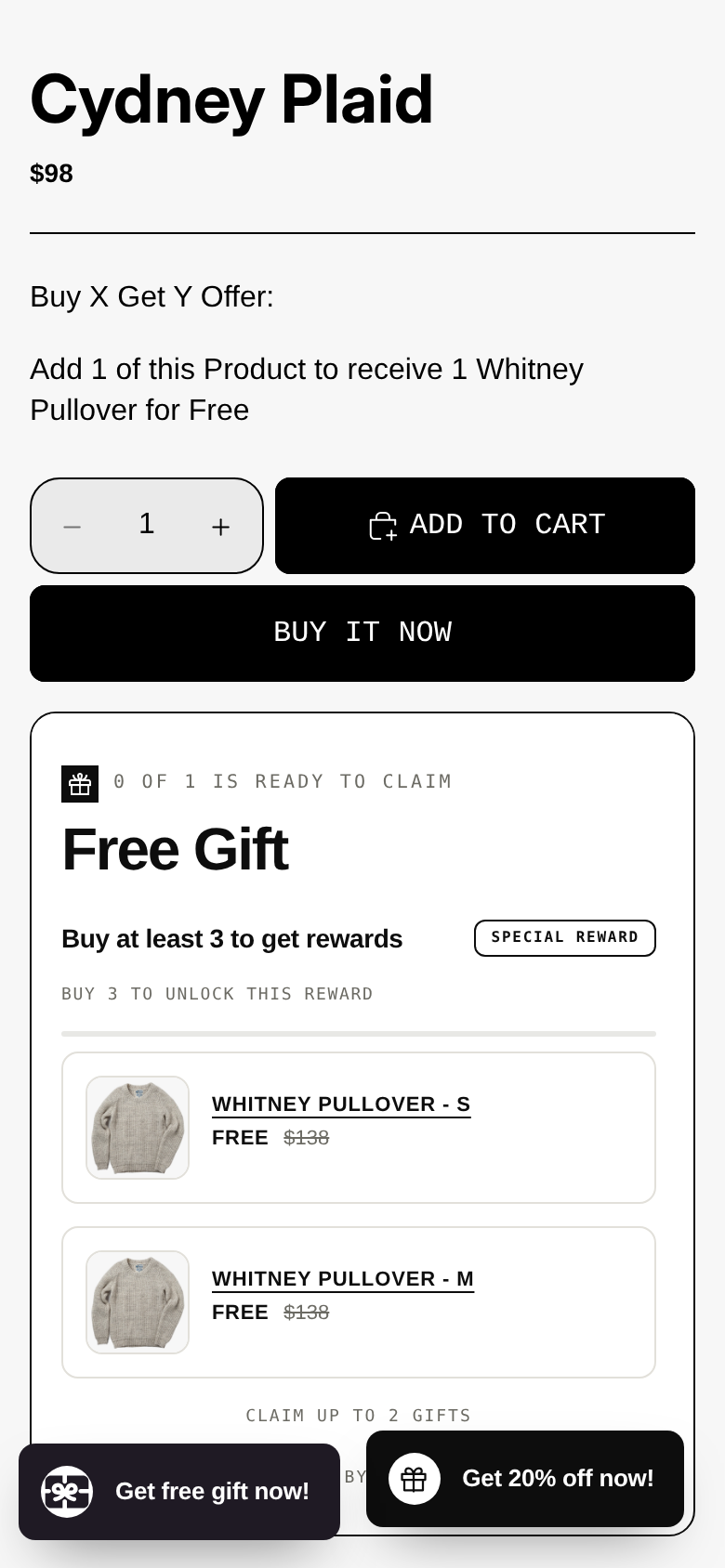
- The common rule of thumb (threshold at AOV plus 25 to 35 percent) is a starting point. It does not tell you whether the gift pays for itself.
- Every order already above the threshold also gets the gift. In the worked example, 75 percent of the gift spend went to orders that needed no persuasion.
- Compute break-even gift cost as extra gross profit divided by the number of gift orders. In the example it was $1.72 at a $75 threshold and $2.88 at $100.
- Shopify’s AOV is gross sales minus discounts, and its Buy X Get Y minimum counts full prices before other discounts, so measure your baseline in a quiet, discount-free period.
- Treat the stretch model as a floor. Test the real take rate for two weeks and add the value of any extra orders the gift brings in.
Why the rule of thumb is not enough
Most guides tell you where to put the line and stop. Growth Suite’s Shopify setup guide says to set the threshold 25% to 35% above your current average order value, so a store with a $60 AOV would try $75 to $80. Intelligems’ library page shows a free gift on orders over $150 and describes the gift as low cost with high perceived value, with an illustration of a gift costing about $8 and carrying a perceived value of $30 to $40. Those are reasonable starting points and the perceived-value figure is the vendor’s own illustration, not a measured result.
What neither page does is price the offer against your own order mix. A threshold is a promise to everyone whose cart is above it. Some of those customers were going to spend that much anyway. Others will add one more item to reach it. A few will not reach it at all. Only the second group creates value, and the first group costs you money. The rest of this post puts numbers on each group for one hypothetical store, so you can copy the method with your own figures.
If you only want a quick estimate, the free gift threshold calculator does the first half of this work. It asks for your current AOV, your gross margin and your gift cost, and returns a suggested unlock value, the extra revenue and extra gross profit per order, the maximum gift cost to break even and the net per gift order. We will use the same formula in step 2 and then go one step further.
Step 1: Get the right baseline number
Before any threshold math, you need an honest AOV. Shopify changed the definition in 2023: its changelog says average order value is now gross sales minus discounts, excluding adjustments made after the order was created, and the change applied to historical data too. Shopify’s ShopifyQL reference states the formula as (gross sales – discounts) / orders.
That has three practical consequences.
- A sale month understates your normal basket. If you ran 20 percent off last month, the AOV in your admin is net of that discount. A threshold set from it will sit lower than the list-price baskets customers actually build.
- The trigger and the metric use different bases. Shopify’s Buy X Get Y help page says products are counted toward a minimum purchase amount at their full price, before any other discount is applied, and that shipping and taxes are never included. Your AOV figure is after discounts. Your trigger is before them.
- A 100 percent off gift should not inflate AOV. By the formula above, the gift’s list price is added to gross sales and the same amount is subtracted as a discount, so the line nets to zero. That is my reading of the definition rather than a statement Shopify makes about gifts, so check one test order in your own reports.
Pull AOV from a period with no store-wide promotion, ideally 8 to 12 weeks, and use the order values themselves, not only the average. The distribution matters more than the mean, as the next section shows.
The hypothetical store
Everything below is hypothetical. The numbers are chosen to be round and plausible, not copied from any real shop, and none of them is a benchmark.
| Input | Value |
|---|---|
| Orders per month | 1,000 |
| AOV (gross sales minus discounts) | $60.00, so $60,000 of sales |
| Margin on added merchandise sales | 50% (price minus product cost, payment fees and pick-and-pack) |
| Gift | One small accessory with a retail price of $12 |
| Gift landed cost | $3.00 |
The landed cost of the gift is the number most merchants understate. Here it is built up: $2.10 unit cost, $0.30 inbound freight and duty, $0.20 for packaging or an insert card, and $0.40 for the extra pick time. That sums to $3.00. If the gift adds weight that moves a parcel into a higher shipping band, add that too.
Now the part a single AOV figure hides: how the 1,000 orders are spread. Real order values are skewed, with many small baskets and a tail of large ones. Our store looks like this:
| Order value band | Orders | Average order in band | Sales in band |
|---|---|---|---|
| Under $25 | 160 | $20 | $3,200 |
| $25 to $49.99 | 300 | $40 | $12,000 |
| $50 to $64.99 | 180 | $56 | $10,080 |
| $65 to $74.99 | 120 | $70 | $8,400 |
| $75 to $99.99 | 140 | $88 | $12,320 |
| $100 and over | 100 | $140 | $14,000 |
| Total | 1,000 | $60 | $60,000 |
Check the total: 3,200 + 12,000 + 10,080 + 8,400 + 12,320 + 14,000 = $60,000, which over 1,000 orders is a $60.00 AOV. Notice that the median order is around $50 to $55, below the mean. That is why “AOV plus 25 percent” lands where a quarter of orders already sit.
Step 2: The per-order check (what the calculator does)
Apply the rule of thumb. AOV $60 plus 25 percent is $75, which is already a round number. Using the same formula as the calculator:
- Extra revenue per stretching order = threshold minus AOV = $75 – $60 = $15.
- Extra gross profit = $15 x 50% = $7.50.
- Net per gift order = $7.50 – $3.00 gift cost = +$4.50.
- Maximum gift cost to break even = $7.50.
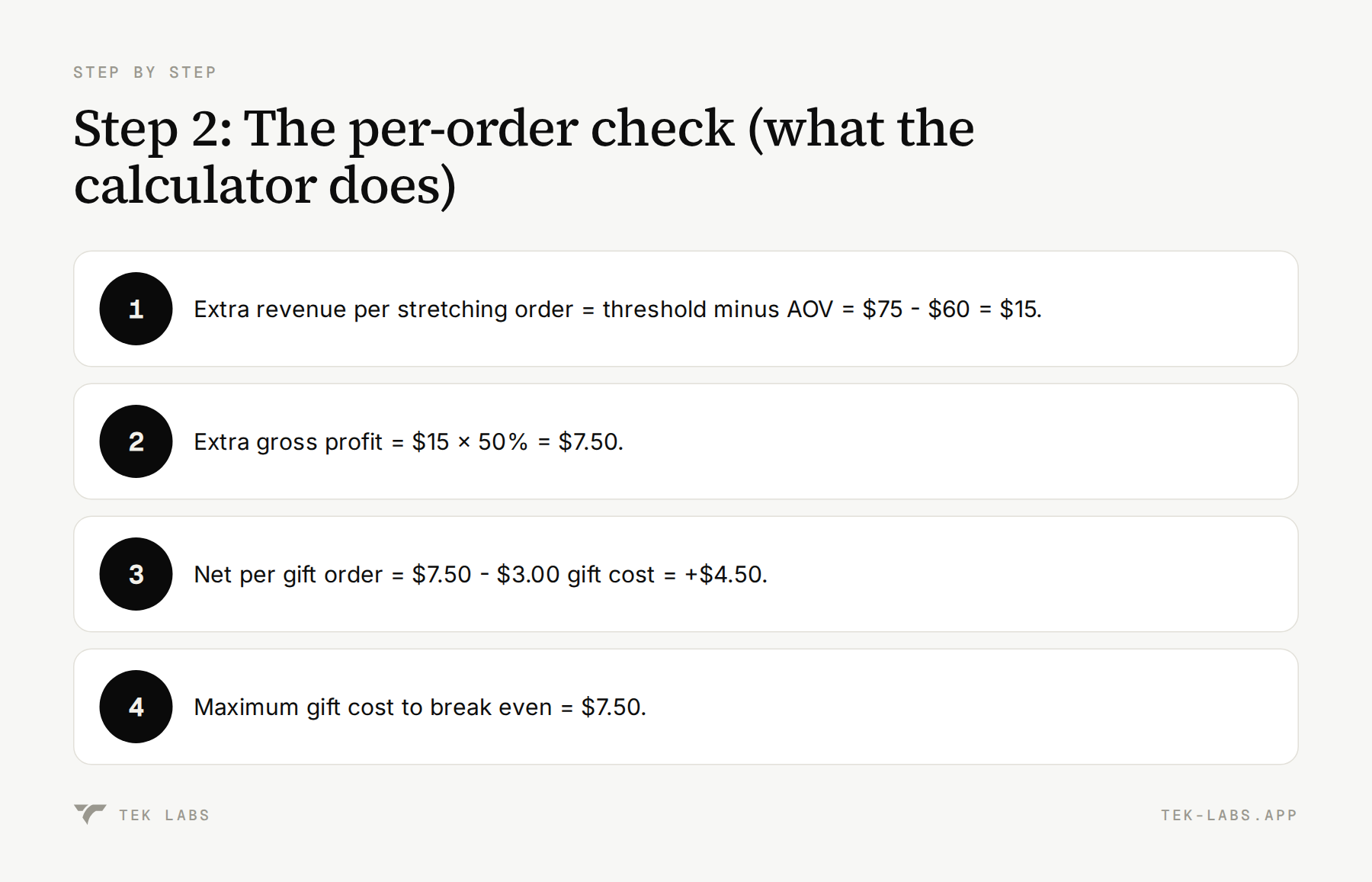
On that view the offer looks comfortable: you could spend up to $7.50 on the gift and still not lose money. This is the number most threshold guides imply. It assumes something that is almost never true: that every order sits exactly at your average and moves up to the threshold.
Step 3: Count the orders that were already above the line
Now use the order bands. At a $75 threshold, the 140 orders in the $75 to $99.99 band and the 100 orders at $100 and over, 240 orders in total, qualify without changing anything. Each gets a gift that costs $3.00, so that is 240 x $3.00 = $720 spent on customers who would have bought anyway.
Then the stretchers. We need an assumption for how many customers in the lower bands add an item to reach $75. People are more likely to stretch when the gap is small, which matches the goal-gradient finding. Kivetz, Urminsky and Zheng found in field data that participants purchased coffee more frequently the closer they were to earning a free coffee. The rates below are illustrative assumptions I chose to show the method. They are not measured rates, and you should replace them with your own after a test.
| Gap to the threshold | Share of orders in that band who stretch (assumption) |
|---|---|
| Under $10 | 40% |
| $10 to $24.99 | 10% |
| $25 to $44.99 | 5% |
| $45 or more | 0% |
At a $75 threshold, using the average order in each band to find the gap:
| Band | Orders | Average order | Gap to $75 | Stretch rate | Stretching orders | Extra revenue |
|---|---|---|---|---|---|---|
| $25 to $49.99 | 300 | $40 | $35 | 5% | 15 | $525 |
| $50 to $64.99 | 180 | $56 | $19 | 10% | 18 | $342 |
| $65 to $74.99 | 120 | $70 | $5 | 40% | 48 | $240 |
| Total | 81 | $1,107 |
For example, the $65 band is 120 orders x 40% = 48 stretchers, and each adds the $5 gap, so 48 x $5 = $240. This is a simplification, because real gaps vary inside a band, but it is enough to see the shape of the result.
Now the full month at a $75 threshold with a $3.00 gift:
| Line | Calculation | Amount |
|---|---|---|
| Extra revenue from stretchers | 15 x $35 + 18 x $19 + 48 x $5 | $1,107.00 |
| Extra gross profit at 50% | $1,107 x 0.50 | $553.50 |
| Gift orders | 240 already qualifying + 81 stretchers | 321 |
| Gift cost | 321 x $3.00 | $963.00 |
| Net per 1,000 orders | $553.50 – $963.00 | -$409.50 |
The per-order check said +$4.50. The whole-month check says -$409.50. Of the $963 spent on gifts, $720, or 75 percent, went to the 240 orders that needed no nudge. The break-even gift cost is $553.50 / 321 = $1.72, well under the $3.00 landed cost.
Also look at what happened to AOV. Added sales were $1,107 on a base of $60,000, so AOV rose from $60.00 to $61.11, an increase of about 1.8 percent. A threshold set 25 percent above AOV does not raise AOV by 25 percent. Only the customers who stretch move, and most of them move by a few dollars.
Step 4: Try other thresholds and gift costs
The levers are the threshold, the gift cost, the margin and the take rate. Re-run the same arithmetic at a $100 threshold. Now 100 orders qualify without changing, and the stretchers come from three bands:
| Band | Orders | Average order | Gap to $100 | Stretch rate | Stretching orders | Extra revenue |
|---|---|---|---|---|---|---|
| $50 to $64.99 | 180 | $56 | $44 | 5% | 9 | $396 |
| $65 to $74.99 | 120 | $70 | $30 | 5% | 6 | $180 |
| $75 to $99.99 | 140 | $88 | $12 | 10% | 14 | $168 |
| Total | 29 | $744 |
Extra gross profit is $744 x 50% = $372. Gift orders are 100 + 29 = 129, so a $3.00 gift costs $387 and the net is $372 – $387 = -$15. The break-even gift cost is $372 / 129 = $2.88. A gift with a $2.50 landed cost would net +$49.50.
Here is the grid at 50 percent margin, net profit per 1,000 orders:
| Gift landed cost | $75 threshold | $100 threshold |
|---|---|---|
| $2.50 | -$249.00 | +$49.50 |
| $3.00 | -$409.50 | -$15.00 |
| $4.00 | -$730.50 | -$144.00 |
| $6.00 | -$1,372.50 | -$402.00 |
Two patterns are worth remembering. First, raising the threshold shrinks the subsidy faster than it shrinks the stretch, up to the point where almost nobody can reach it. Second, gift cost is the most powerful lever: each extra dollar of landed cost at $75 costs about $321 per month in this store.
Margin and take rate matter too. At a $100 threshold and a $3.00 gift:
| Scenario | Net per 1,000 orders |
|---|---|
| 35% margin | -$126.60 |
| 50% margin (base case) | -$15.00 |
| 65% margin | +$96.60 |
| Stretch rates halved (base margin) | -$157.50 |
| Stretch rates doubled (base margin) | +$270.00 |
Doubling the stretch rates in the example turns a small loss into a $270 gain, which is why you should measure your own rates rather than trust mine. A progress bar or milestone message that shows how close a shopper is tends to help, because the goal-gradient idea is about distance to a visible reward.
Step 5: Add the value of orders that would not have happened
Stretch is only one source of return. A visible gift can also lift conversion: some visitors who would have left decide to buy. That is real money, and you do not need much of it. Suppose the new orders arrive at the threshold value.
- At a $75 threshold with a $3.00 gift, each new order contributes $75 x 50% – $3.00 = $34.50. To cover the -$409.50, you need 409.50 / 34.50 = 11.9, so 12 extra orders per 1,000, a 1.2 percent lift.
- At a $75 threshold with a $6.00 gift, each new order contributes $31.50. The gap of -$1,372.50 needs 43.6, so 44 extra orders, a 4.4 percent lift.
- At a $100 threshold with a $3.00 gift, each new order contributes $47.00. The gap of -$15 needs 0.3, so a single extra order.
The honest summary: a well-chosen gift can pay for itself on very modest conversion lift, but a generous gift on a low threshold needs a lift you may not get. I cannot tell you your lift. You can measure it, and the test plan below shows how.
There is one more benefit that is harder to price: customers who got a gift may remember the brand more fondly. Palmeira and Srivastava (Journal of Consumer Research, 2013) found that willingness to pay for a product after the promotion is retracted was higher when it had been offered for free than when it had been offered at a low discounted price. That was a controlled study of one promotion type, and it does not prove that your gift will raise later sales. It does suggest that giving an item away is not the same as cheapening it.
A step-by-step way to set your own threshold
- Pull a clean baseline. Use 8 to 12 weeks without store-wide promotions. Export order values and bucket them into bands like the table above.
- Compute the landed cost of the gift. Unit cost, inbound freight and duty, packaging, extra pick time and any shipping band change.
- List candidate thresholds. Start with AOV plus 25 percent, plus one lower and one higher round number.
- Count orders at or above each candidate. Multiply by the gift cost. This is your subsidy.
- Estimate stretchers per band. Use the gap table, then halve it for a conservative case. Add up extra revenue and multiply by your margin.
- Compute break-even gift cost. Extra gross profit divided by gift orders. If your gift costs more than that, change the threshold or the gift.
- Add a lift check. Work out how many extra orders per 1,000 cover any remaining gap, and decide if that is believable for your traffic.
- Launch with a stop rule. For example, review after 14 days and stop if the contribution per gift order is negative at the observed take rate.
How this maps to Shopify and to the app
What native Shopify can and cannot do
Shopify’s built-in route is a Buy X Get Y automatic discount with the gift set to free. The help page is explicit on several limits that affect your threshold design:
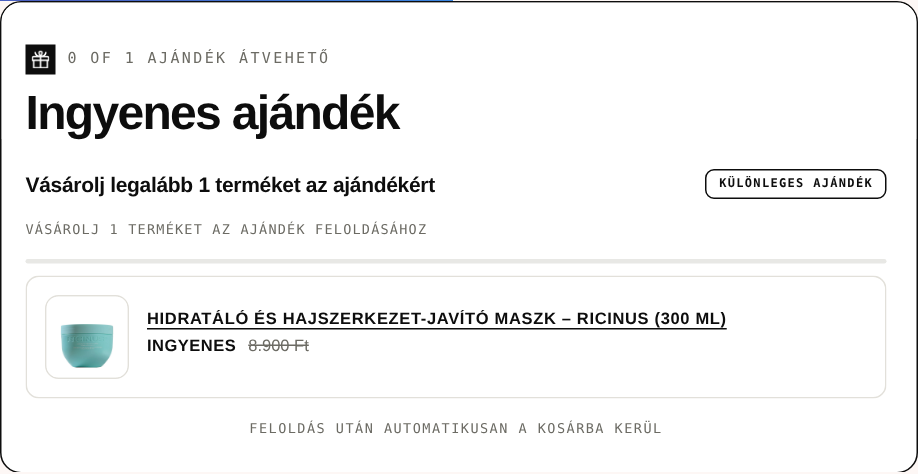
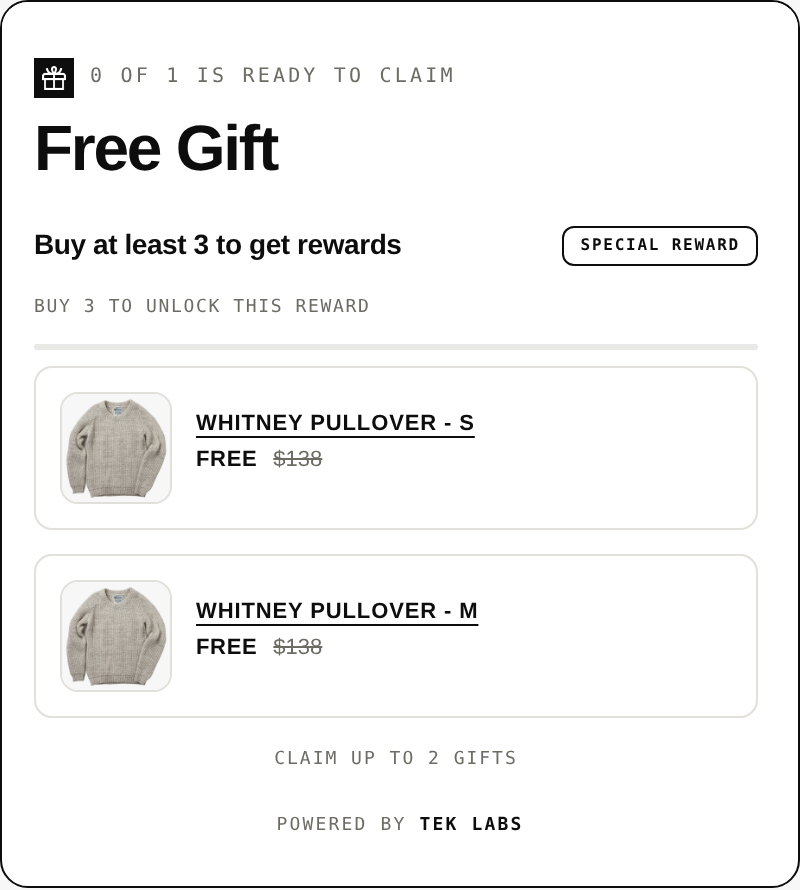
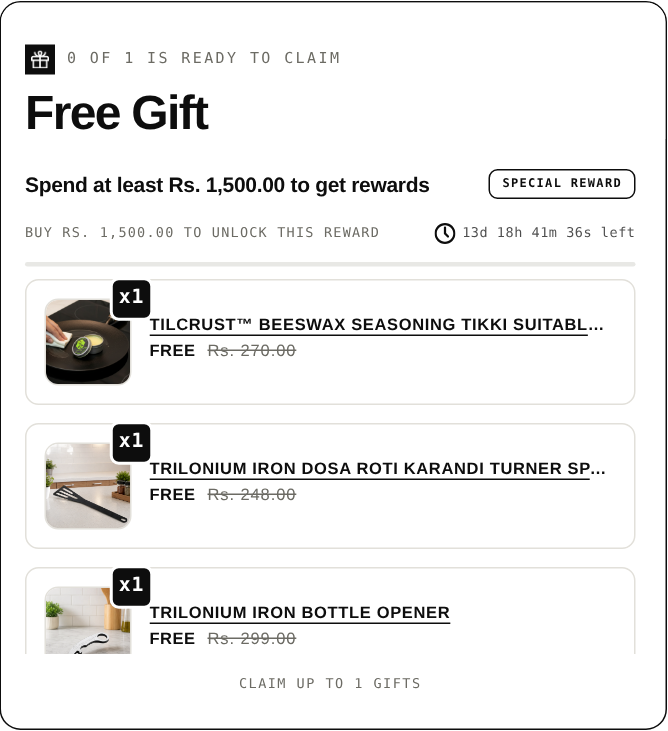
- The free item is never added automatically. Customers must add every item to the cart themselves, so a customer who does not notice the offer does not get the gift. Note that Shopify’s own BFCM ideas article describes the free item as added automatically, which conflicts with the help page. Trust the help page for mechanics and test it on your store before launch.
- The minimum purchase amount counts product prices only, and only the products in the “customer buys” portion count toward it.
- Items are counted at full price before any other discount.
- You can cap uses per order and per customer, which matters because by default a rule can repeat.
On combinations, the discount combinations page says you can have at most 25 active automatic discounts including app-based ones, and that products that are part of a Buy X Get Y discount are ineligible for further product discounts on non-Plus plans. If you also run 15 percent off a collection, check what the cart does when a qualifying item sits in both offers. Our comparison of Shopify’s default Buy X Get Y and third-party providers covers the differences in more detail.
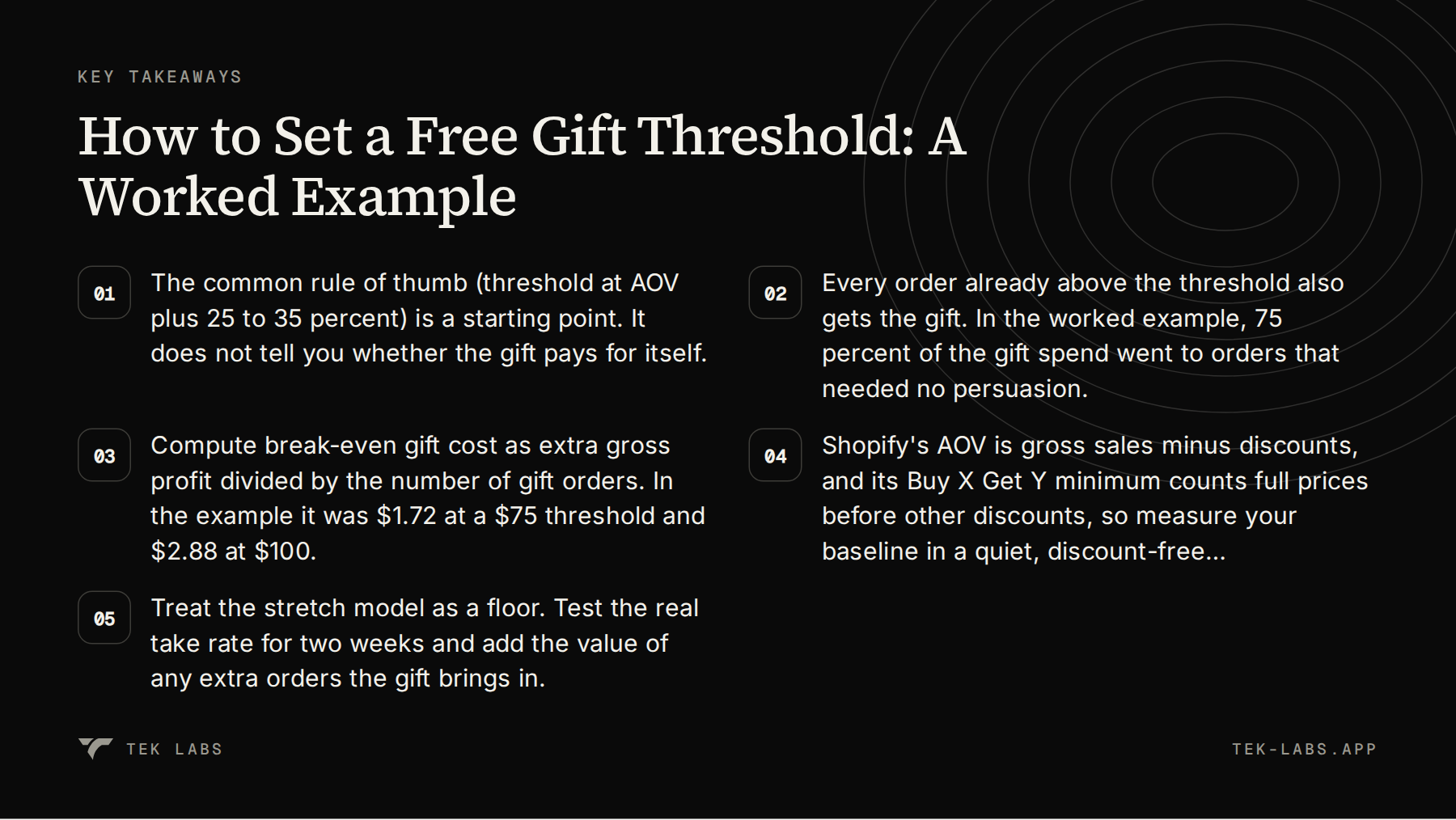
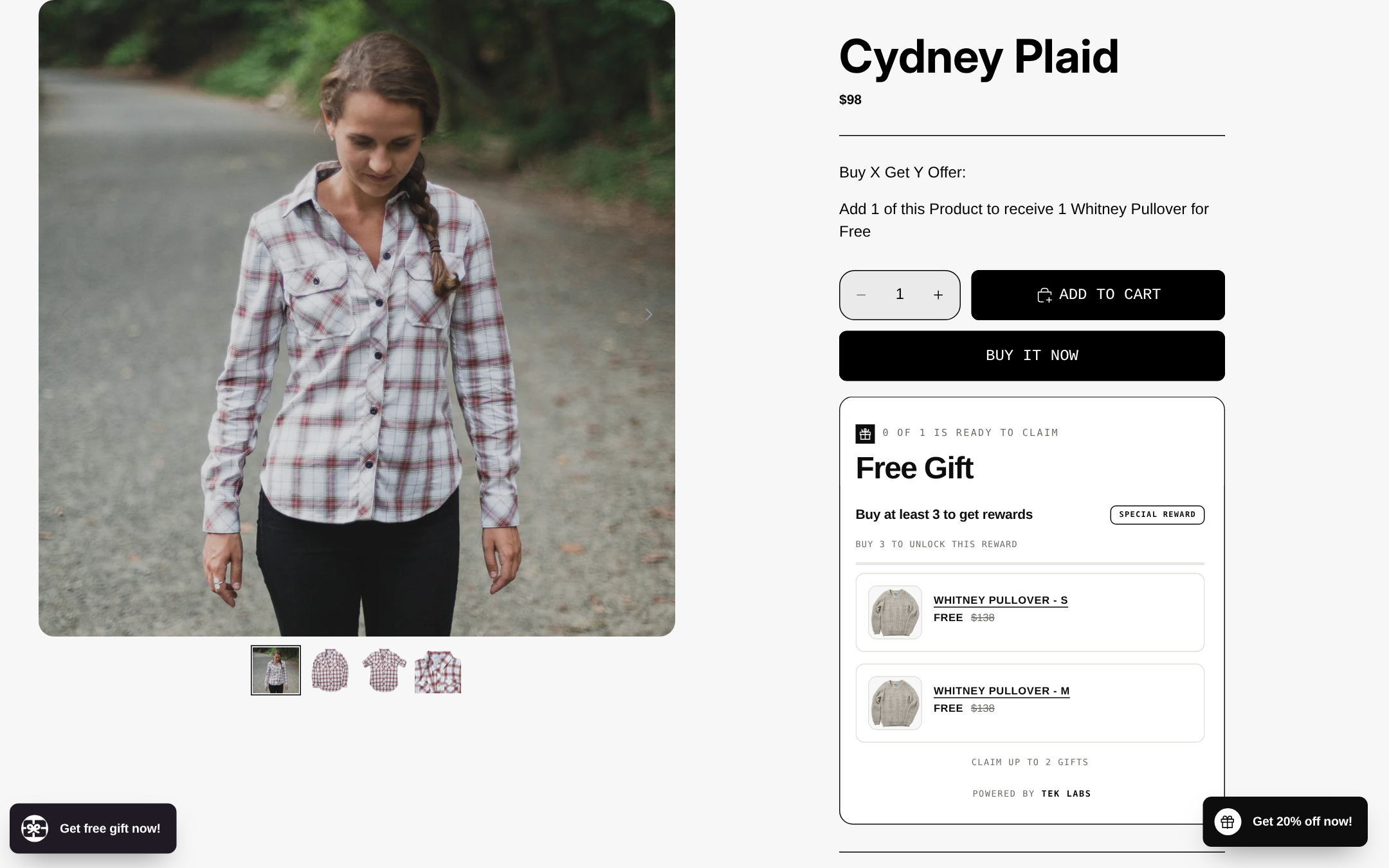
How Free Gifts BOGO & Upsell handles the same decisions
Settings from the app’s user guide that map to the decisions above:
- Condition type. Cart value (spend X) or cart quantity, applied to all products, collections, specific products, variants or tags. This lets you exclude low-margin items from counting toward the threshold.
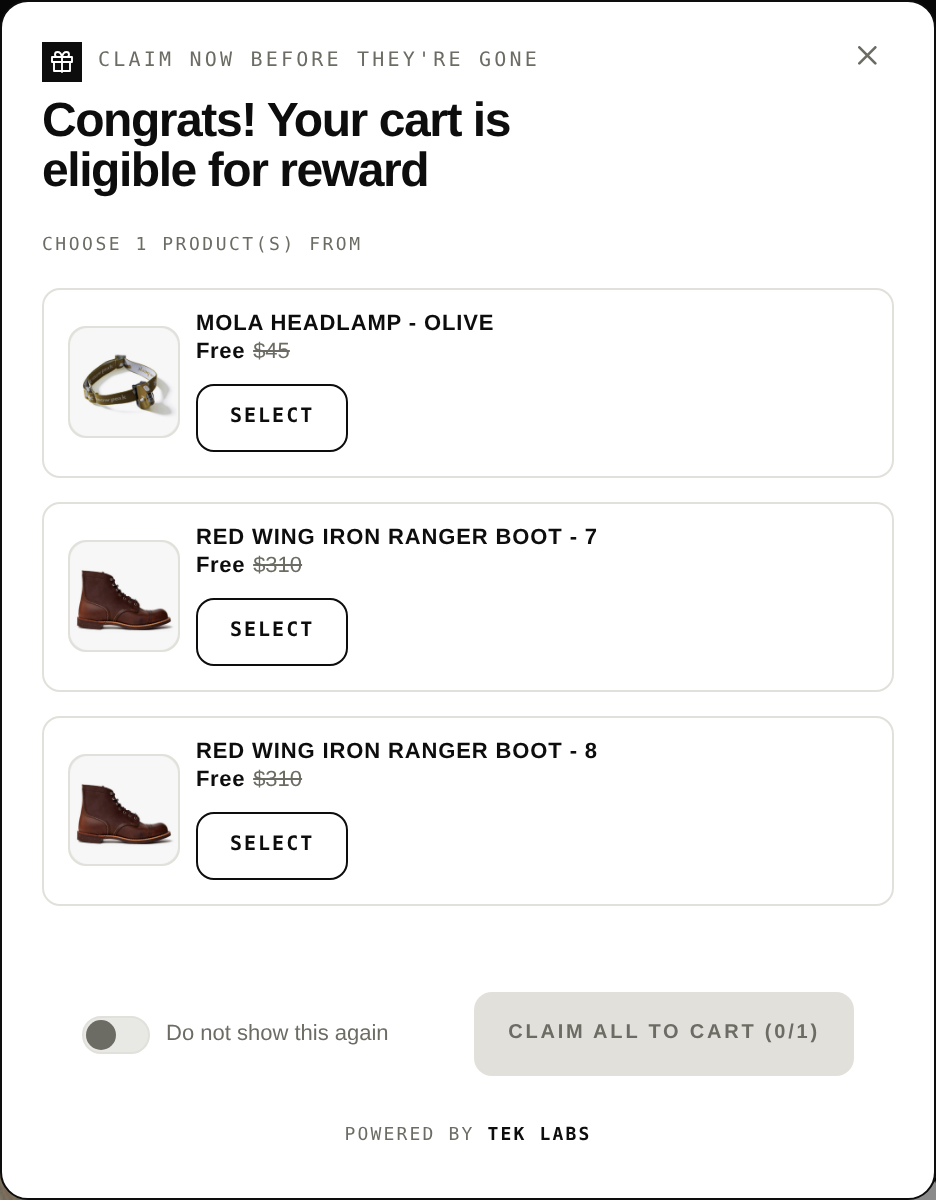
- Gift delivery. Gifts can be added automatically (all listed gifts, or the first available one, with the next one used if the first is out of stock) or chosen by the customer from a list. The App Store listing summarizes this as automatically adding the gift to the cart or letting customers choose.
- Repeat limit. By default the offer repeats, so spend $100 gives one gift and $200 gives two. The guide recommends setting the per-order limit to 1 if you do not want it to repeat.
- Total uses. A total usage limit across all orders stops the offer when stock runs out, which protects you on limited gift stock.
- Auto remove. The gift is removed from the cart when the cart falls below the condition, and out-of-stock gifts can be hidden.
- Combinations. You choose whether the offer combines with product, order and shipping discounts.
- Validate offer. A check button that tests widget availability, auto-add and pop-up position before you go live.
For multi-step offers, the progress bar type supports up to 6 milestones per rule, each with a spend goal and a reward type of free gift, cart discount or shipping discount, plus a choice between giving every earned reward or only the latest. A ladder lets you keep the first rung cheap and put the gift higher, which matches what the math prefers.
You can see the gift pop-up and widgets on the live demo store at demo-salepify-app.myshopify.com (store password: 1).
Rules that apply to a free gift
The Federal Trade Commission’s guide on the use of the word “free” is short and worth reading before you write the banner. In 16 CFR 251.1, the Commission says a purchaser has a right to believe the merchant will not directly and immediately recover the cost of the free item by marking up the price of the article that must be purchased. So do not pay for the gift by lifting the price of the qualifying products on the day you launch. It also says the terms and conditions should be set out clearly and conspicuously at the outset and in close conjunction with the offer, and that a footnote reached through an asterisk does not count. Put the threshold and any exclusions in the banner itself. The guide also says a single product size should not be advertised with a “free” offer for more than 6 months in any 12-month period. This is guidance on a federal rule and not legal advice, so ask your counsel if you run long or recurring offers.
Common mistakes
- Setting the threshold from a discounted month. Your AOV in the admin is net of discounts, so the number is lower than your real baskets.
- Ignoring the subsidy. Counting only stretchers and forgetting everyone already above the line is the mistake that turns a +$4.50 per order model into a monthly loss.
- Using retail value instead of landed cost. Customers care about retail value. Your profit depends on landed cost. Mixing the two makes the gift look free.
- Letting the offer repeat by accident. A rule that gives one gift per $100 of spend gives three gifts on a $300 order unless you set a per-order limit.
- Stocking too few gifts. Run out and the banner says “free gift” while the cart does not deliver one. Use a usage cap and hide out-of-stock gifts.
- Testing on a single device. Check the cart on mobile, with a discount code, with a second discount and with the gift removed.
How to read the results after two weeks
Run the offer for at least 14 days and look at four numbers rather than one.
- Gift attach rate. Gift orders divided by all orders. If it is far above your pre-launch share of orders over the threshold, stretch is working.
- Share of gift orders that were already above the threshold. Compare against the pre-launch distribution. A high share means your subsidy is large.
- AOV on the Shopify definition. Remember the gift nets to zero in the metric, so a rising AOV is real merchandise.
- Contribution per order. (Order revenue x margin) minus gift cost, compared with the same figure in the baseline weeks.
If contribution per order falls, raise the threshold or lower the gift cost before you change anything else. If it rises, try a second tier. A gift ladder with a low-cost first reward and a better gift higher up spreads the subsidy.
Putting it into practice
If you want to model your own numbers first, start with the free gift threshold calculator, then add your order bands as above. If you want to run the offer, Free Gifts BOGO & Upsell has a free plan, so you can build the rule, validate it and look at the cart behavior before you spend on anything. For definitions of AOV, BOGO and related terms, see the Tek Labs glossary.
Frequently Asked Questions
How much above AOV should a free gift threshold be?
A common starting point is 25 to 35 percent above your average order value, which is the range one vendor guide suggests. Treat it as a first guess. In the worked example, $75 (25 percent above a $60 AOV) lost money on stretch alone, while $100 roughly broke even.
Does the free gift count toward average order value in Shopify?
Shopify defines AOV as gross sales minus discounts. A gift offered at 100 percent off adds its list price to gross sales and the same amount to discounts, so by the formula it should net to zero. Check a test order in your own reports to confirm.
Can I use Shopify’s Buy X Get Y for a free gift threshold?
Yes, with limits. Shopify’s help page says the customer must add the free item manually, the minimum counts product prices only and at full price, and products in the offer cannot receive further product discounts on non-Plus plans. An app can add or offer the gift automatically.
What should I do if the gift loses money in my numbers?
Raise the threshold, lower the landed cost of the gift, or limit the offer to a collection with higher margin. Then check how many extra orders you would need to cover the gap and decide if that lift is realistic.
Is it legal to call a gift free if I need a minimum purchase?
The FTC’s guide allows “free” offers tied to a purchase, as long as the terms are stated clearly at the outset and the price of the required item is not marked up to recover the gift cost. This is not legal advice, so confirm with your counsel.