Gift with a big bundle
Offer a travel size or sample when the bundle reaches a higher tier.
Free gift reward in bundles
Attach a free gift to any bundle reward tier, added automatically or picked by the shopper in a gift window.
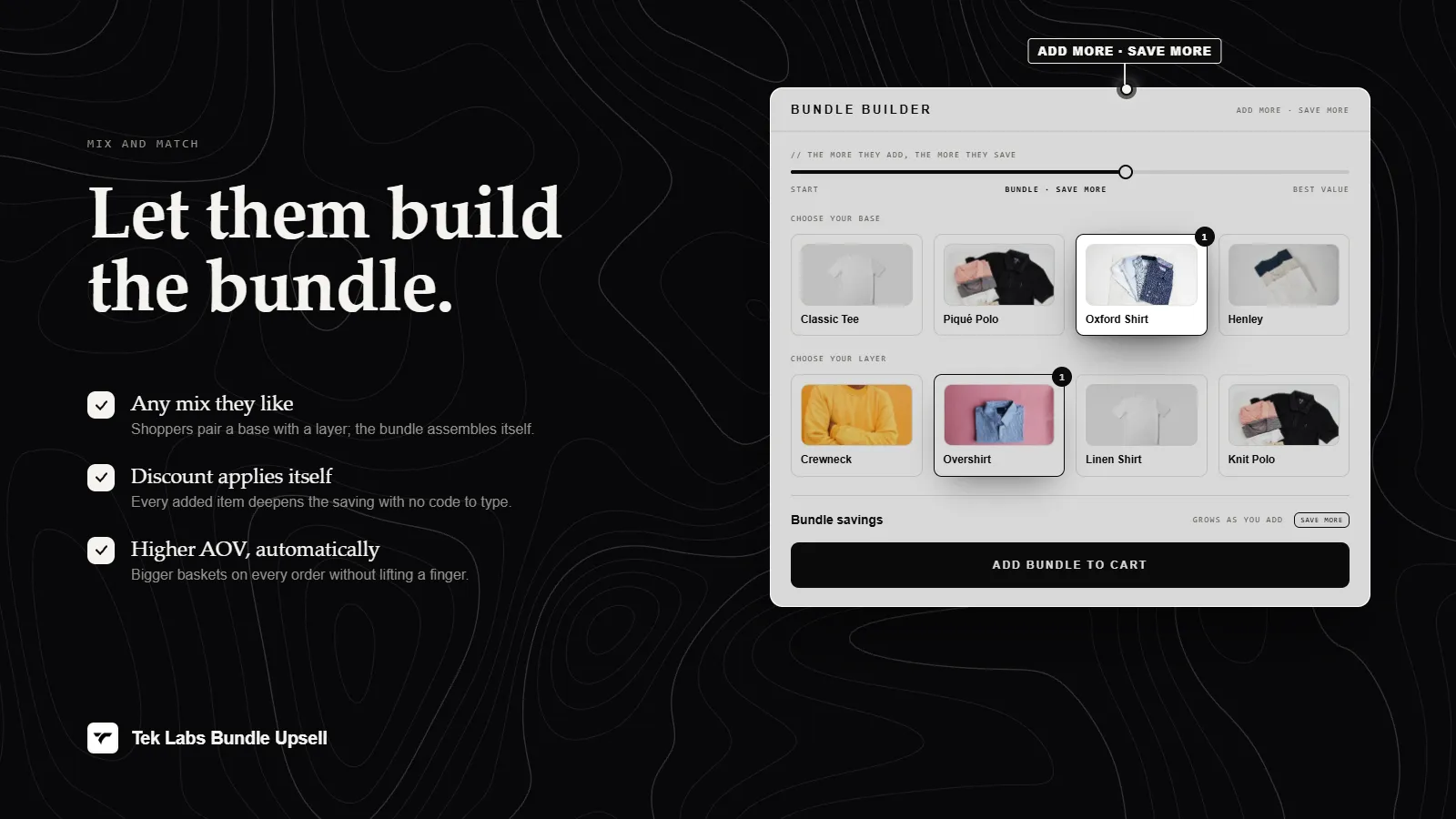
What it is
In Mix & Match Bundles every reward tier can include a free gift next to its discount. When the shopper reaches the tier, the gift products are added to the cart at no charge, and the app removes them again if the bundle drops below the tier.
On the Bundle Builder page you choose between Automatically add all and Let customer select. With the second option the shopper opens a Choose Your Free Gift window, picks up to the number you allow, and can change the choice later. Use it to reward bigger bundles without cutting the price of the main items.
For the shopper
Scroll through the steps. The phone shows what the shopper sees at each one; products and prices are an example.
They add products until the quantity for a reward tier is met.
A toast says the free gift will be added automatically, or the shopper is invited to select a gift.
With Let customer select, a modal shows the gift products with counters such as 1/2 selected, and a Confirm Selection button.
The gift lines carry a FREE GIFT tag, are discounted to zero by the discount function, and stay in sync with the bundle.
For you
Options you control
In the Condition step, find Discounts and open a tier, or add a new one with the add button.
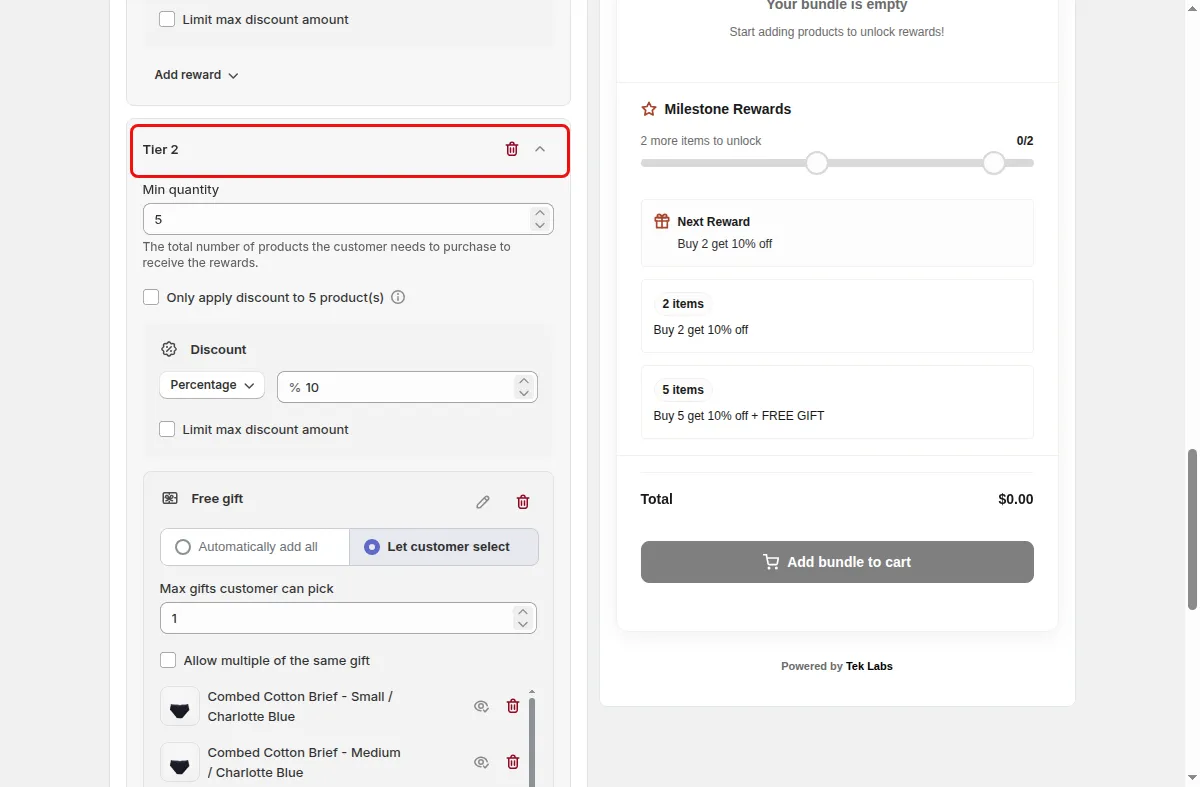
Enable the Free Gift reward and pick the gift products and quantities. Make sure the products are in stock and active.
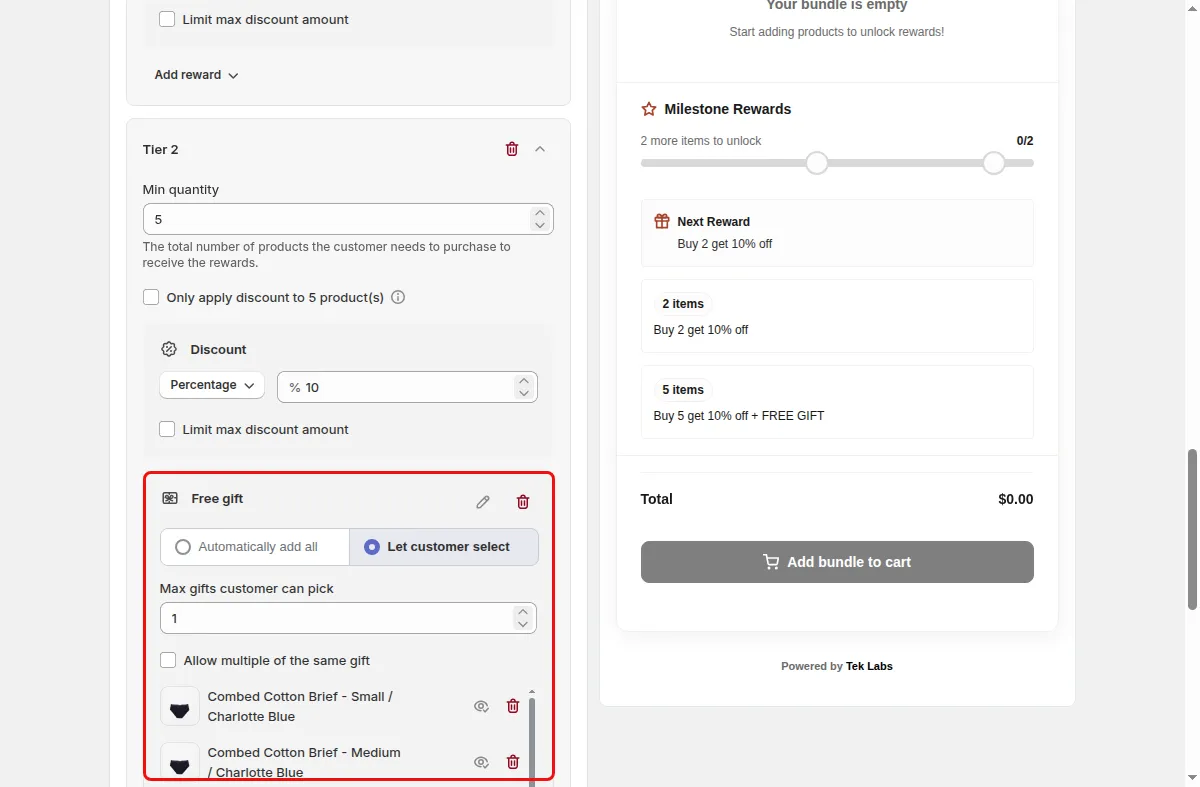
On a Bundle Builder campaign pick Automatically add all or Let customer select, set Max gifts customer can pick, and decide whether to Allow multiple of the same gift.
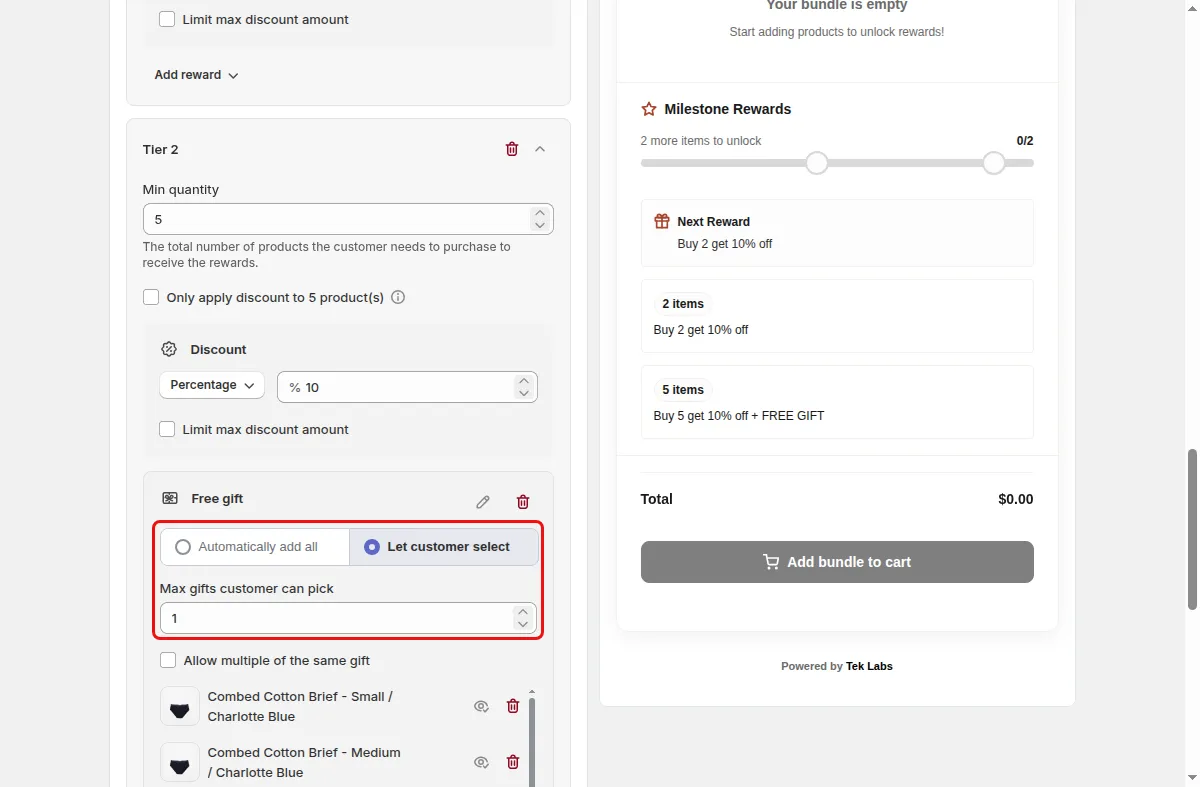
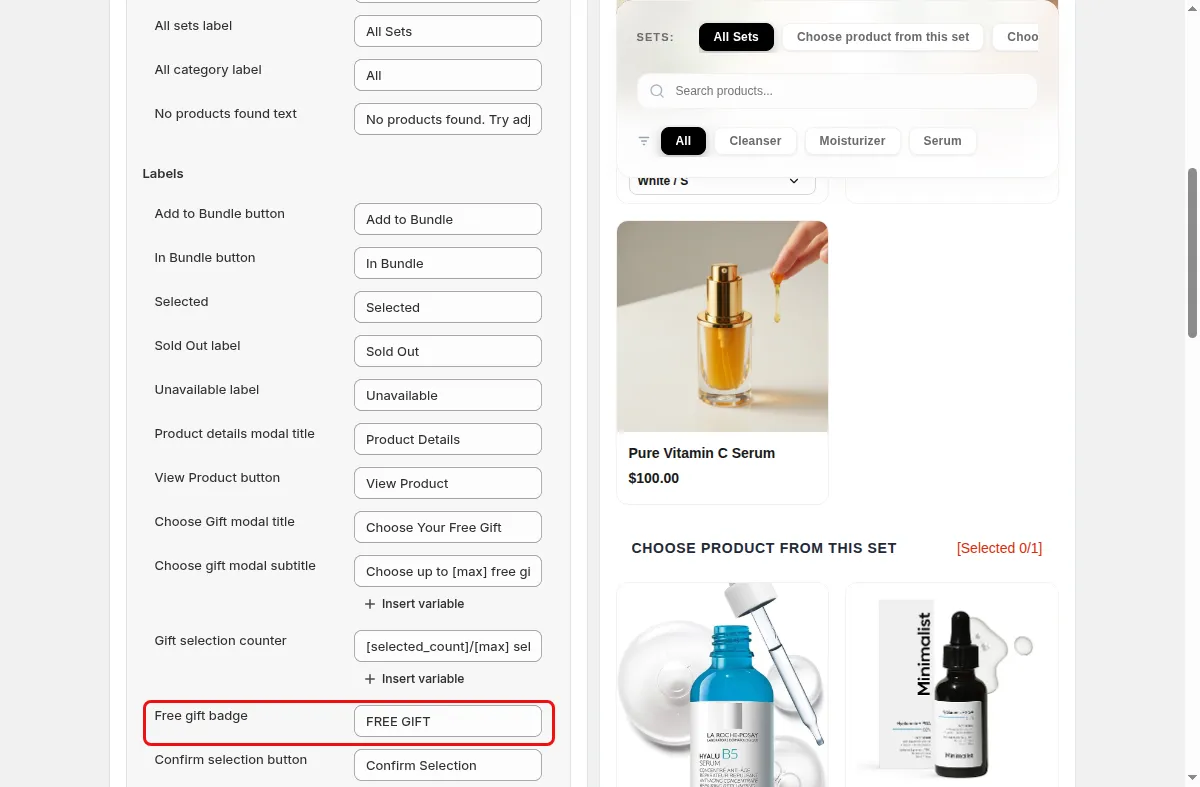
In the Text step edit the gift labels and add translations with Add locale.
Use cases
Offer a travel size or sample when the bundle reaches a higher tier.
Let shoppers choose one gift from a short list to feel rewarded.
Add a free item to a quantity tier of a volume discount widget as well.
FAQ
The cart reconciler removes gift lines that are no longer valid and adds the ones that should be present, whenever the cart changes.
On the Bundle Builder page, yes, with the Let customer select option. The standard Mix & Match product page widget adds the gift products configured on the tier.
Yes. A volume discount tier can include a free gift reward with its own products and quantities.
Related features
Build-a-box, gift sets, tiered bundle discounts: our team sets it up with you and checks it on your theme before it goes live.
Free plan available. Built for Shopify. Rated 4.9 from 35 reviews.