Bundle on its own products
Show the offer only on the products inside the bundle.
Bundle visibility and placement
Decide which product pages show a bundle, and pin the widget to an exact spot in your theme with a placement block.
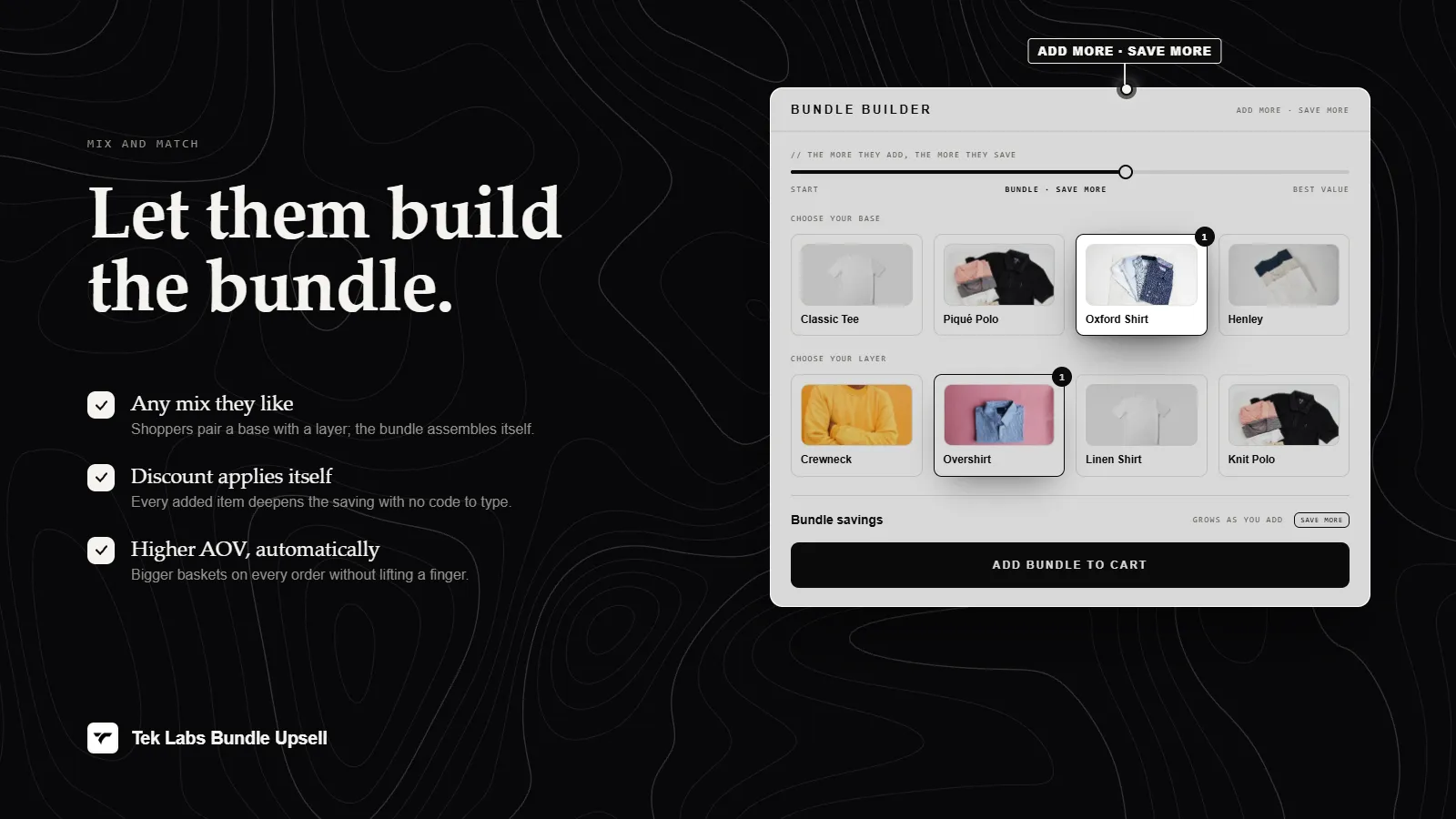
What it is
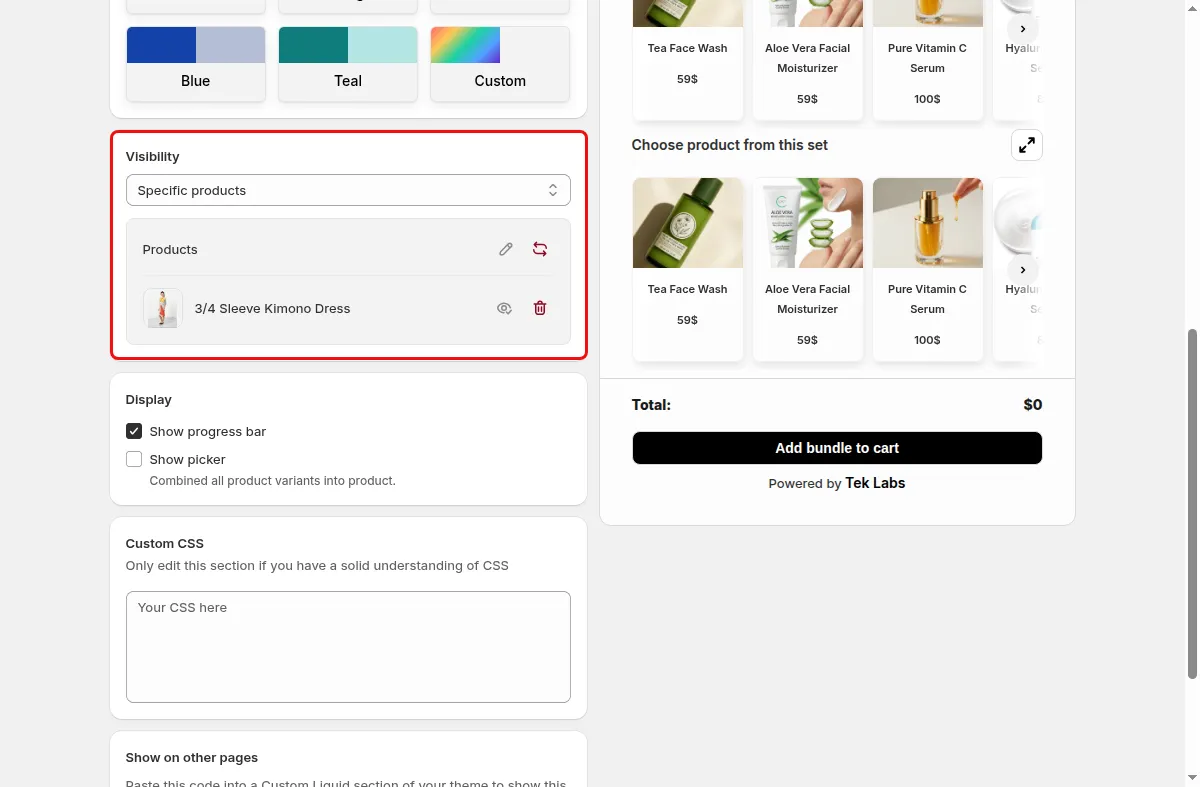
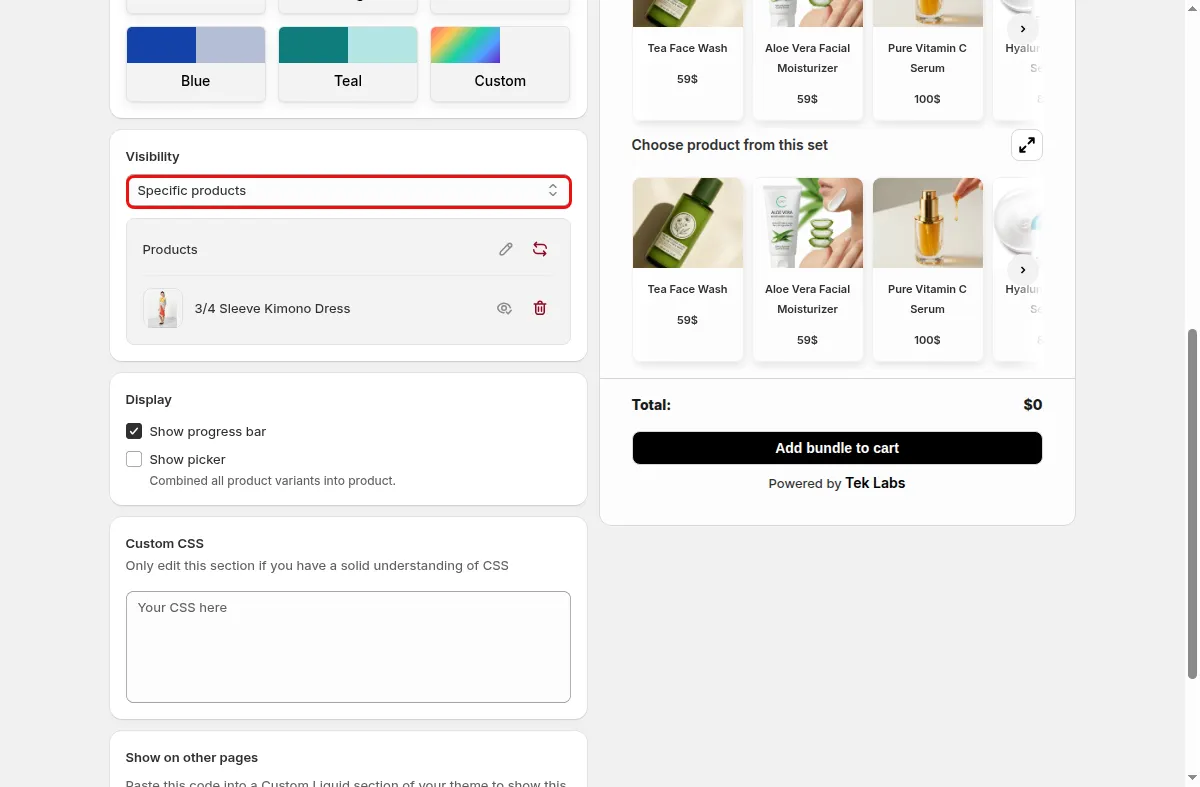
Each Mix & Match campaign has a Visibility setting. Show the bundle on all products, on all products in the bundle, on specific products, on specific collections, or on all products except the ones in the bundle. This keeps the offer in front of the right shoppers.
By default the app places the widget automatically in your theme. If you want control, add the Mix & Match Placement app block to a section of the product template in the theme editor, and the widget appears exactly there.
For the shopper
Scroll through the steps. The phone shows what the shopper sees at each one; products and prices are an example.
The app checks the product and its collections against the campaign visibility rule.
If the product qualifies, the bundle shows at the automatic position or in your placement block.
Products that do not match the rule do not show the widget.
They choose items and add the bundle to the cart from the page.
For you
Options you control
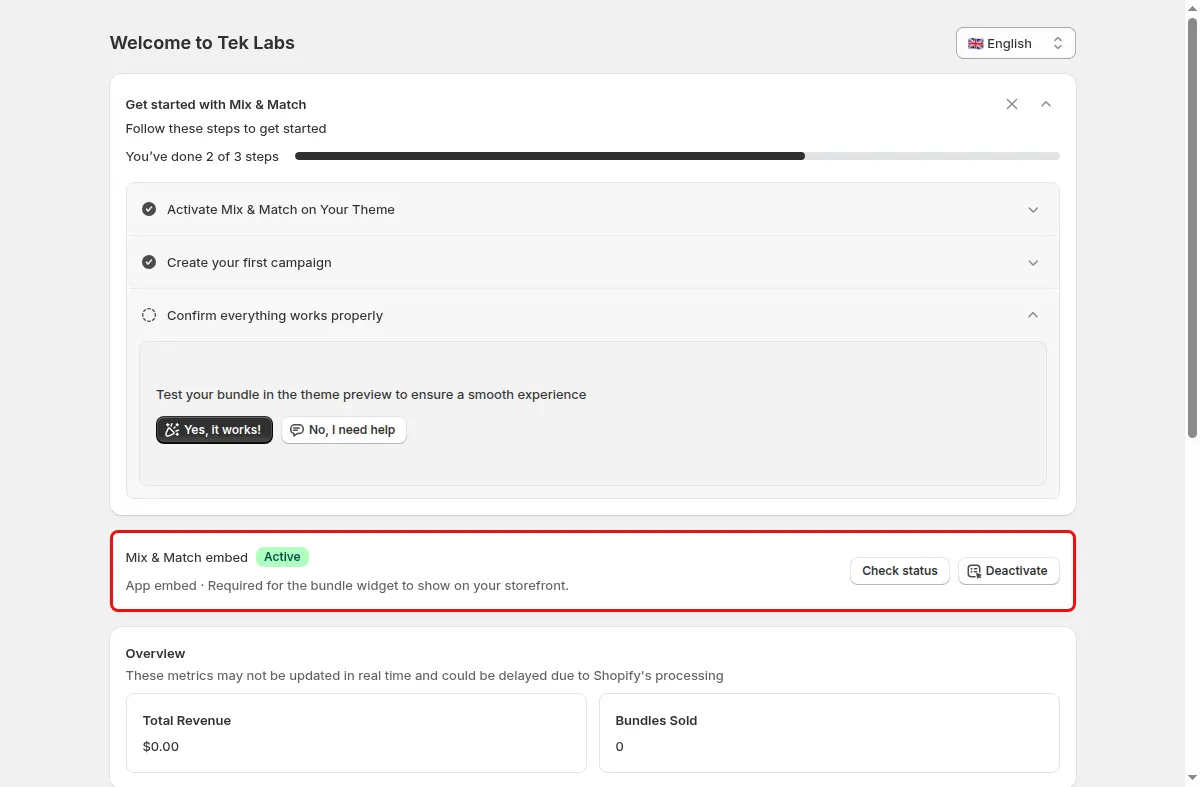
On the dashboard use the Setup guide step Activate Mix & Match on Your Theme, click Open theme editor, switch the Mix & Match embed on, and Save.
In the campaign editor go to Display and Color and find the Targeting section (Visibility).
Pick a visibility option, and use Choose your products or Choose your collections when needed.
In the theme editor open a product template, add a block in a section, and choose Mix & Match Placement.
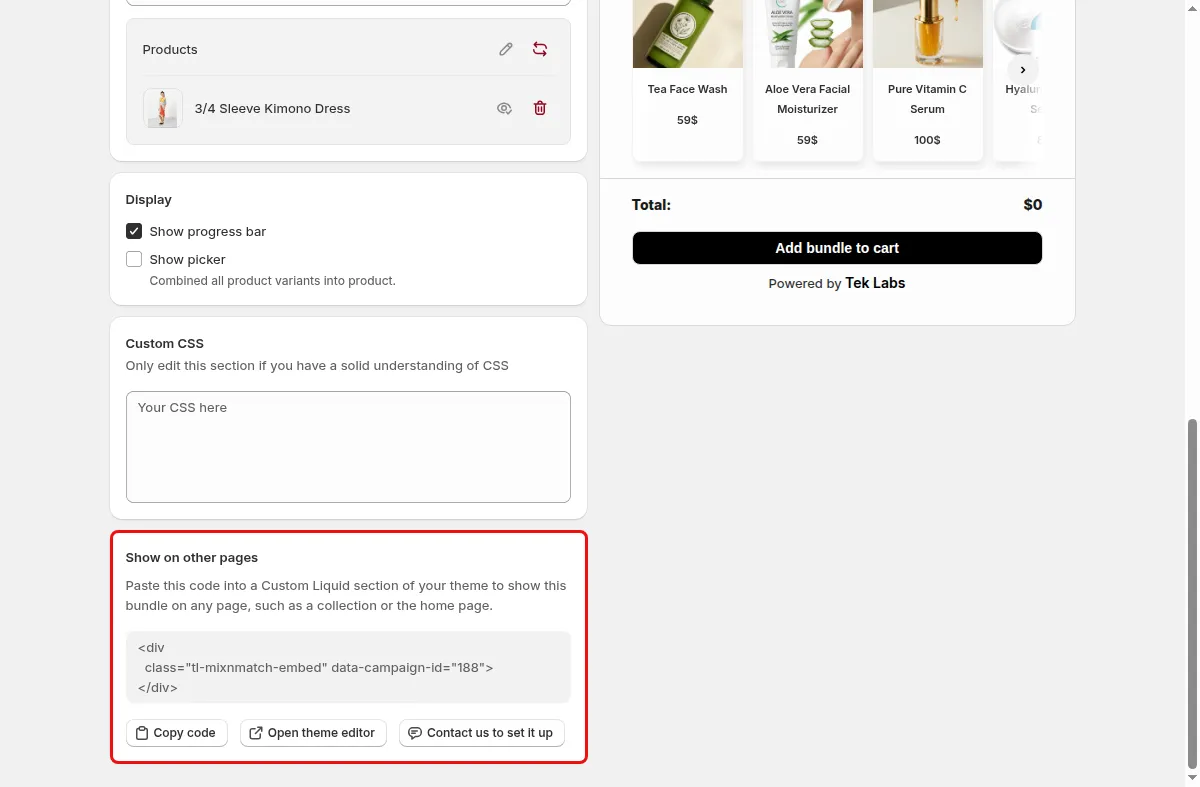
Click Save in the app and in the theme editor.
Use cases
Show the offer only on the products inside the bundle.
Show a bundle on every product of a summer collection.
Place the widget below the product description with the placement block.
FAQ
No. The app embed must be on, otherwise the placement block shows nothing.
It can be added to product templates only.
The dashboard has a Mix & Match embed card with a Check status button and a message saying whether the app embed is enabled.
Related features
Build-a-box, gift sets, tiered bundle discounts: our team sets it up with you and checks it on your theme before it goes live.
Free plan available. Built for Shopify. Rated 4.9 from 35 reviews.