To increase average order value on Shopify, raise either the number of items in each order or the price of each item: set a free shipping or gift threshold just above your typical cart, sell bundles and quantity tiers, cross-sell in the cart, and add a post-purchase offer. Which lever pays depends on your own order data, so read your AOV, your median order and your payment mix before you pick one.
Last verified against Shopify documentation on 2026-10-04.
Key takeaways
- Shopify defines AOV as gross sales minus discounts, divided by orders, and leaves out edits made after the order is created. Shipping and taxes are not in it, and discounts reduce it.
- There are six levers: free shipping threshold, free gift threshold, bundles, quantity breaks, cross-sell recommendations and post-purchase offers. Each maps to a different behavior, so each needs a different kind of store.
- Pick the lever from data: the shape of your order distribution, the share of single-item orders, your payment methods and your margin per item.
- Revenue per order is not profit. In the worked example below, two levers lift AOV by the same $0.75 and both lose money once shipping and gift costs are counted.
- Test one lever at a time and measure the orders that could see the offer, not every order in the store.
What Shopify counts as average order value
Shopify’s help center gives the formula: “AOV is equal to ((gross sales – discounts) / orders), excluding post-order adjustments such as edits or exchanges.” Its example is a month with 10 orders, $1,000 in gross sales and $200 in discounts, which gives ($1,000 – $200) / 10 = $80, and the $100 in taxes and $150 in shipping stay out of it (Shopify, Sales report).
This definition is recent. A Shopify changelog post dated January 9, 2023 says AOV used to be based on the total sales value of an order and was changed to gross sales minus discounts, “excluding any adjustments made to the order after it was created,” and that the change applies to historical data too (Shopify Changelog). If you wrote down an AOV figure before 2023, it will not match today’s report.
Three consequences follow, and each one shapes the levers below.
- **Discounts lower AOV.** A 10 percent discount on a $100 order leaves $90 of AOV. A lever that works through a discount has to raise gross sales by more than it gives away.
- **Shipping is outside AOV.** Free shipping can change what shoppers add to the cart, but you will not see the shipping cost in this metric.
- **Edits after the order are outside AOV.** Keep this in mind for post-purchase offers, discussed in the measurement section.
The mean hides the shape
Shopify’s own article on AOV shows why one number is not enough. In its Kinda Hot Sauce demo store the mean order value is $24 but the mode, the most common order size, is only $15 (Shopify, Average order value). A few large orders pull the mean up. For a lever such as a threshold, the shape of the distribution matters more than the mean, so look at the median and at how many orders sit just below a candidate threshold.
What about benchmarks?
Published benchmarks disagree because they sample different stores. Shopify’s article quotes a global AOV of about $145 across industries, citing Dynamic Yield. Littledata’s benchmark page lists $110 for Shopify stores, from 421 stores with data collected from June 29 to September 26, 2026, with $288 as the top 20 percent threshold and $643 as the top 10 percent threshold (Littledata). A gap of $35 between two reputable sources tells you not to use an outside number as your target. Compare your AOV with your own history, by month and by customer type. We cover this in the glossary under AOV and attach rate.
The six levers, and what Shopify lets you do with each
Shopify lists seven ways to raise AOV in its guide: order minimums for free shipping and gifts, bundles, upsell or cross-sell, a loyalty program, live chat, AI-powered recommendations and post-purchase upsells. Most of those are offers you can configure in the storefront, and we split them into six levers. The table gives a first picture, and the sections after it give the mechanics.
| Lever | How it raises AOV | What Shopify provides natively | Tek Labs feature page |
|---|---|---|---|
| Free shipping threshold | Shoppers add items to reach the minimum | Free shipping discount with a minimum purchase | Milestone rewards (shipping discount tier) |
| Free gift threshold | Shoppers add items to unlock a gift | Buy X Get Y (no auto-add) | Free gift with purchase |
| Bundles | One price for several items | Shopify Bundles (fixed bundles, multipacks) | Product bundles, Mix and match |
| Quantity breaks | A lower unit price as quantity rises | Amount off discounts | Volume discounts |
| Cross-sell | A complementary item in the cart or on the product page | Search and Discovery recommendations | You May Also Like |
| Post-purchase offer | One more item after payment | Post-purchase extensions (through apps) | Post purchase upsell |
1. Free shipping threshold
The idea is simple: shoppers who see “free shipping at $75” add an item to reach it. The reason it works is on Baymard’s list of cart abandonment causes. Across 50 studies the documented average abandonment rate is 70.22 percent, and the top reason on its list is extra costs that are too high, 40 percent (Baymard Institute). Another 12 percent could not see or calculate the total order cost up front. Free shipping removes the biggest surprise, and the threshold turns the removal into a target.
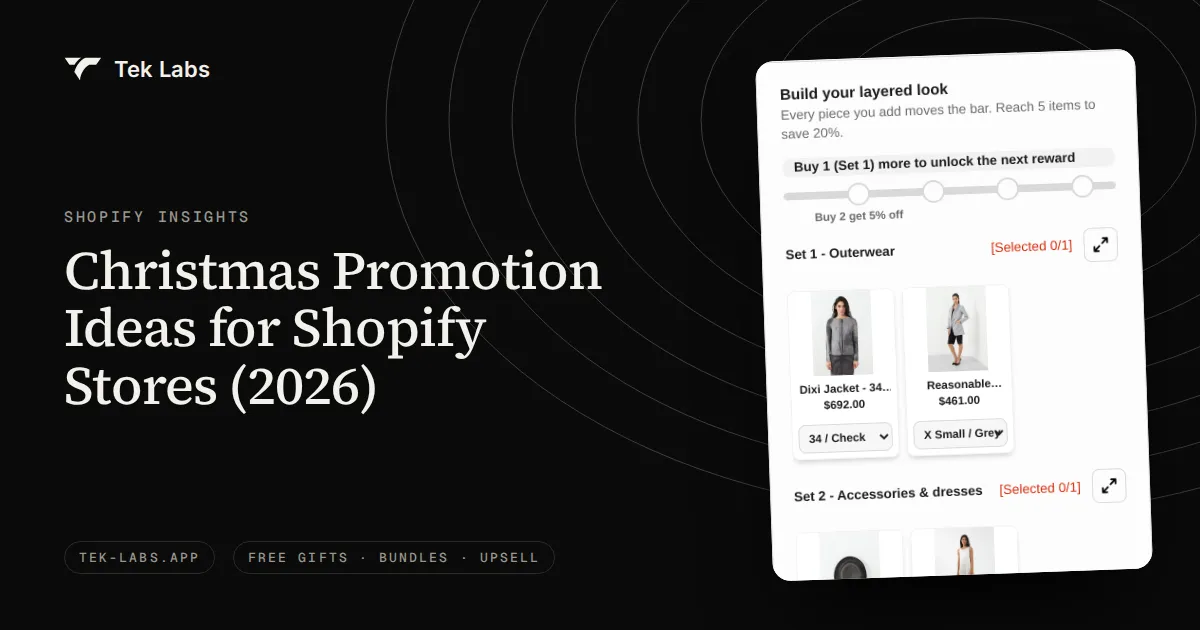
The Shopify mechanic to know is that the minimum “counts product prices only, and other costs such as taxes are never included,” and products count at their discounted price if another combinable discount has already applied (Shopify, Free shipping). So a 20 percent sale can push a shopper below a threshold they cleared at full price. In our app, a progress bar can give a shipping discount as one of its reward tiers, with up to 6 milestones per rule. Our free shipping strategy guide covers the Black Friday angle.
2. Free gift threshold
A gift threshold works like a shipping threshold with a reward the shopper can see. The behavior behind a visible reward is well documented: in a real cafe reward program, participants bought coffee more frequently the closer they were to a free coffee (Kivetz, Urminsky and Zheng). That is a coffee card, not a Shopify cart, so treat it as support for the idea of progress, not as a promise of lift.
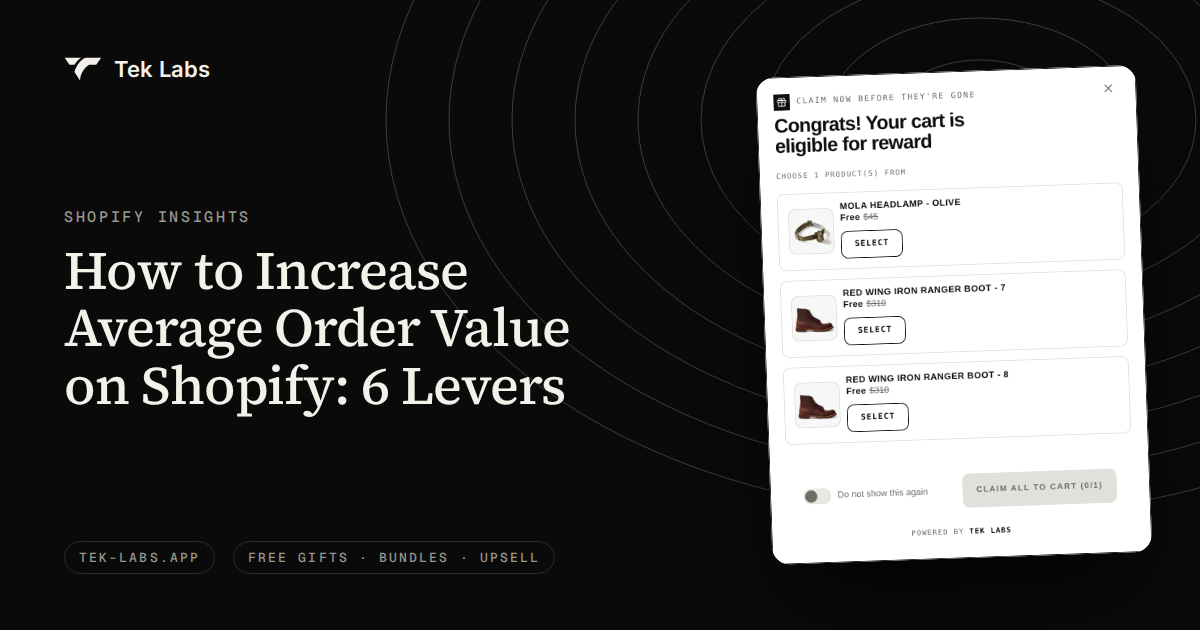
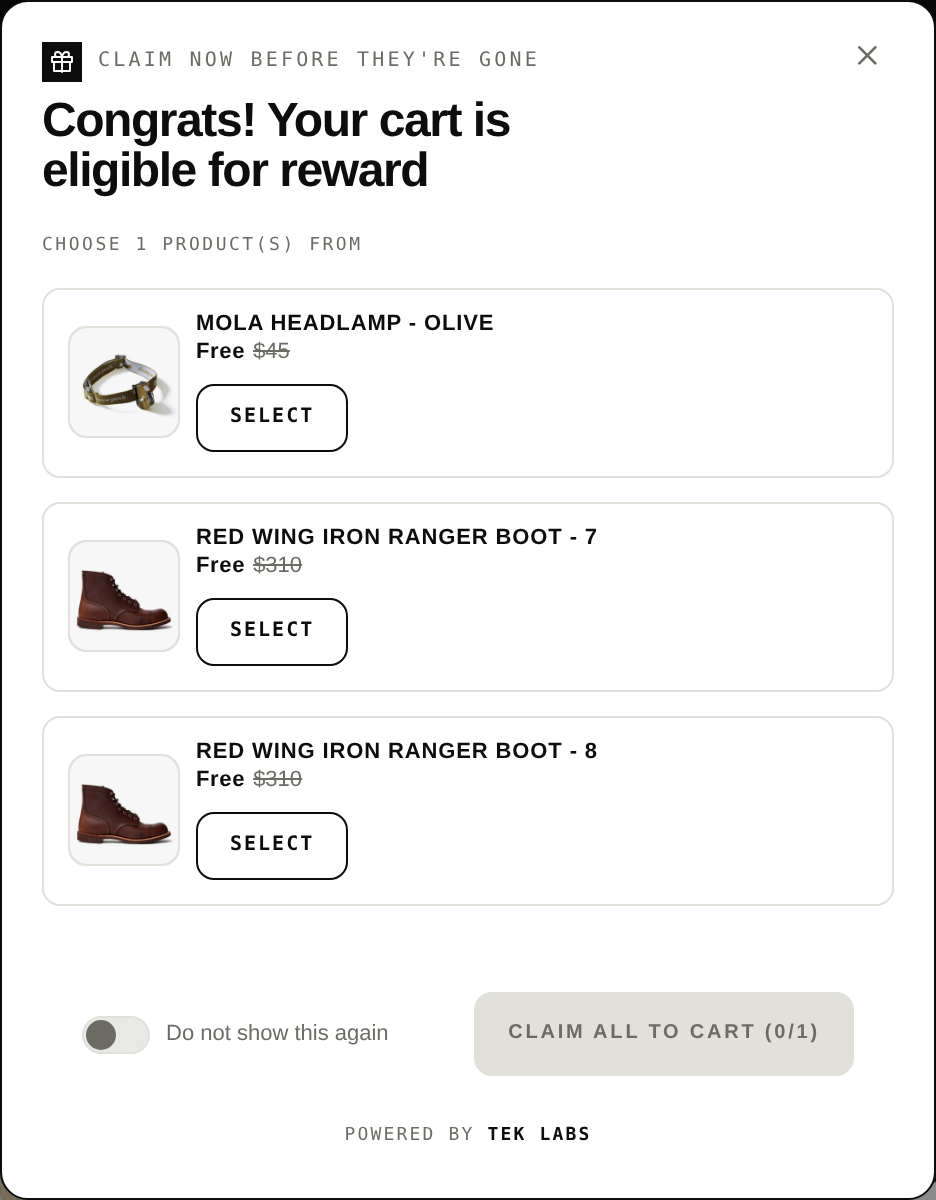
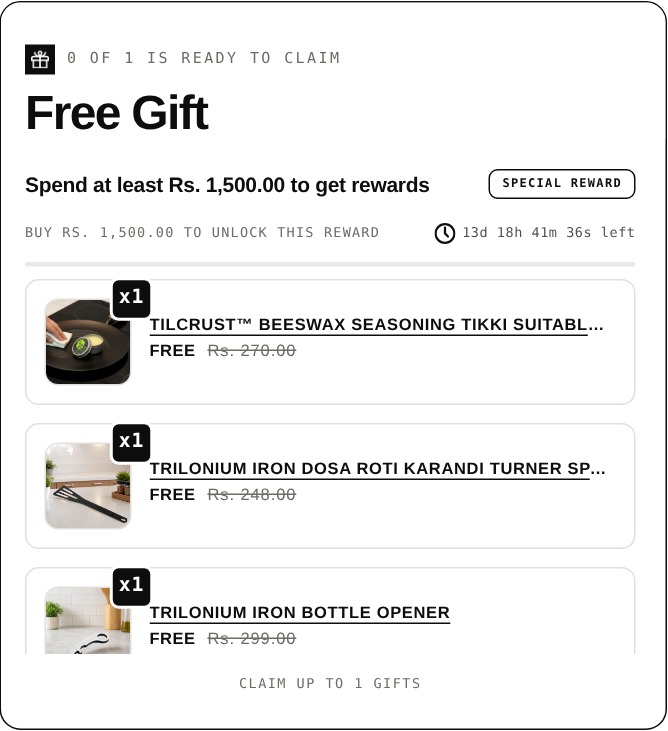
On Shopify you can build this with Buy X Get Y, but the free item “is never automatically added to the cart”, the customer must add every item manually (Shopify, Buy X get Y). That manual step loses shoppers who do not notice. The Free Gifts BOGO & Upsell app can add the gift automatically or let the customer choose, and the free gift calculator checks the arithmetic. The threshold itself is the hard part, which is why we wrote a worked example.
3. Bundles
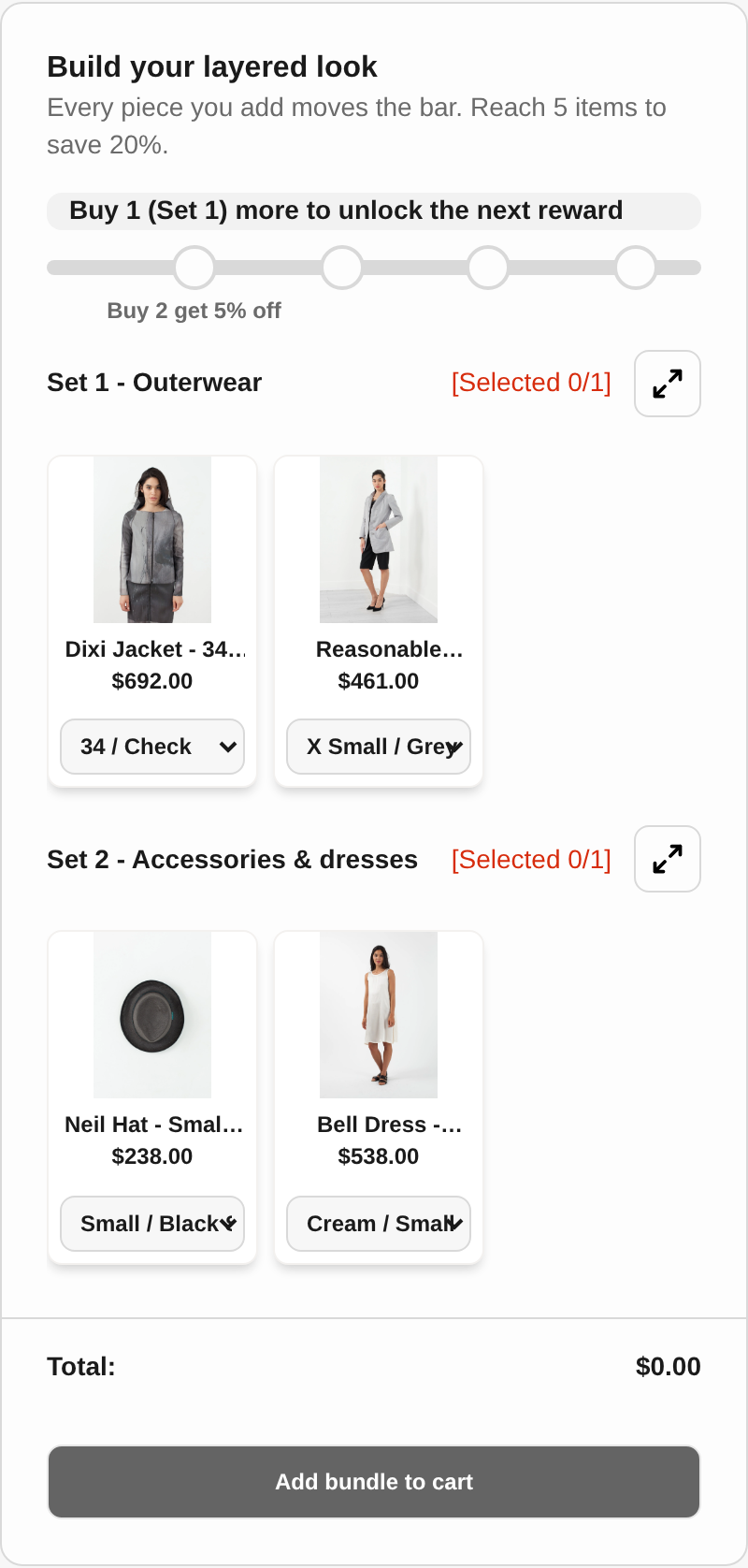
A bundle raises AOV by selling several items at one price. Shopify offers a free first-party Bundles app, “available on all Shopify plans,” for fixed bundles and multipacks, with limits of up to 30 components in a fixed bundle and a maximum of 3 options and 100 variants per bundle. A discount applied to a bundle “calculates on the parent bundle product first” and is then allocated to the components by weighted price (Shopify, Shopify Bundles).
If the shopper should pick the contents, as with gift boxes, outfits and sample sets, a mix and match builder fits better than a fixed bundle, and Shopify’s help page describes its own app as being for fixed bundles and multipacks. Mix & Match Bundles handles mix and match, fixed bundles, multipacks and build a box, with fixed or tiered pricing and quantity breaks.
4. Quantity breaks
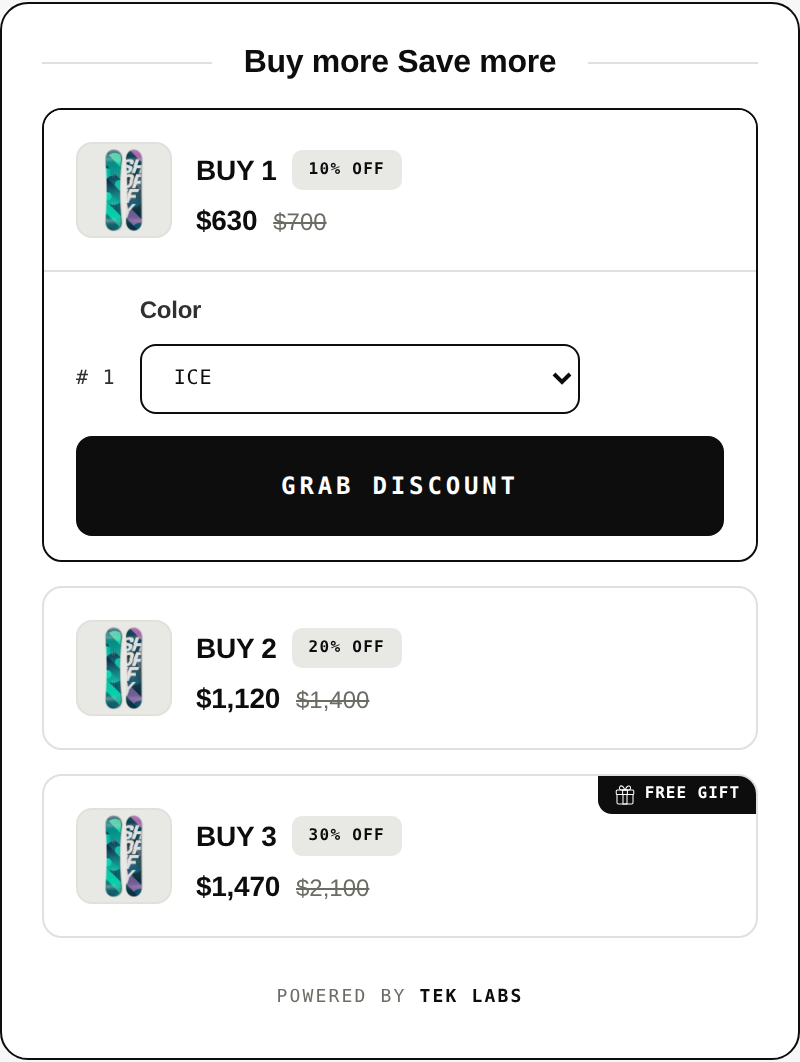
Quantity breaks raise AOV by raising units per order of one product, which is the lever for consumables and basics. A tier table such as “Buy 1, Buy 2, Buy 3” lowers the unit price as quantity rises. In volume discounts you can set up to 6 tiers by percentage or fixed amount, and give a free item on a tier. Mix & Match Bundles lists quantity breaks on its App Store listing as well.
5. Cross-sell recommendations
Cross-sell raises the number of different items. Shopify’s Search and Discovery app can show “complementary products” (often bought in addition to a selected product, to increase cart size) and “related products” on product pages, up to 10 of each (Shopify Help Center). In the cart, the You May Also Like widget in our app shows when a product is added and can use Shopify’s recommendations or a product you choose by hand. A cross-sell does not need a discount to work, so it can protect margin. How much it lifts AOV depends on how relevant the recommendations are, so test it like any other lever.
6. Post-purchase offers
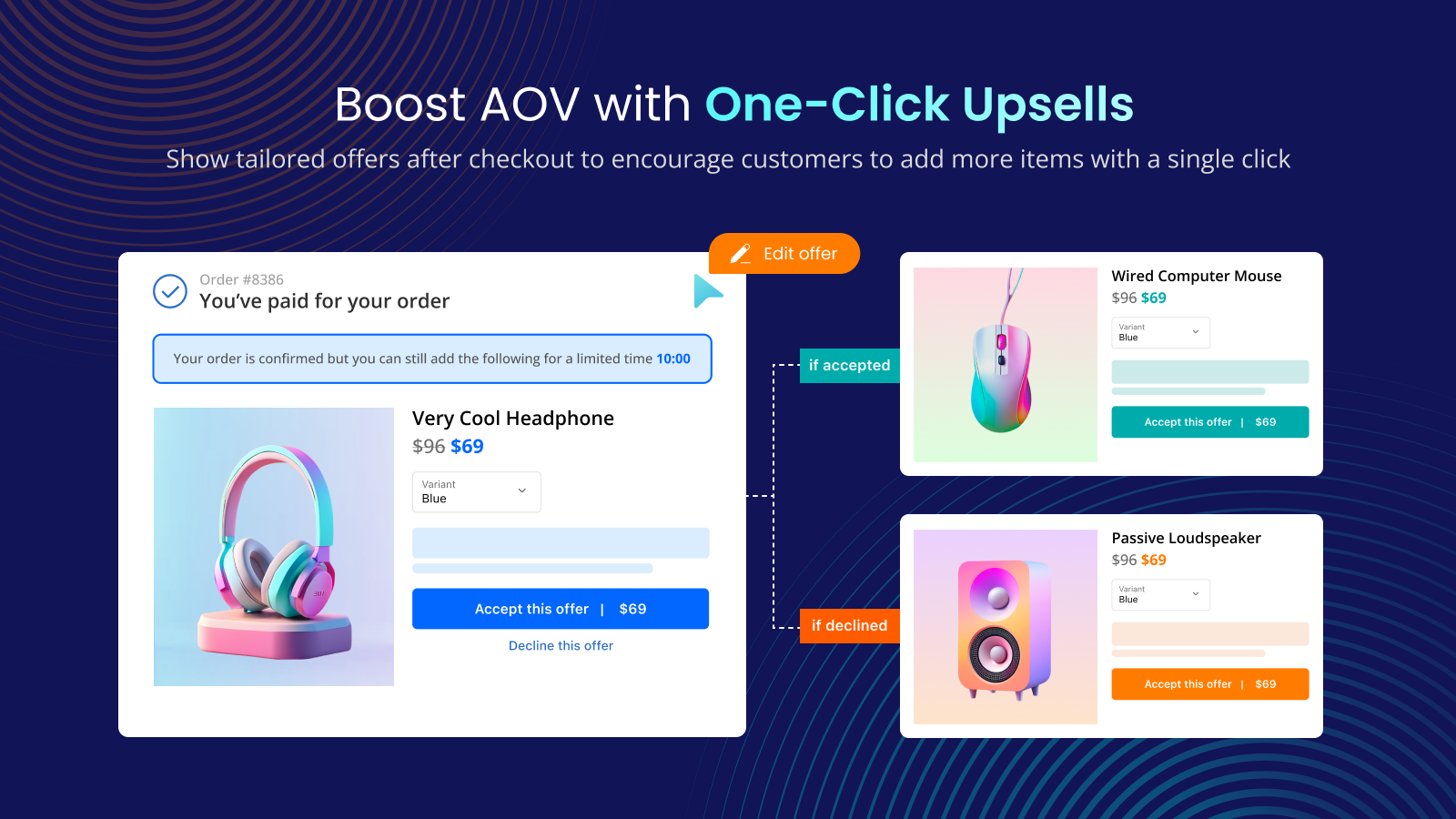
The last lever sits after payment, so it cannot reduce the conversion of the order. Shopify limits it: orders of $0.50 or more, a maximum of three accepted offers per checkout, and no post-purchase page when the shopper pays with a wallet such as Apple Pay or Google Pay, an installment service or a gift card (shopify.dev). Our Post Purchase Upsell app runs these funnels, with up to two upsell offers and one downsell per funnel, and reads the same limits on its guide page. See how to upsell on Shopify for placements, and our post on post-purchase upsells without Plus for the plan rules.
How to pick a lever from your own data
You can choose a lever in an afternoon with three views of your own data.
- **Pull the distribution.** From an orders export or a report, group orders by value band and note the mean, the median and the share of orders in each band. Note how many sit within 20 to 30 percent below a candidate threshold.
- **Count items per order.** If most orders have one item, quantity breaks and bundles are likely to help. If most have three or more, a cart threshold has less room.
- **Check the payment mix.** The post-purchase page skips wallet and installment payments, so a store where most buyers use wallets will see the offer on a minority of orders.
- **Compare new and returning customers.** Shopify defines a first-time customer as one placing their first order and a returning customer as one with at least one order in their history, and its cohort report includes average order value (Shopify, Customers reports). If returning customers have a much higher AOV, the gap is a hint about what first-time buyers lack.
- **Write the margin per item.** A lever that costs margin, such as a gift or a quantity discount, needs a break-even take rate before you launch it.
| If your data shows | Try first | Why |
|---|---|---|
| Many orders just under a round number | Free shipping or gift threshold | Shoppers close to the line need only a small push |
| Mostly single-item orders of a repeat-buy product | Quantity breaks | The unit count is the lever |
| Items that are bought as a set or a gift | Bundles or mix and match | The shopper’s goal is a set |
| High cart abandonment citing shipping cost | Free shipping threshold | Removes the cost surprise |
| Mostly card payments and a strong catalog | Post-purchase offer | Offers reach most orders and cost no conversion |
| Thin margin on most items | Cross-sell of a high-margin add-on | Gifts and discounts would eat the gain |
A worked example (hypothetical)
Every number below is invented to show the method. They are not benchmarks, and your store will differ. Assume 2,000 orders a month, with this distribution of order value after discounts:
| Order band | Orders | Average order | Revenue |
|---|---|---|---|
| Under $40 | 400 | $30 | $12,000 |
| $40 to $59.99 | 600 | $50 | $30,000 |
| $60 to $74.99 | 500 | $67 | $33,500 |
| $75 and over | 500 | $110 | $55,000 |
| Total | 2,000 | $130,500 |
AOV is $130,500 / 2,000 = $65.25, and the median order sits near $60. Further assumptions: shipping is charged at a flat $6 that equals the carrier cost, items added to reach a threshold are $15 with a 45 percent gross margin, and a gift has a landed cost of $3. We compare four levers.
- **A. Free shipping at $75.** Assume 20 percent of the 500 orders in the $60 to $74.99 band, 100 orders, add a $15 item to reach $75. Revenue rises by 100 x $15 = $1,500. But now 600 orders qualify (the 500 already above $75 plus the 100 new ones), so the store absorbs 600 x $6 = $3,600 of shipping it used to collect. Gross profit on the added items is 100 x $15 x 45% = $675. Net: $675 – $3,600 = -$2,925.
- **B. Free gift at $75.** The same 100 orders top up. The gift goes to all 600 qualifying orders: 600 x $3 = $1,800. Net: $675 – $1,800 = -$1,125.
- **C. Quantity break on a hero item.** Assume a $30 item with a $15 unit cost appears in 800 orders. “Buy 2, save 10 percent” is offered. Of those, 120 orders move from one unit to two and pay $54 instead of $30, which adds $24 of revenue and $9 of gross profit each (new profit $54 – $30 cost = $24, old profit $30 – $15 cost = $15). Another 40 orders already bought two and now get 10 percent off: $6 less each. Net revenue: 120 x $24 – 40 x $6 = $2,880 – $240 = $2,640. Net gross profit: 120 x $9 – 40 x $6 = $1,080 – $240 = $840.
- **D. Post-purchase offer.** Assume 60 percent of orders pay by card, so 1,200 are eligible, 6 percent accept, at $18 and a 50 percent margin. Accepted: 72. Revenue: 72 x $18 = $1,296. Gross profit: $648.
| Lever | Extra revenue | Change in revenue per order | Extra gross profit |
|---|---|---|---|
| A. Free shipping at $75 | $1,500 | +$0.75 | -$2,925 |
| B. Free gift at $75 | $1,500 | +$0.75 | -$1,125 |
| C. Quantity break | $2,640 | +$1.32 | +$840 |
| D. Post-purchase offer | $1,296 | +$0.65 | +$648 |
Change per order is extra revenue divided by 2,000 orders. What the example shows: levers A and B lift the average equally and lose money, because a quarter of the store’s orders already clear $75 and receive the reward without needing it. In this invented store, C and D win because they ask for no reward from shoppers who would have bought anyway. A and B ignore two effects that could change the verdict: extra conversion from the reward itself and a higher top-up rate. That is why you test, and why the free gift calculator asks for your own take rate.
Lever D has a catch for measurement: Shopify’s AOV excludes edits made after the order is created, and we have not verified how it classifies an item added on the post-purchase page. If you use this lever, place a test order and check which report counts the item.
Measurement pitfalls
- **Comparing different periods.** AOV moves with promotions, season and traffic mix. Compare against the same weeks of last year, or run a holdout inside the same period.
- **Mixing eligible and ineligible orders.** For post-purchase, divide by orders that could see the page. Shopify’s docs say third-party analytics that use the Shopify Pixel API report only the purchase event and value for the initial purchase, so those tools will not show the add-on.
- **Letting discounts hide the gain.** Because AOV is gross sales minus discounts, a threshold built on a percentage discount can show a flat AOV while units rise. Track items per order and gross profit per order too.
- **Counting orders wrongly.** The Sales report includes pending, unpaid and canceled orders, excludes test orders, and a CSV export with custom columns counts each row as an order, which inflates the count and lowers AOV in your spreadsheet.
- **Stopping a test early.** A sample size calculator needs a baseline rate, the smallest effect you care about, power and significance, and returns the sample per variation (Evan Miller). Decide the number of orders before the test starts.
- **Stacking discounts.** Shopify caps active automatic discounts at 25 and combinations at 5 product or order codes plus 1 shipping code, so several levers at once can collide (Shopify, Discount combinations). Our discount combinations test plan shows how to check before a sale.
Common mistakes
- **Setting the threshold below the median.** Most orders already qualify, so you pay the reward without changing behavior.
- **Choosing a lever because a competitor uses it.** The right lever depends on your order distribution and margin, as the example shows.
- **Treating AOV as the goal.** A higher AOV with lower profit per order is a loss. Our BOGO margin math post works through a case.
- **Running three levers at once.** You cannot tell which one worked, and discounts may not combine.
- **Hiding the price of an add-on.** Baymard lists not seeing the total cost up front among reasons for abandonment. Keep the price in view.
Where to start
If you want one place to start, the cart is the cheapest to test and the post-purchase page carries the least conversion risk. The Free Gifts BOGO & Upsell app covers the threshold, gift, quantity tier and cart recommendation levers in one app, and it has a free plan. Run one lever for a fixed period, read the result on eligible orders, and only then add the next.
Frequently Asked Questions
How do I calculate average order value in Shopify?
Shopify uses (gross sales – discounts) / orders, excluding edits and exchanges made after the order is created. Shipping and taxes are not in it. You can see it in Shopify’s Sales report.
What is the fastest way to raise AOV on Shopify?
A threshold reward in the cart is the quickest to set up, but it only pays if enough orders sit just below the threshold and the reward costs less than the extra margin. Check the order distribution first, then test.
Is a higher AOV always better?
No. AOV ignores shipping and product cost, and discounts reduce it. Look at gross profit per order and conversion rate alongside it, and compare against your own history, not an industry figure.
Do post-purchase upsells count toward AOV?
We have not verified this. Shopify’s AOV excludes adjustments made to an order after it is created, and a post-purchase item is added after the order. Place a test order and check which report counts the item.
Which AOV lever works without Shopify Plus?
All six levers here work on non-Plus plans. Thresholds, bundles, quantity breaks and cross-sell run in the storefront and cart, and post-purchase apps are available on the Basic plan or higher.